

Your phone, in a window. Or in your pocket.
Mirror your phone and use it with your mouse and keyboard, slide your pointer onto it, open its apps as Mac windows, and show your Mac's screen on the phone.
Every Pro feature free for 14 days. No card.
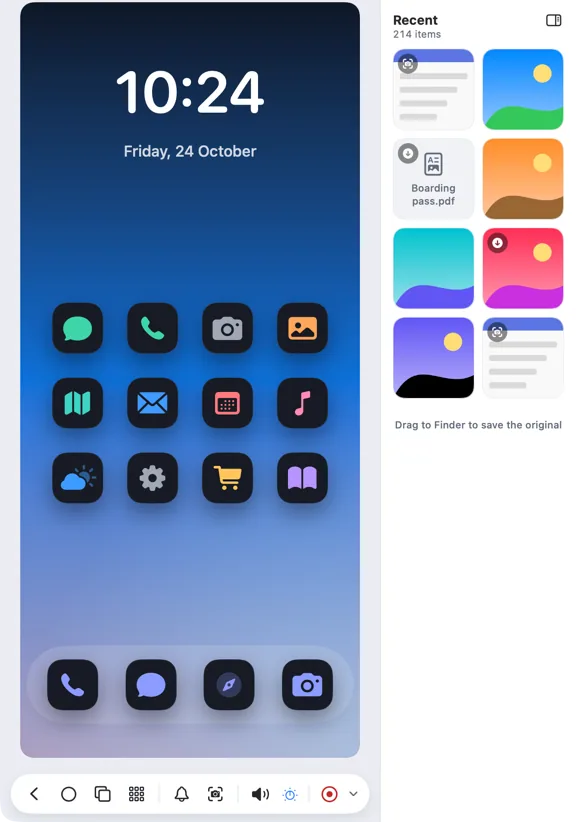
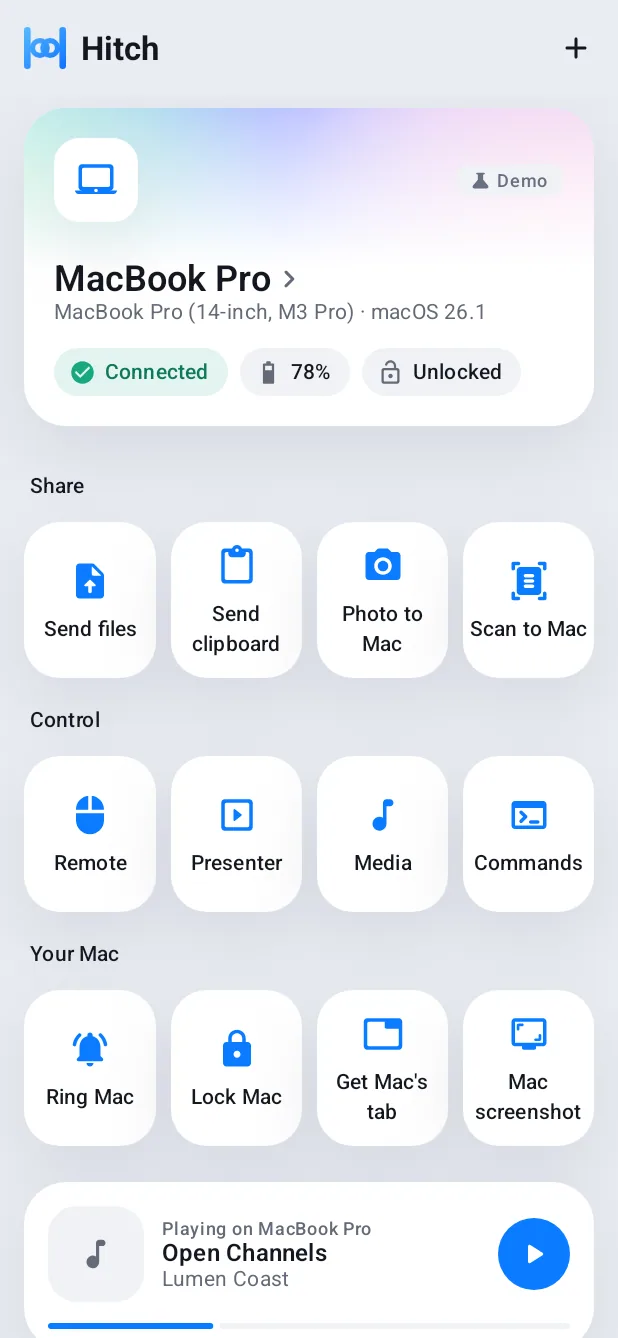
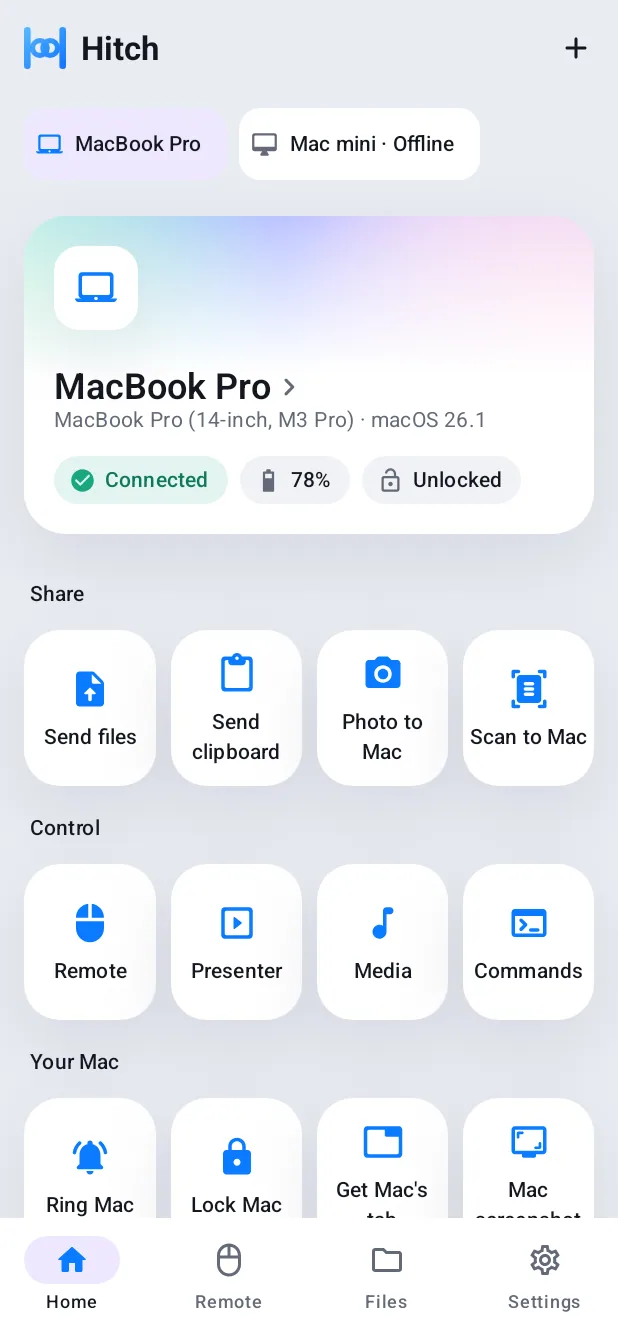
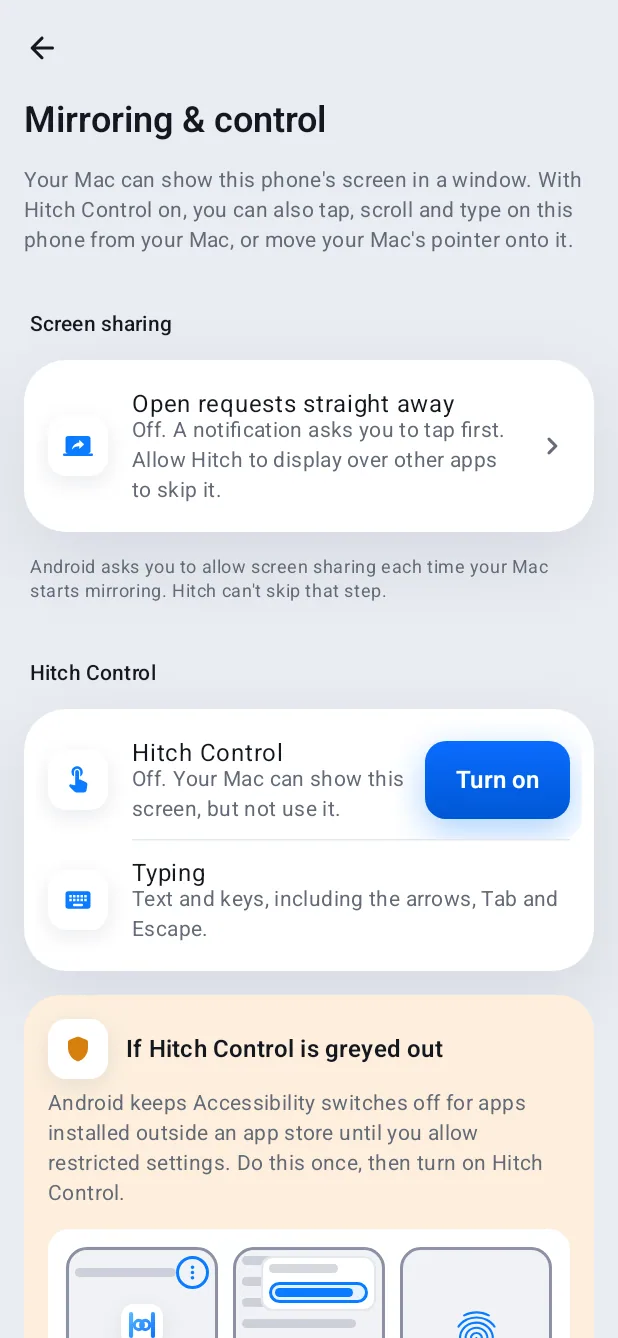
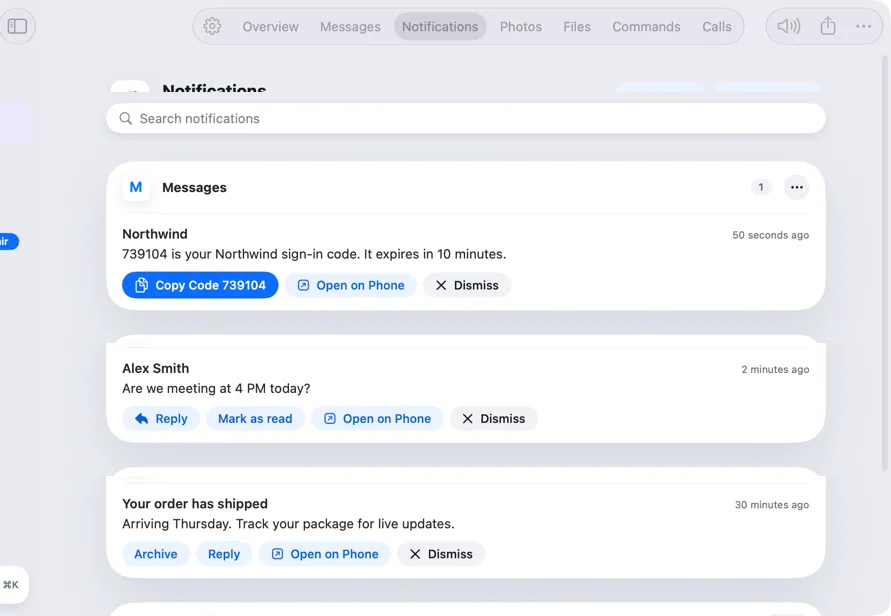
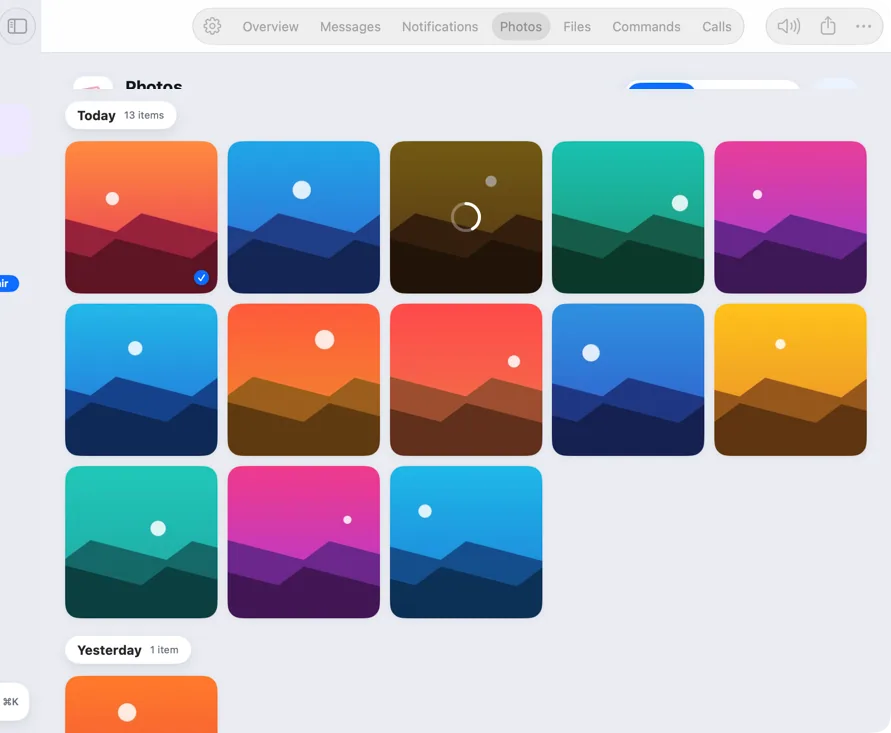
- Your phone, in a window. Click to tap, scroll, type and drag. Open a notification straight into the mirror, and drag photos out to Finder.
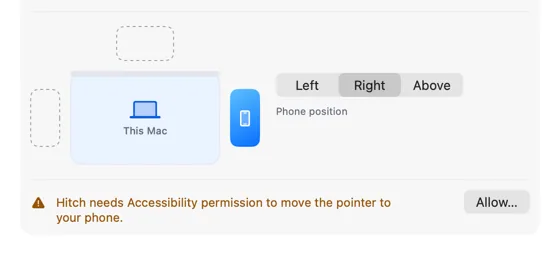
- Push the pointer across. Move past the edge of your Mac's screen and your mouse and keyboard work on the phone. No mirroring needed.
- Apps in their own windows. Open Android apps as Mac windows, side by side, each with its own keyboard focus and sound.
- And the other way round. Show your Mac's screen on the phone, use it as a touchpad, and stop whenever you like.
Mirroring
Click to tap. Type to type.
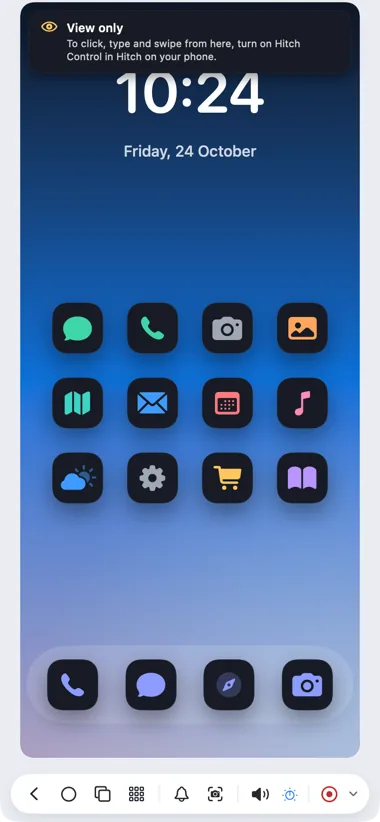
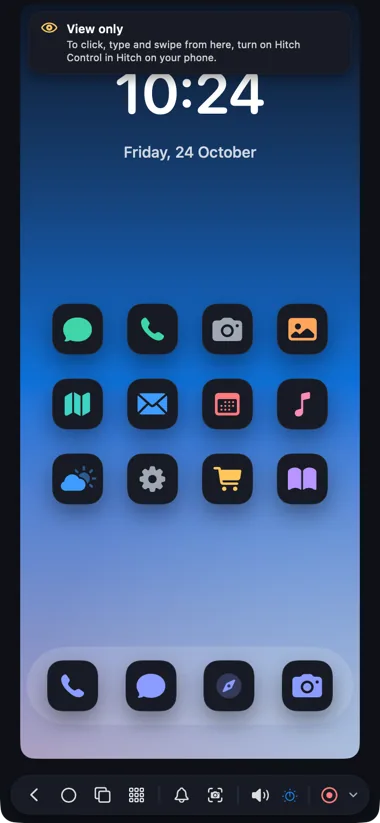
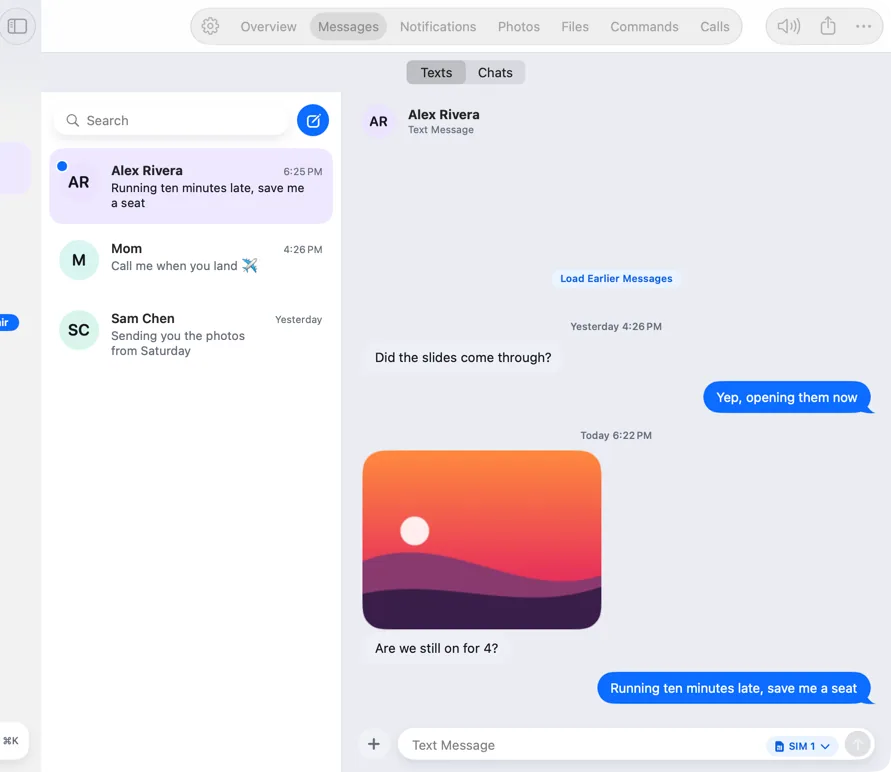
Your phone's screen in a Mac window that follows its shape. Scroll, drag and type; right-click goes Back. Open a notification straight into the mirror, launch any app from a grid, and drag photos out to Finder.
- No cable and no developer settings
- Android asks for consent each session
- View-only until you turn on Hitch Control
Universal Control
Push your pointer off the screen and onto your phone.
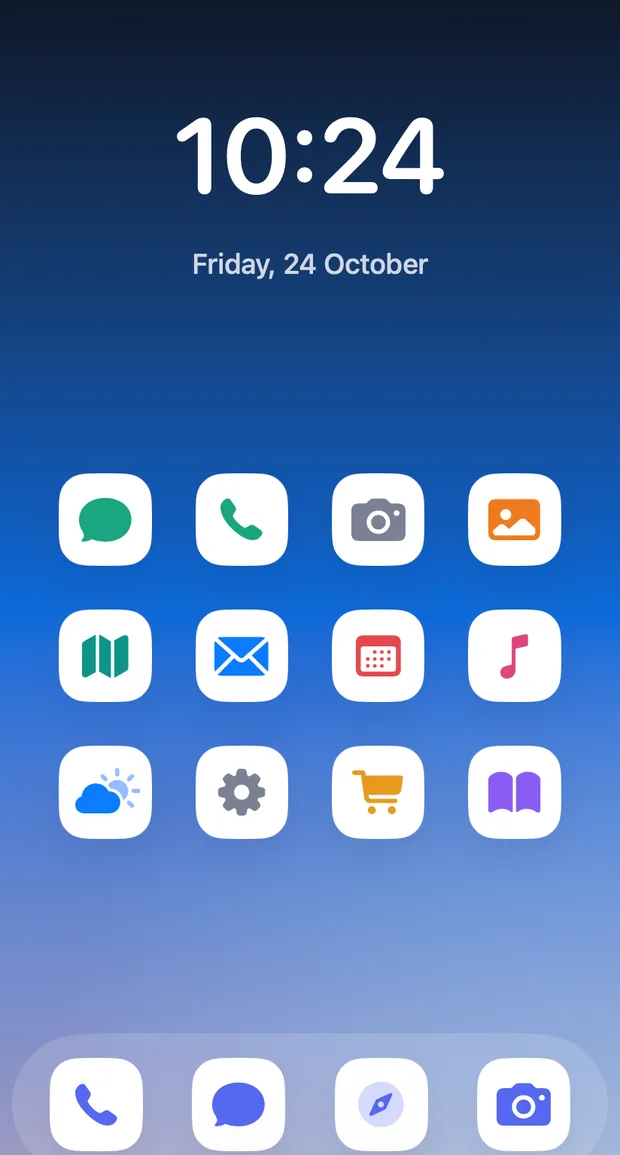
Place the phone beside your Mac in Settings, then move across the edge. Your mouse and keyboard work on the phone, with no mirroring and no prompt. ⌃⌥⌘Esc always brings you back.
App windows
An Android app, as a window of its own.
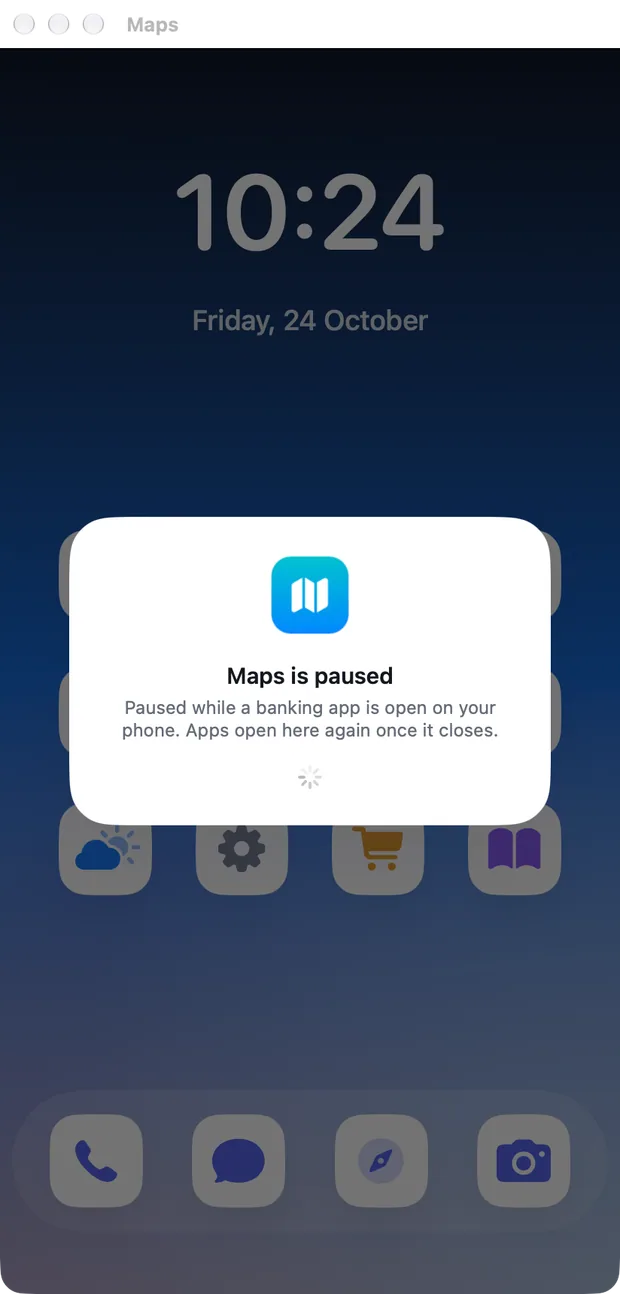
Open phone apps in their own Mac windows, side by side, each with its own keyboard focus and sound. Drop files on one to send them into that app, and pin favourites.
Your Mac on your phone
See your Mac from the sofa.
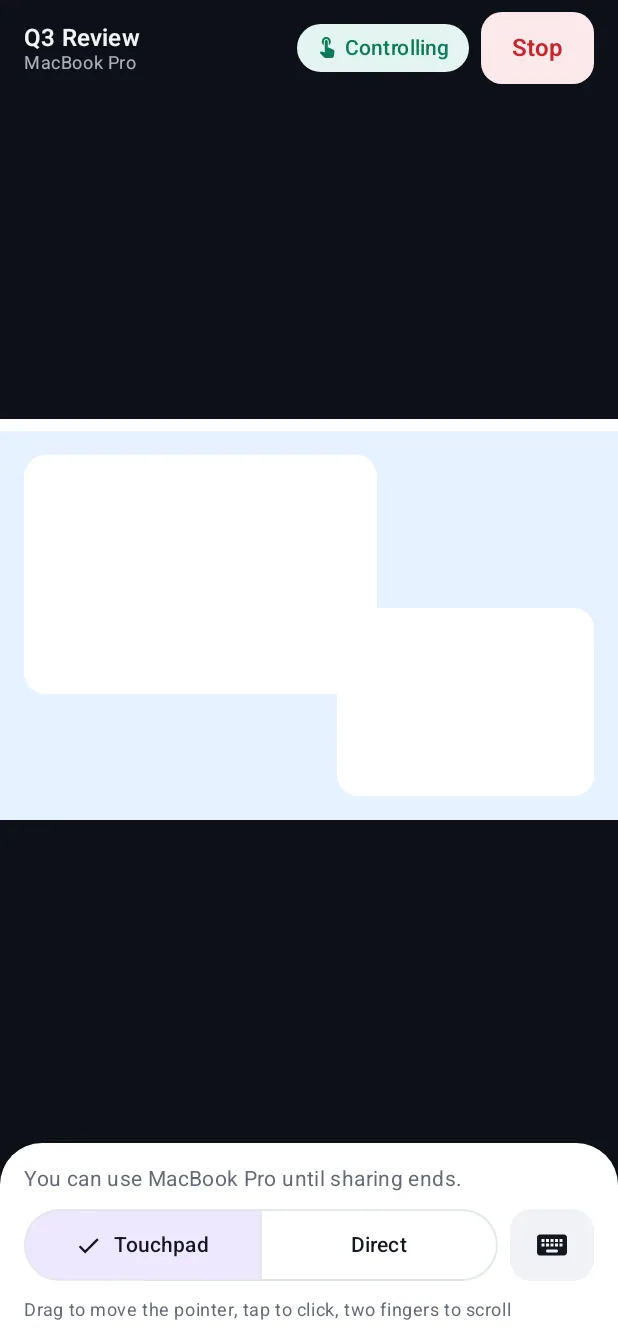
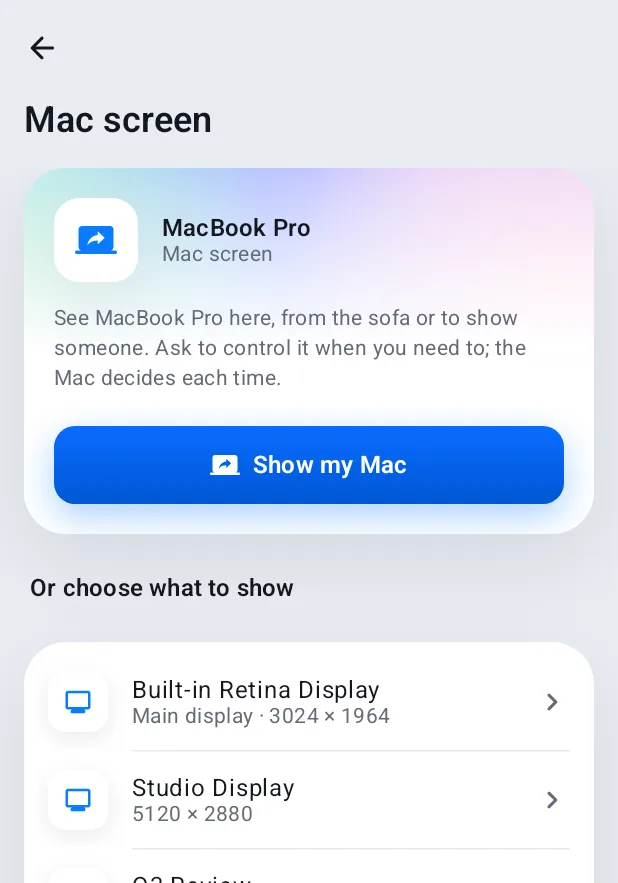
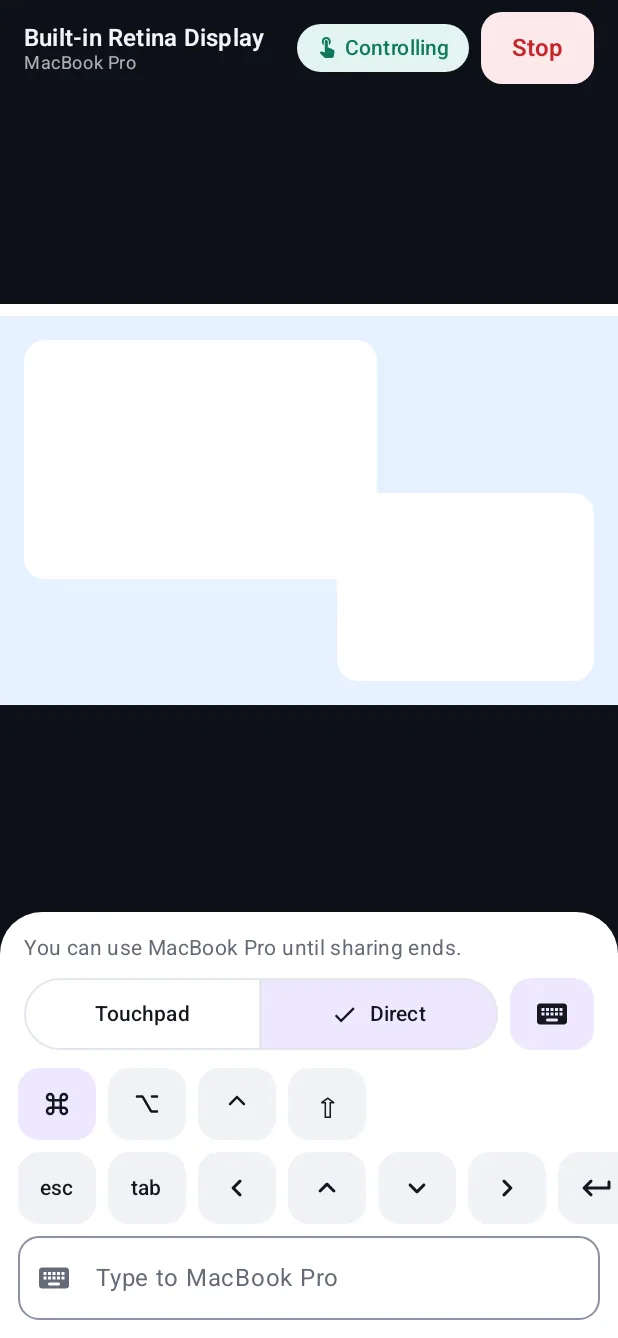
Show a display or a single window on the phone, pinch to zoom, and use it as a touchpad, but only when the Mac says yes. The Mac's menu bar always shows that it's sharing.
Webcam and microphone
ProThe best camera you own, on every call.
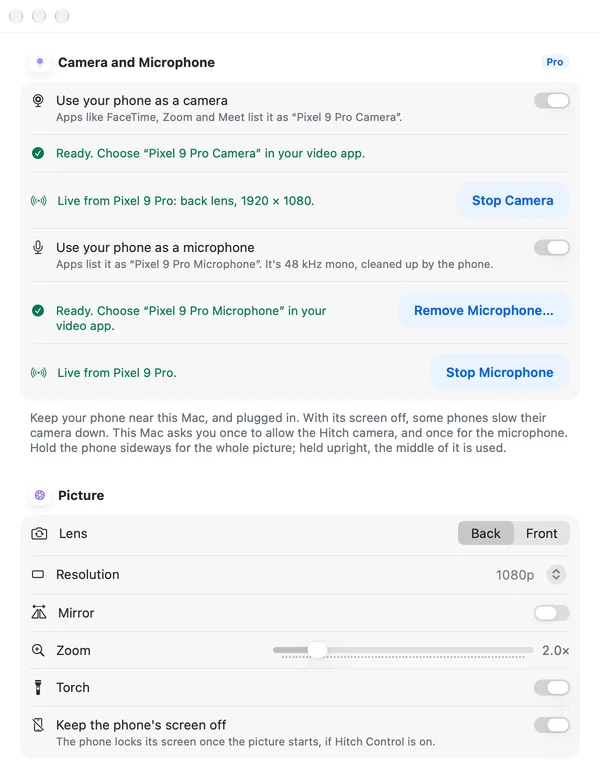
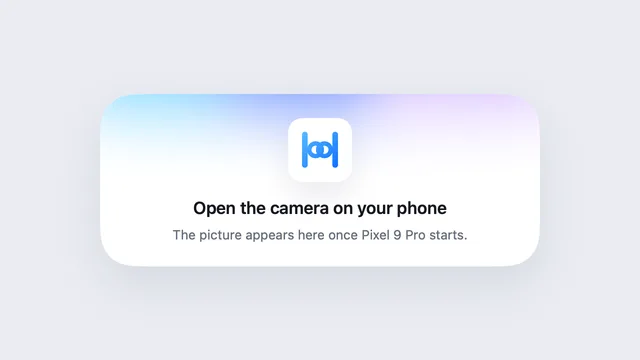
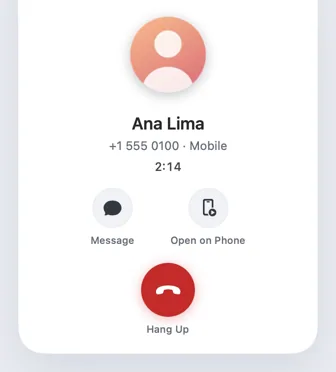
Your phone shows up as a camera and a microphone that FaceTime, Zoom, Meet and OBS can choose. Pick the lens, 720p or 1080p, or 4K on phones that support it, zoom and the torch, and keep the phone's screen off.
- macOS asks once to allow the camera and the microphone
- A still card, not a black screen, when the phone stops
- Keep the phone near and powered
Phone Studio
Recordings worth sharing.
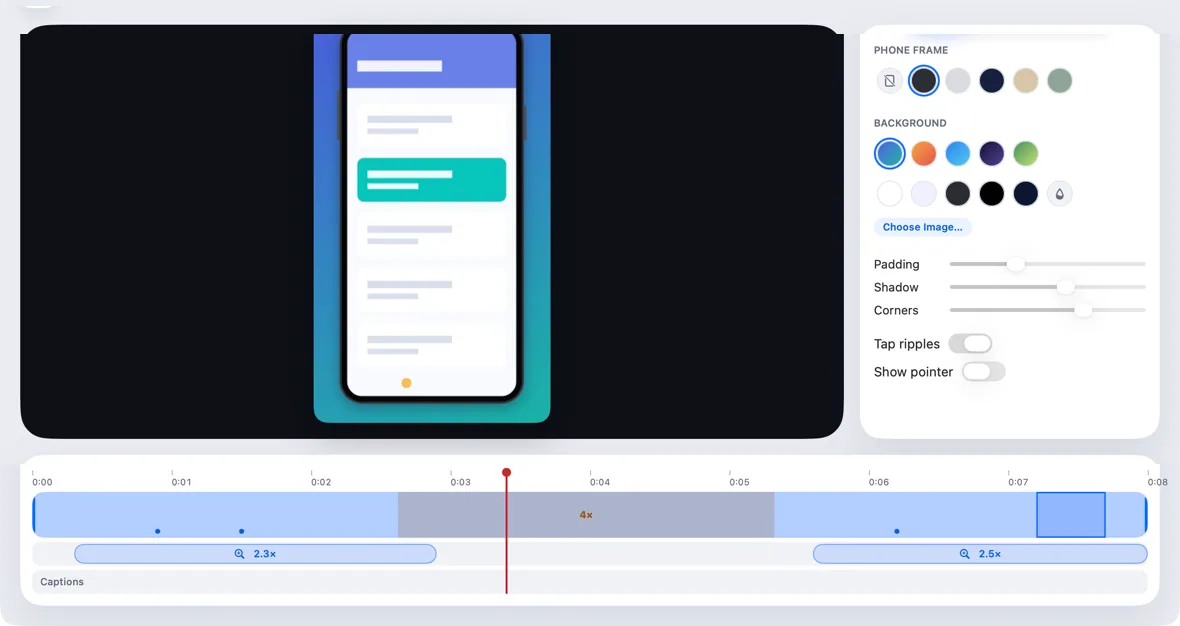
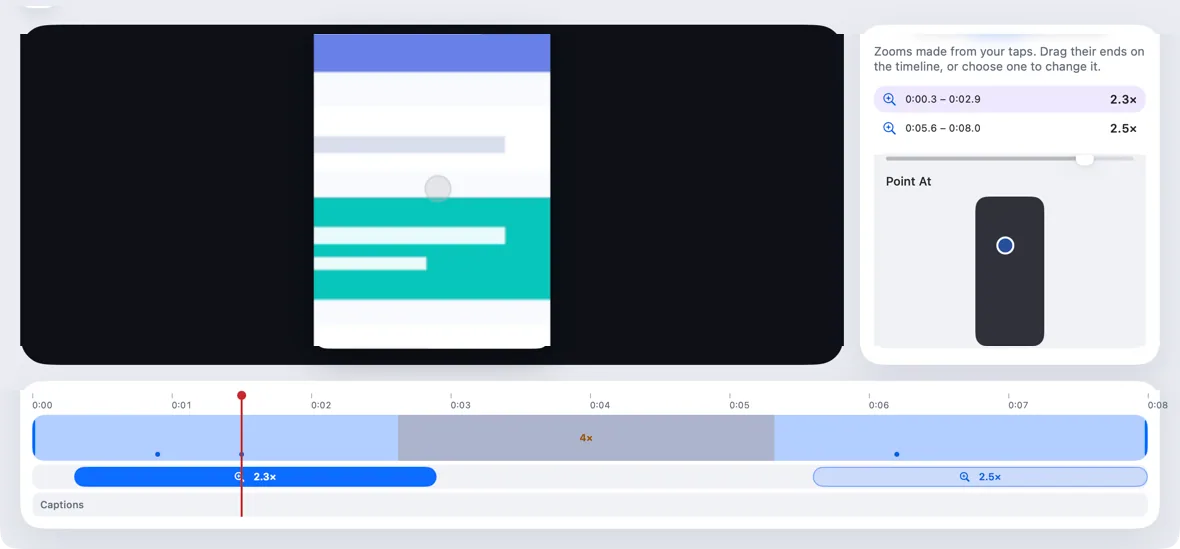
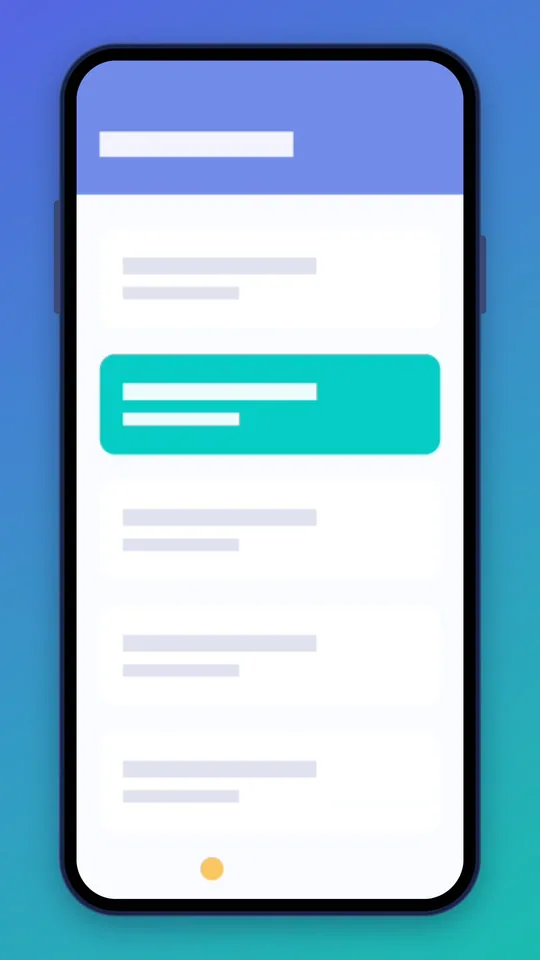
Record the mirror, then let Hitch add smooth zooms where you tapped. Trim, speed up the quiet parts, frame it in a generic phone and export for any shape of screen.
A closer look
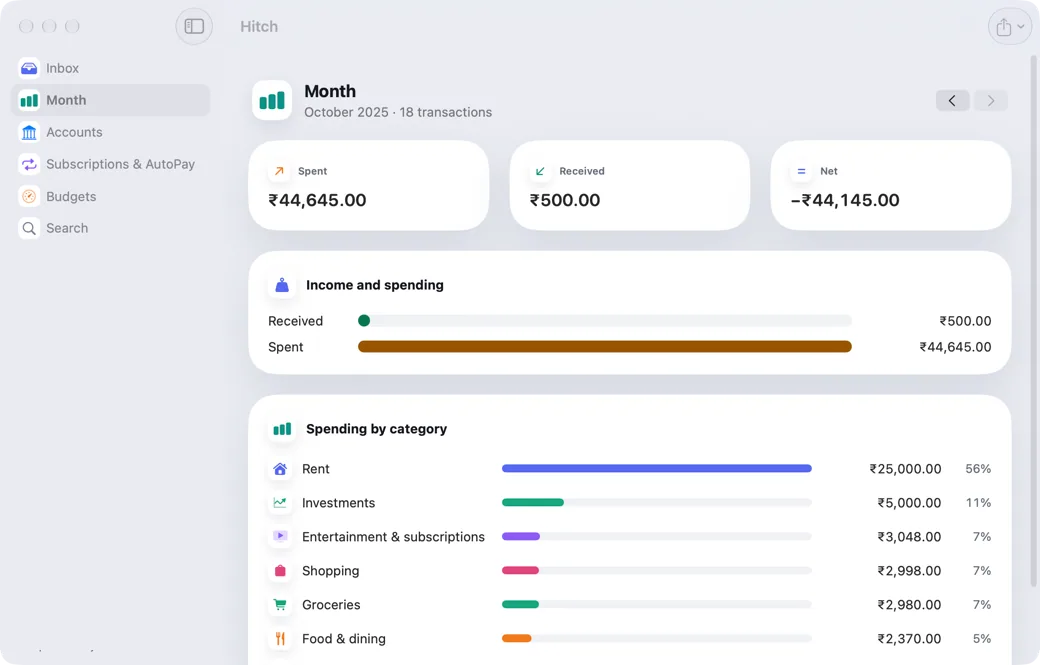
Screenshots from Hitch, with sample names and data.
Every feature in Phone on Mac
All featuresThese are part of Hitch Pro. App windows need power mode, set up once.
- Phone mirroring
Your phone's screen in a window, and you're in control.
- Open on Phone, apps and drag and drop
Mirroring that works the way you'd expect.
- Universal Control
Push your pointer off the screen and onto your phone.
- Phone apps in their own windows
Open an Android app as a window of its own.
- Your Mac's screen on your phone
See your Mac from the sofa, or show someone something.
- Your phone as webcam and microphoneNew
Use your phone's camera and microphone in video calls on the Mac.
- Phone Studio
Polished screen recordings of your phone, made on your Mac.
Your phone and your Mac. Finally on speaking terms.
Hitch is in a tester beta for Mac and Android. Ask to join, and we'll let you know when there's room.
Every Pro feature free for 14 days. No card.
Mac: macOS 15 or later · Phone: Android 10 or later · Developer settings: Not needed
