

Phone apps in their own windows
Open an Android app as a window of its own.
ProPower modeEach phone app gets its own Mac window, its own keyboard focus and its own sound. Pin favourites to reopen them with one click.
Every Pro feature free for 14 days. No card.
What it does.
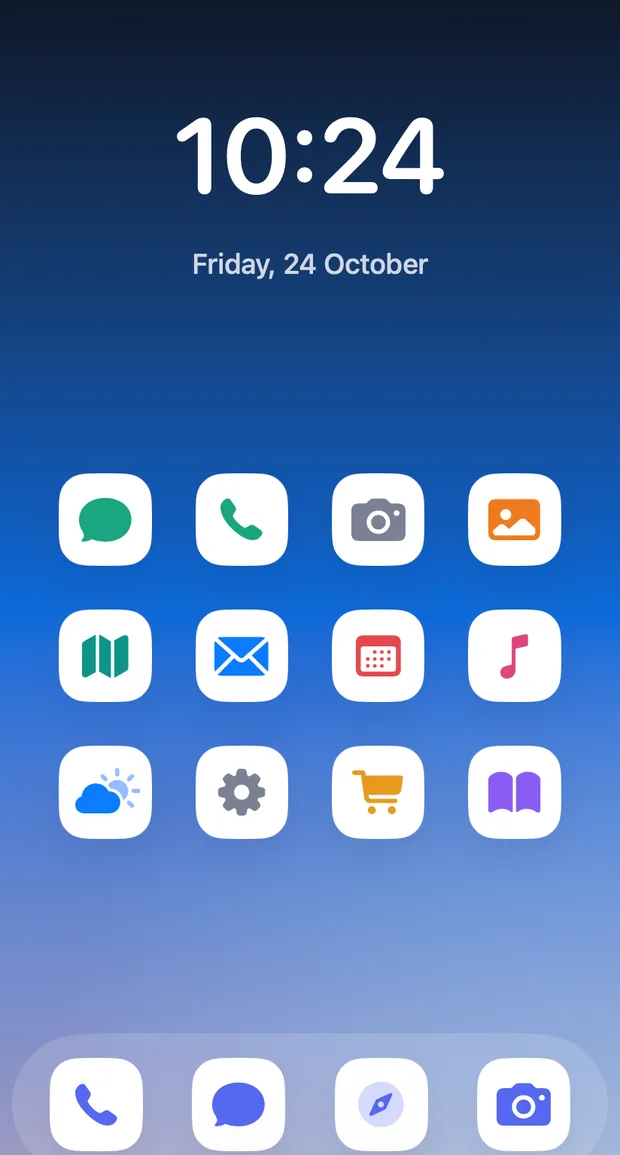
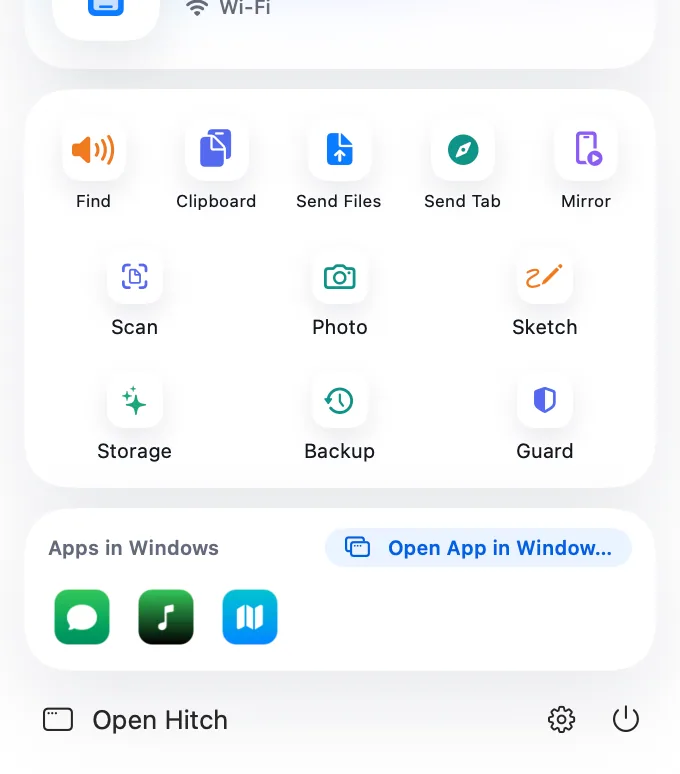
Open App in Window runs a phone app on its own virtual display, in a Mac window with the app's name and icon. Two apps can sit side by side.
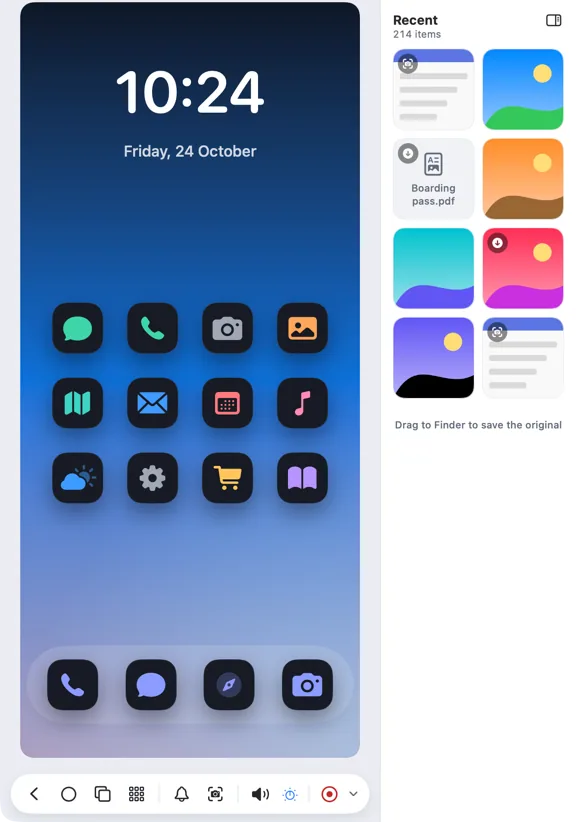
Resize the window and the app follows. Drop files on it to send them into that app, and its sound plays from that window when the phone allows it.
Window positions are remembered per app, and pinned favourites sit in the menu-bar panel and on the Overview.
How it works.
- 1
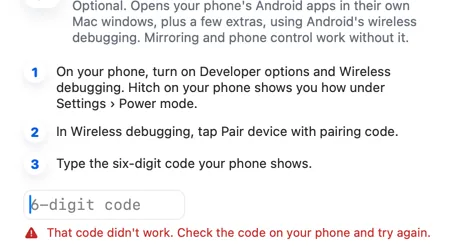
Set up power mode
App windows use Android's wireless debugging, switched on once.
- 2
Pick an app
From Open App in Window, a notification's Open in Window, or a pinned favourite.
- 3
Use it like any window
Close it and that app's display ends.
Every Pro feature free for 14 days. No card.
In the app.
Screenshots from Hitch, with sample names and data.
The limits, plainly.
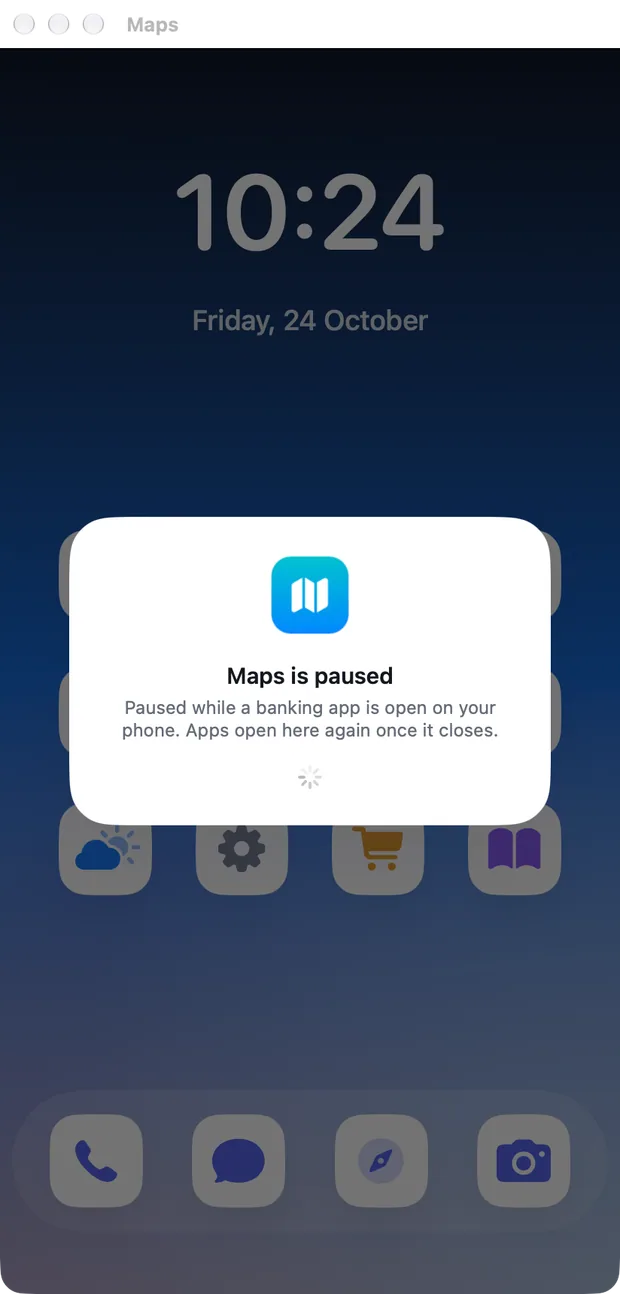
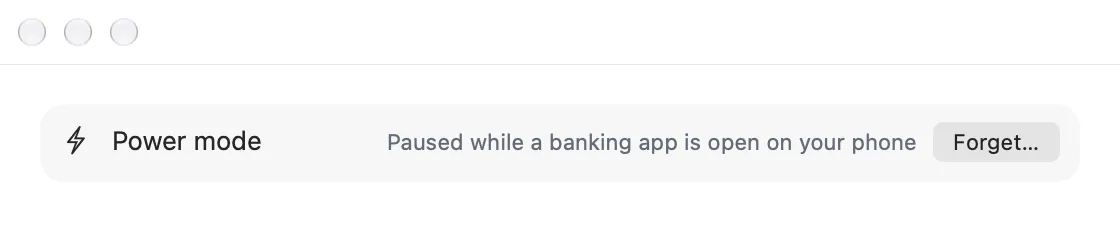
- Needs power mode. When power mode is paused for a banking app, windows wait and say why.
- Not available for a family member's phone.
- Apps that block screen capture show as black.
Try it in the Hitch beta.
Hitch is in a tester beta for Mac and Android. Ask to join, and we'll let you know when there's room.
Every Pro feature free for 14 days. No card.
Mac: macOS 15 or later · Phone: Android 10 or later · Developer settings: Not needed
