

Take the call without picking up the phone.
Your Mac rings when your phone rings. Answer with a click, talk through the Mac, use the keypad, put a call on hold and call back from your recents.
Every Pro feature free for 14 days. No card.
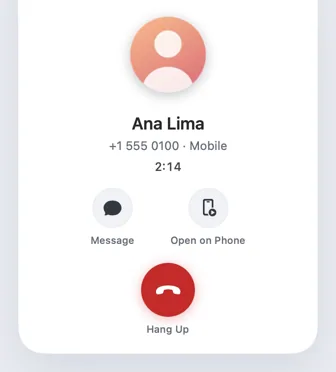
- Your phone rings. Somewhere in your bag, or across the room. You don't need to reach for it.
- So does your Mac. A banner shows who it is, with Answer and Decline, while a gentle ringtone plays on the Mac.
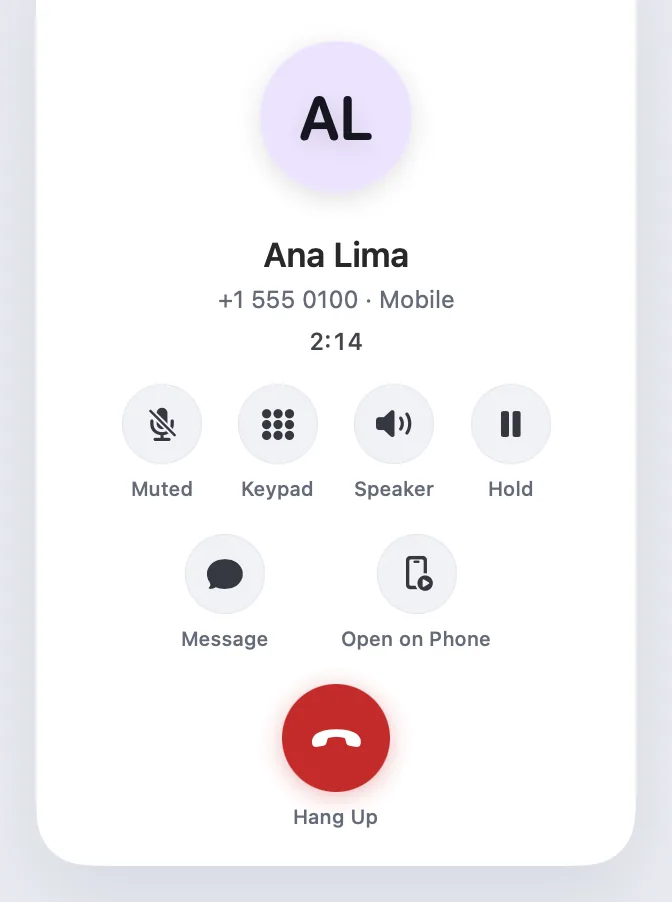
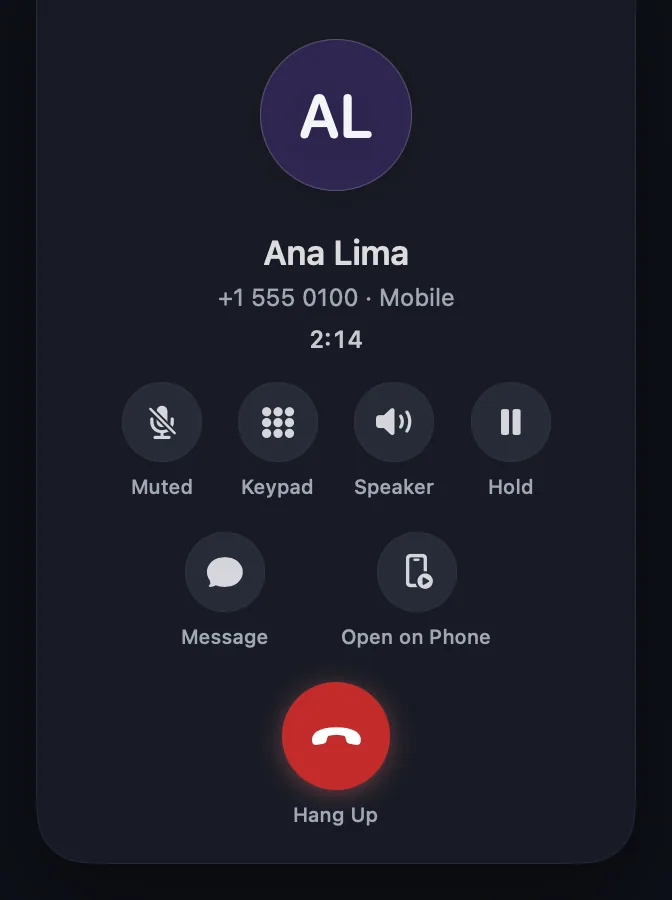
- Answer with a click. The call window takes over, with a live timer, Message, Open on Phone and Hang Up. With power mode, you can talk through the Mac too.
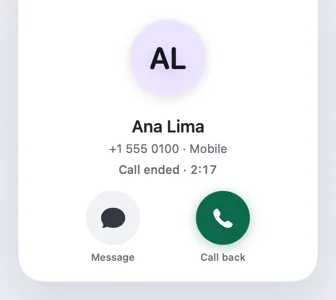
- Hang up anywhere. From the call window, the green timer in the menu bar, or the phone. Then call back or send a message.
Ring on your Mac
Your Mac rings with your phone.
A banner at the top right shows the caller's photo or initials, name and number, with Answer and Decline. A gentle ringtone plays on the Mac and stops however the call is settled.
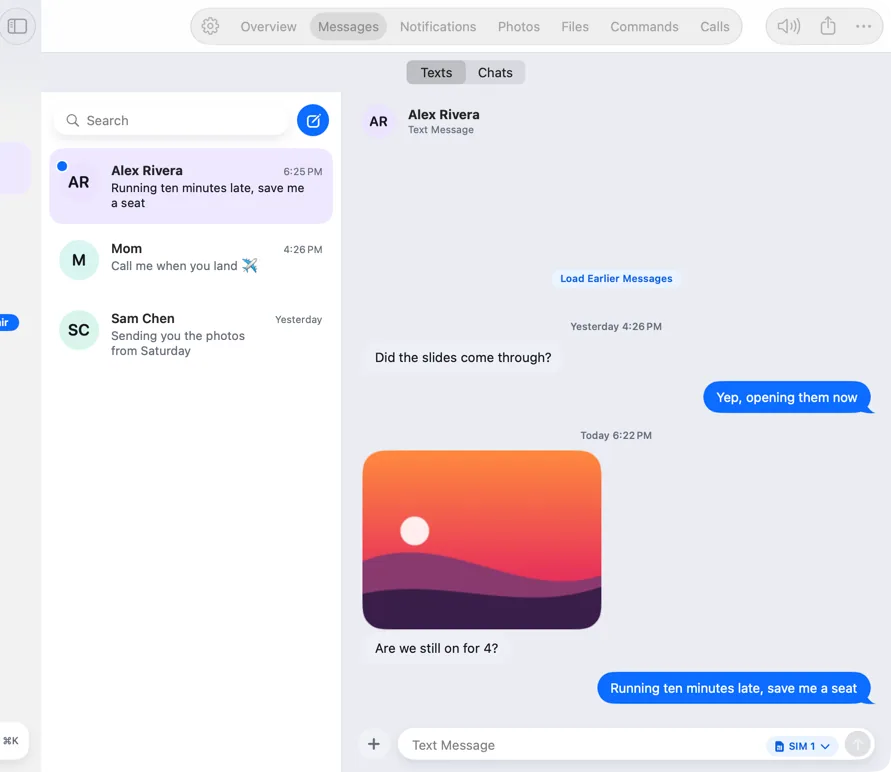
- Answer, Decline, Message and Mute Ringer
- Calls answered on the phone show on the Mac too
- A green timer in the menu bar during every call

The call window
A small window that stays for the call.
It floats above everything, on every Space and over full-screen apps, and remembers where you put it. Message the caller, open the call on your phone, or hang up.
- Collapses to a pill; Esc hides it
- Call ended, with Call back and Message
- Says plainly when the phone can't tell which call you kept
Talk through your Mac
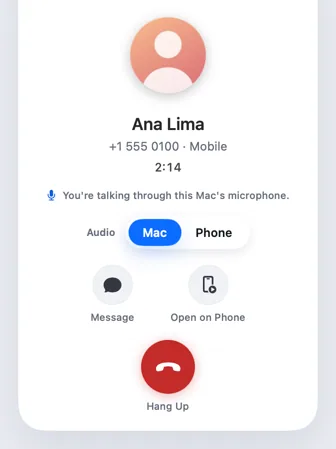
Hear the caller on your Mac. Talk into its microphone.
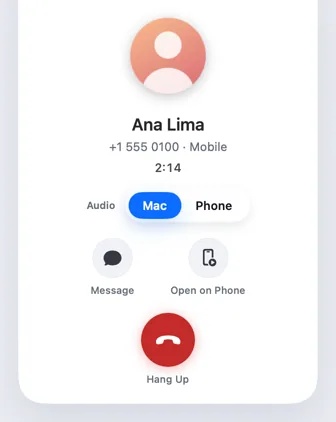
With power mode set up, the call plays through your Mac's speakers or headphones, and on phones that allow it your voice goes in through the Mac's microphone. The Audio switch moves it back to the phone.
Keypad, hold and route
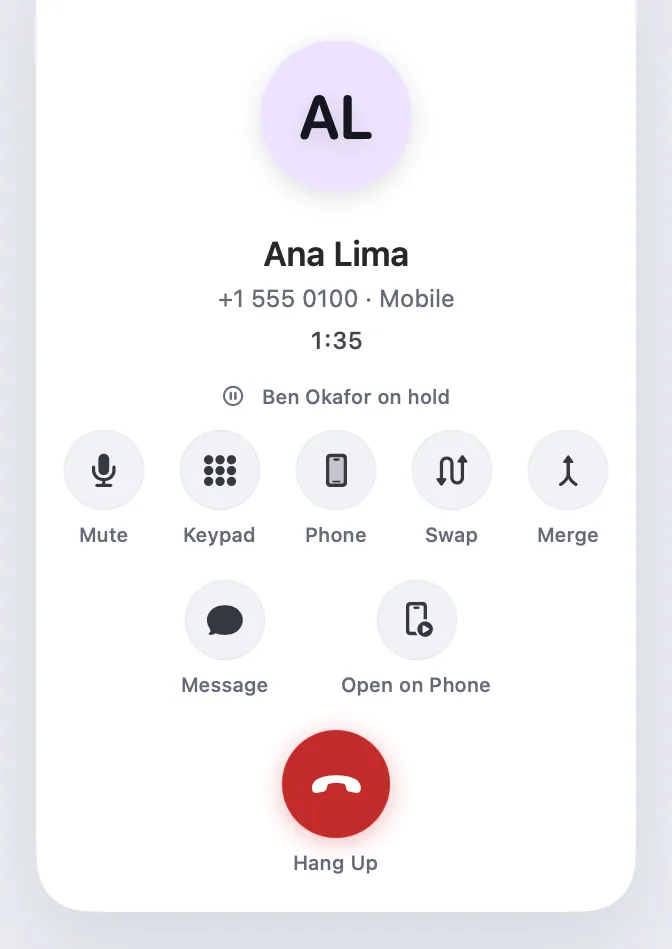
Everything a call needs while it's going on.
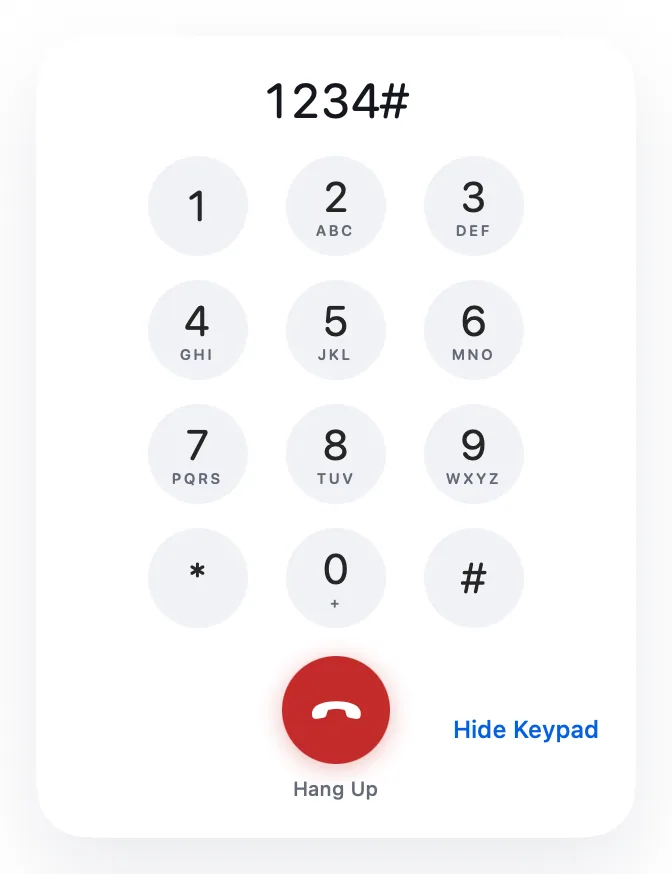
Press menu digits on a keypad or your keyboard. Hold and resume, swap between two calls, merge them where your network allows, mute, and move the audio between earpiece, speaker and Bluetooth.
Recents
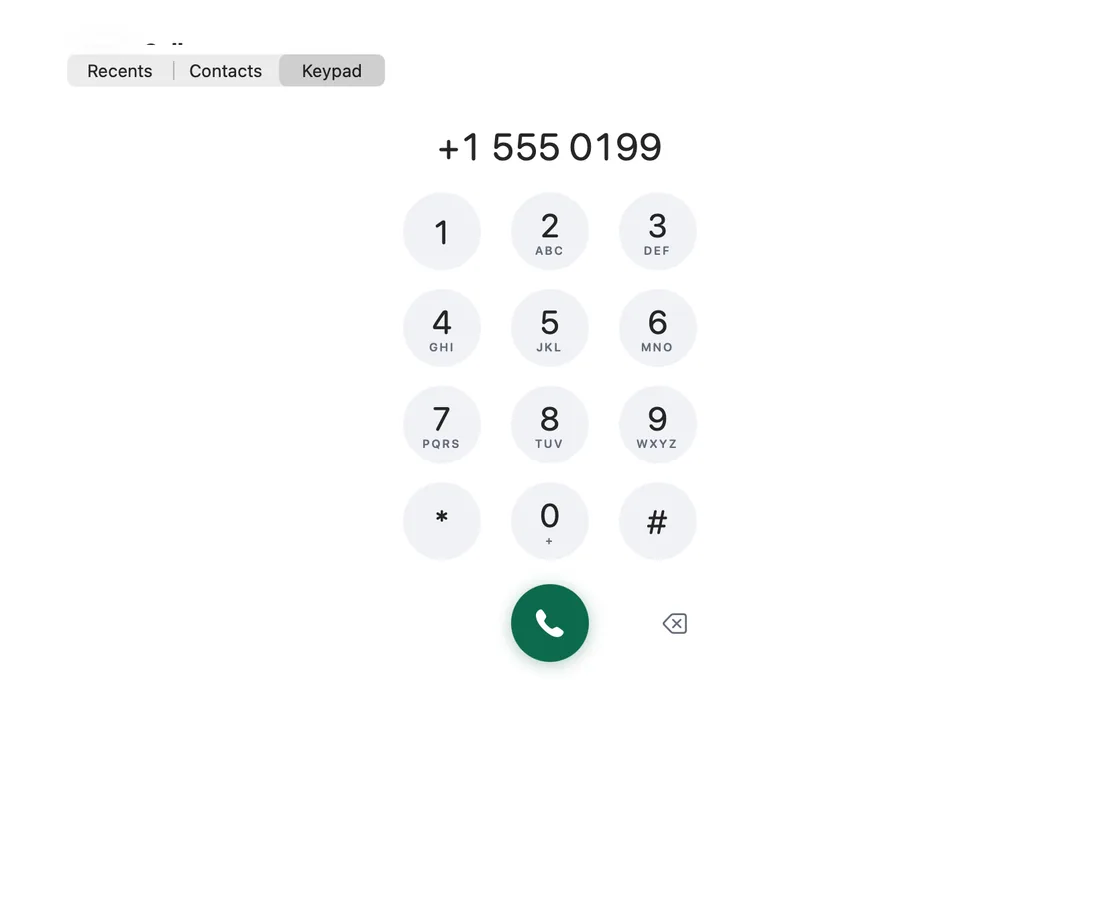
Your call log and a keypad, on the Mac.
Recent and missed calls with Call back and Message, your contacts and a dialer. On dual-SIM phones, choose which SIM calls.
Click to call
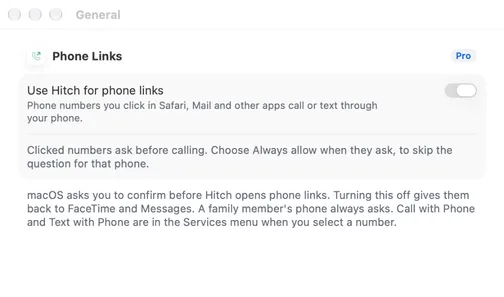
ProClick a number. Your phone calls it.
Phone links in Safari, Mail and other apps call or text through your phone. A sheet asks you to confirm first, and Always allow is per phone. A family member's phone always asks.
- macOS asks once to make Hitch the handler
- Call with Phone and Text with Phone in the Services menu
A closer look
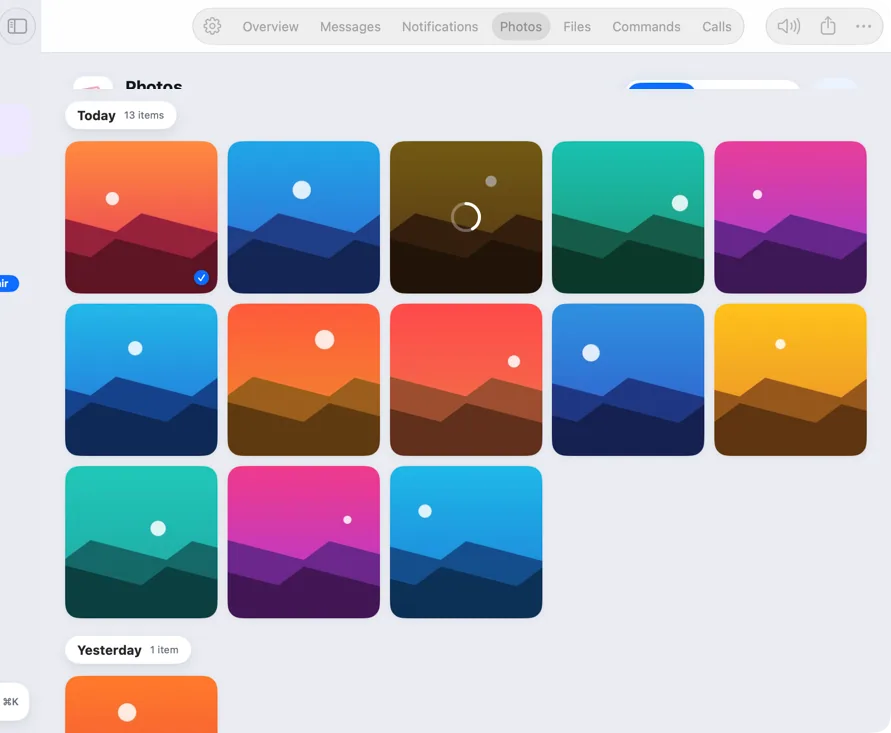
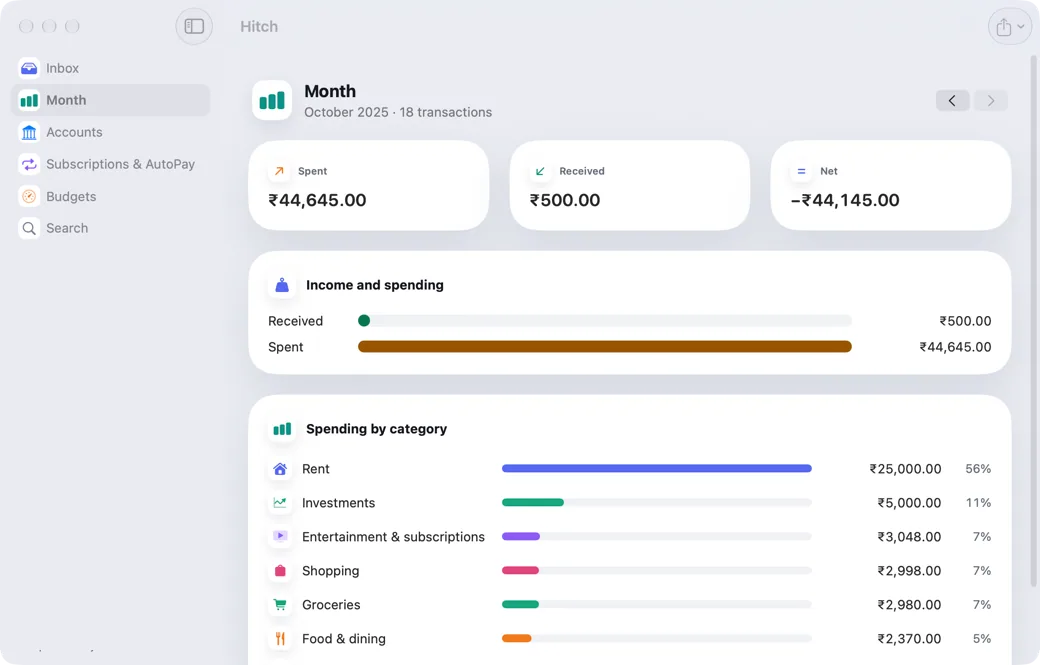
Screenshots from Hitch, with sample names and data.
Every feature in Calls
All featuresCalls are part of Hitch Pro. Talking through the Mac and the keypad, hold and route need power mode, set up once.
- Calls on your Mac
When your phone rings, your Mac rings too.
- The call window
A small window that stays with you for the whole call.
- Talk through your Mac
Hear the caller on your Mac, and talk into its microphone.
- Keypad, hold and audio route
Everything a call needs while it's going on.
- Recents and dialer
Your call log and a keypad, on the Mac.
- Click to call or textNew
Click a phone number on your Mac. Your phone makes the call.
Your phone and your Mac. Finally on speaking terms.
Hitch is in a tester beta for Mac and Android. Ask to join, and we'll let you know when there's room.
Every Pro feature free for 14 days. No card.
Mac: macOS 15 or later · Phone: Android 10 or later · Developer settings: Not needed
