

Your Mac's screen on your phone
See your Mac from the sofa, or show someone something.
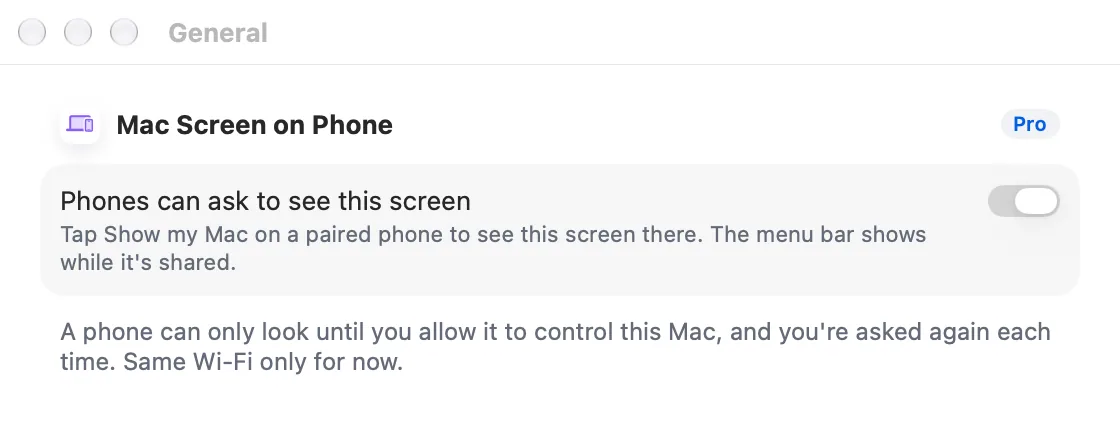
ProShow a Mac display or a single window on your phone. Control it as a touchpad or by tapping where you see, but only when the Mac allows it.
Every Pro feature free for 14 days. No card.
What it does.
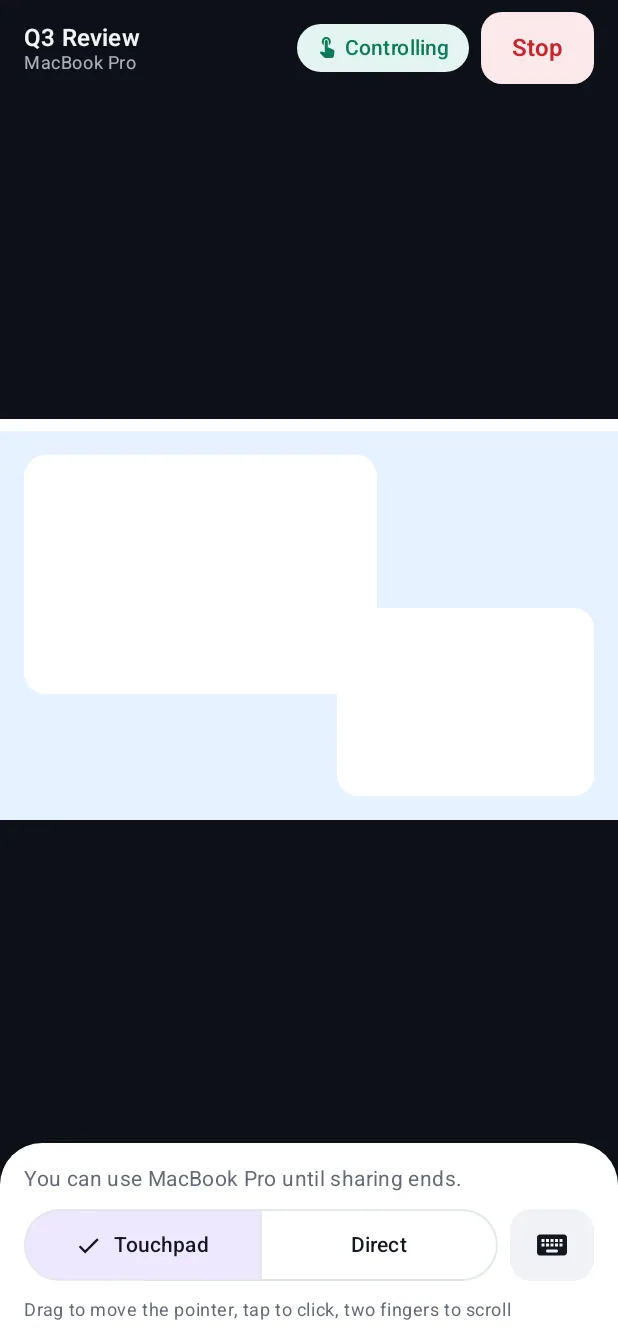
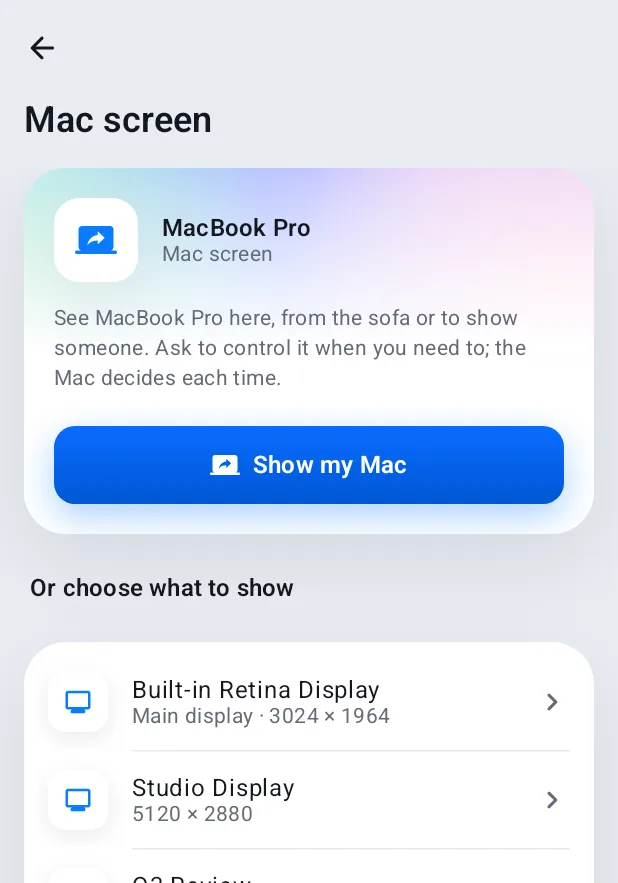
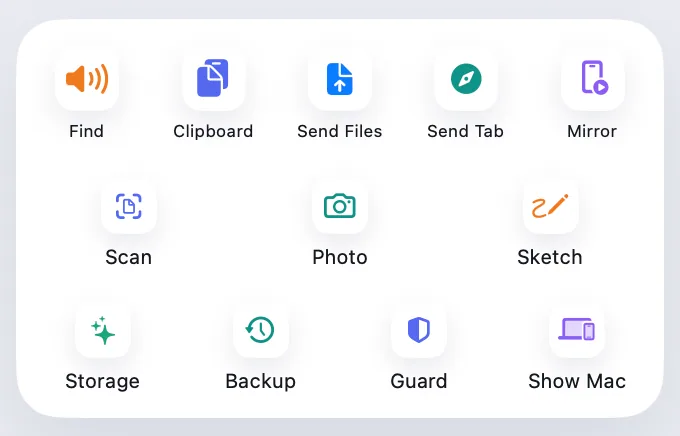
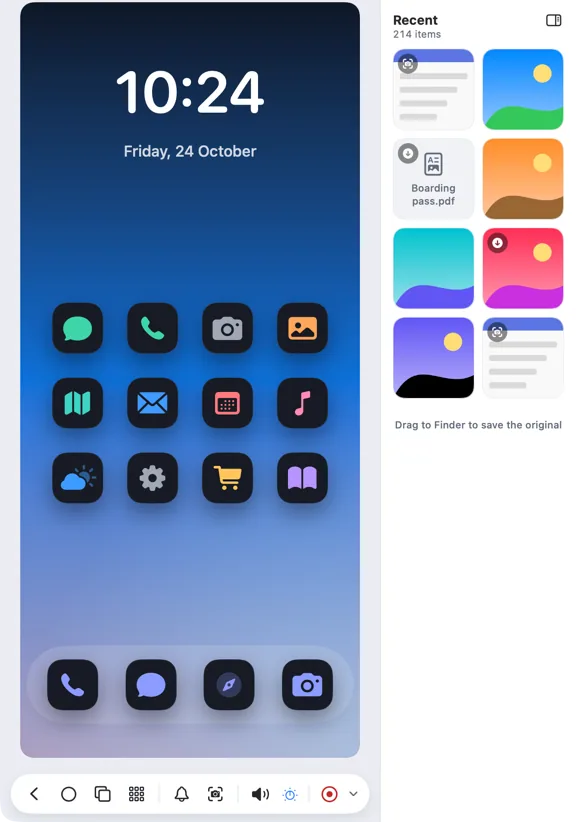
Start from the phone with Show my Mac, or from the Mac with Show on phone. Choose the whole display or a single window, then pinch to zoom and pan with two fingers.
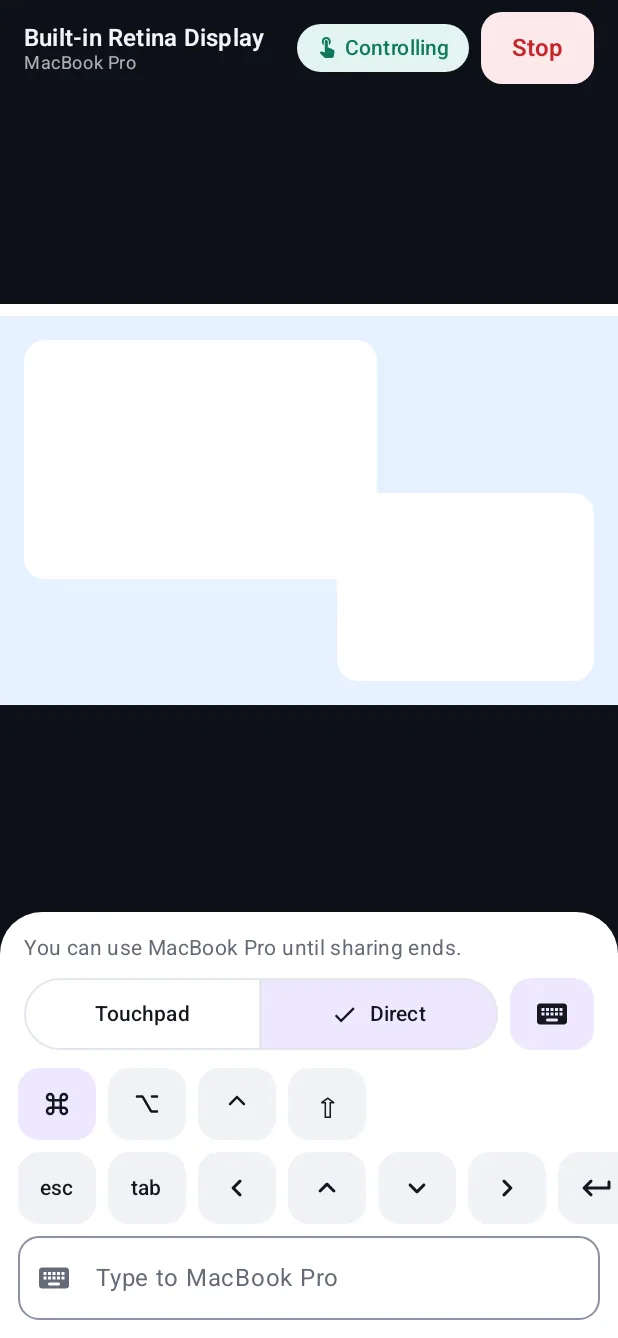
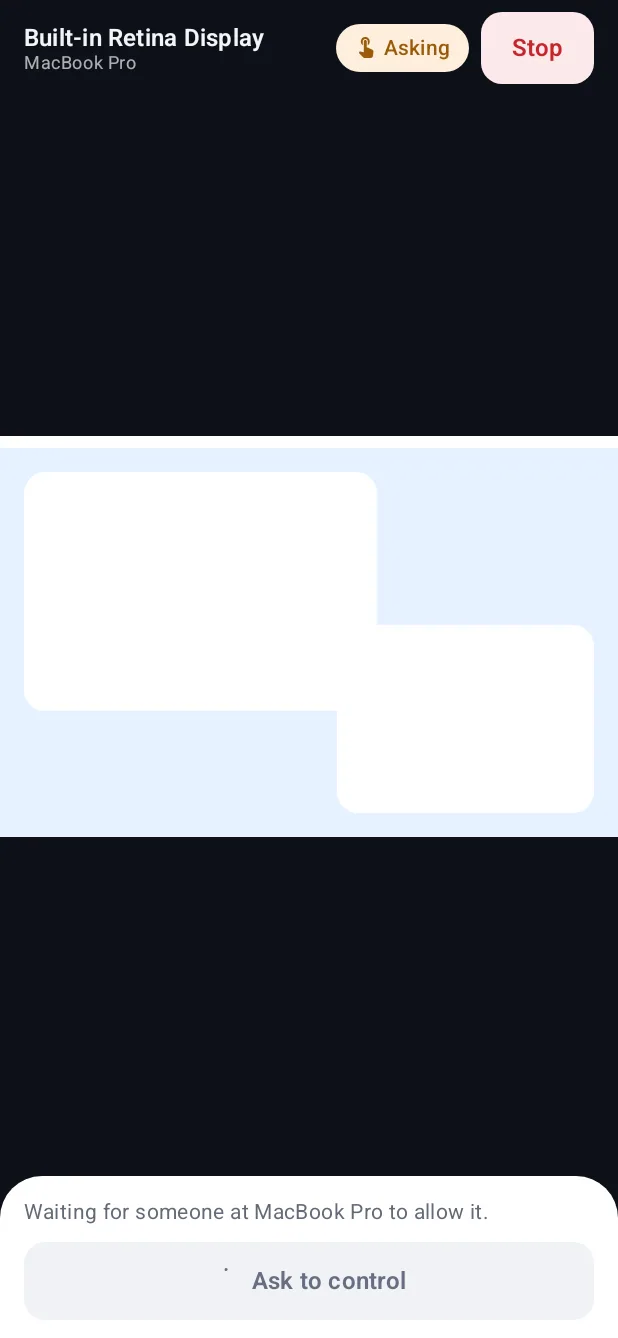
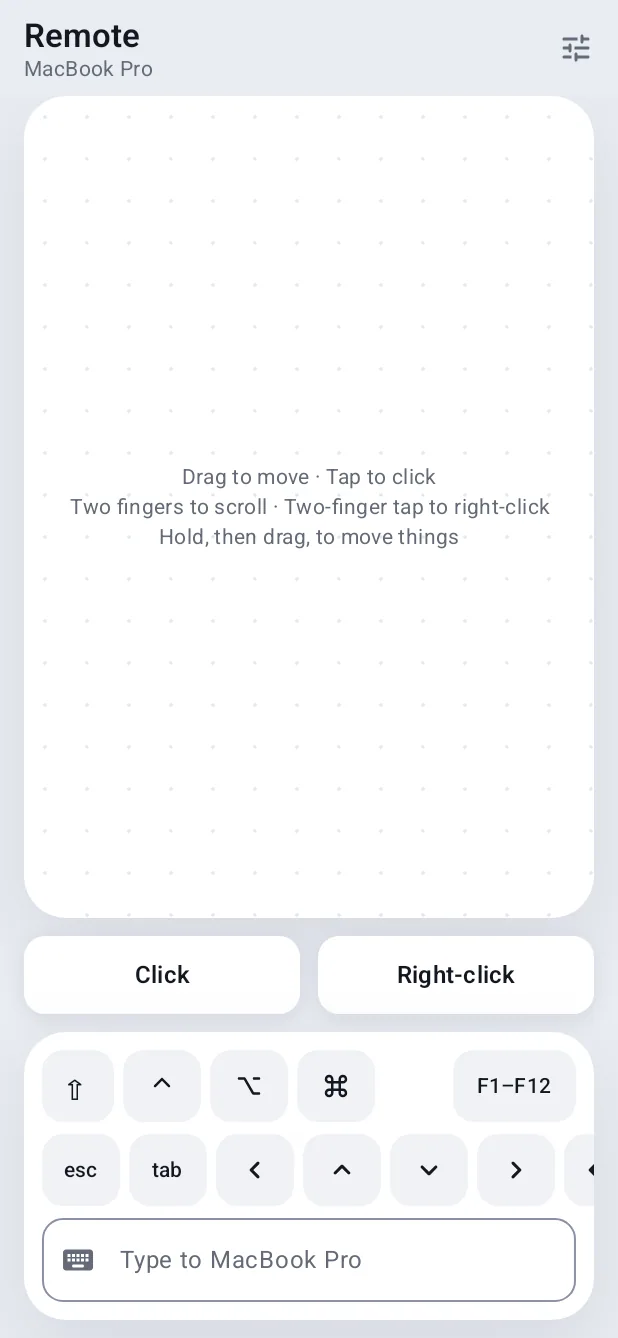
Control is a separate permission each time: the Mac asks before it accepts any pointer or keyboard input. Then use touchpad mode or direct mode, with a keyboard bar for ⌘, ⌥, ⌃ and ⇧.
While sharing, the Mac's menu bar always says so, with Stop.
How it works.
- 1
Ask to see the Mac
Screen Recording permission is asked on the Mac once.
- 2
Choose what to show
A display or one window.
- 3
Ask for control
The Mac decides each time.
Every Pro feature free for 14 days. No card.
In the app.
Screenshots from Hitch, with sample names and data.
The limits, plainly.
- Same Wi-Fi or USB only for now.
- Not available for a family member's phone.
Try it in the Hitch beta.
Hitch is in a tester beta for Mac and Android. Ask to join, and we'll let you know when there's room.
Every Pro feature free for 14 days. No card.
Mac: macOS 15 or later · Phone: Android 10 or later · Developer settings: Not needed
