

Phone mirroring
Your phone's screen in a window, and you're in control.
ProSee and use your phone from the Mac: click to tap, scroll, type and drag. No cable and no developer settings.
Every Pro feature free for 14 days. No card.
What it does.
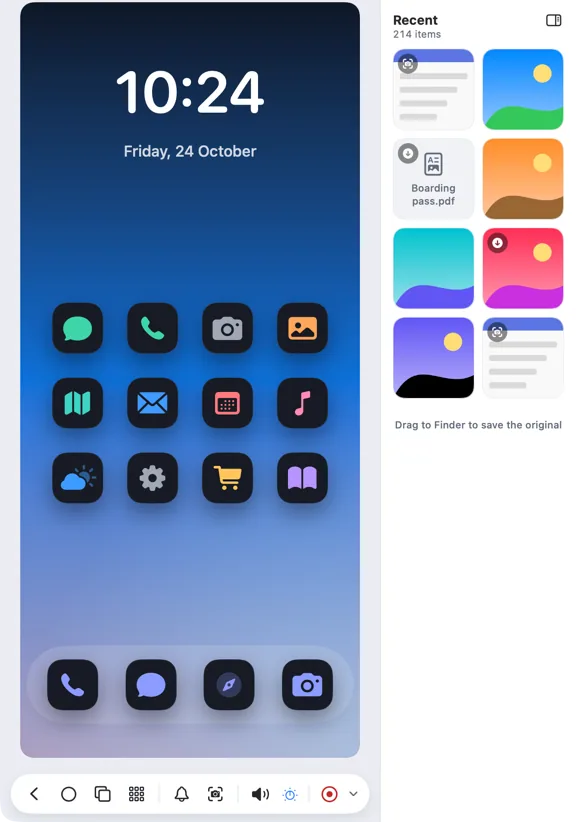
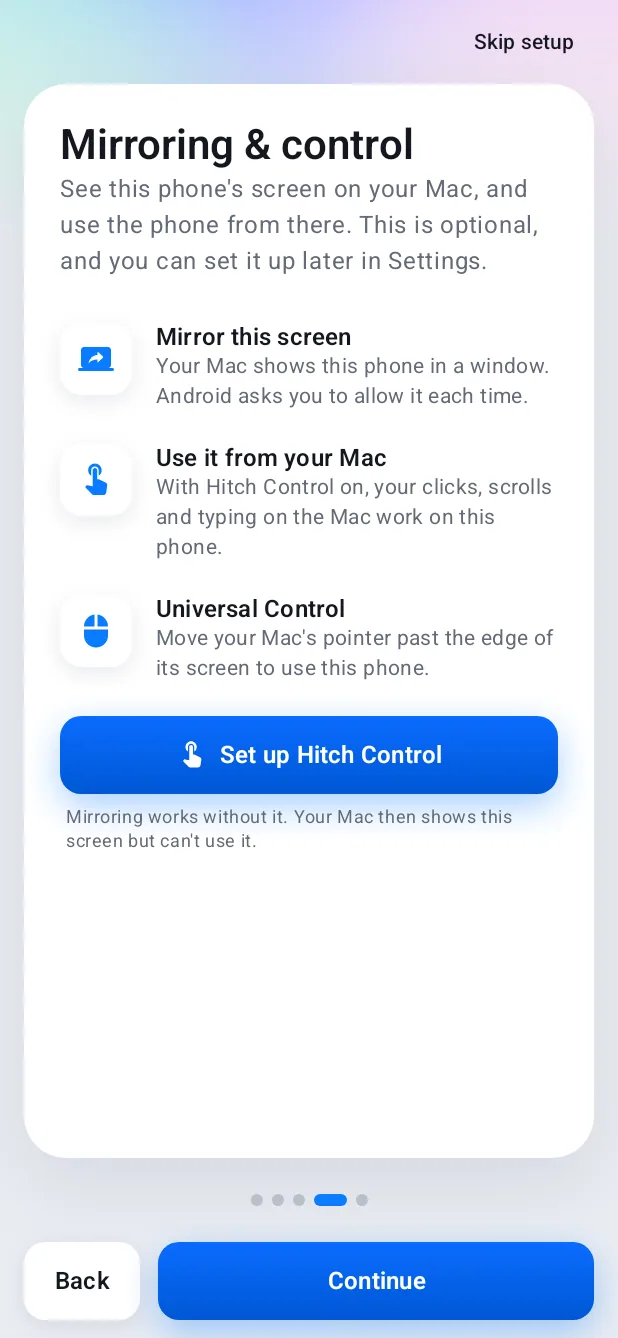
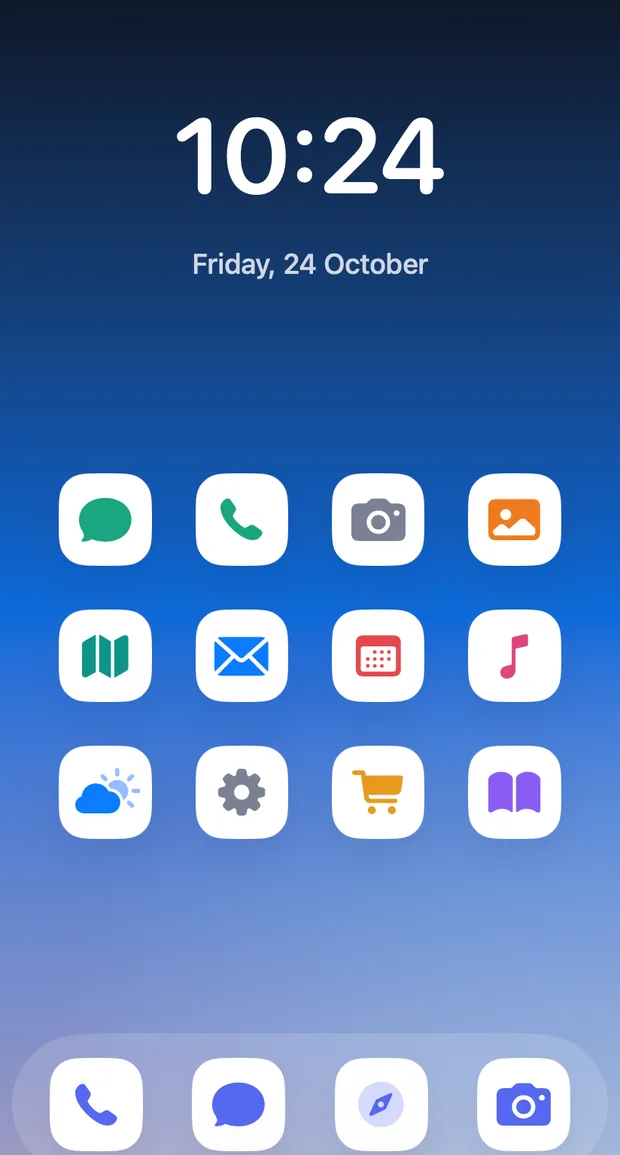
Mirror opens your phone's screen in a resizable Mac window that follows the phone's shape and rotation. Phone audio can play on the Mac too.
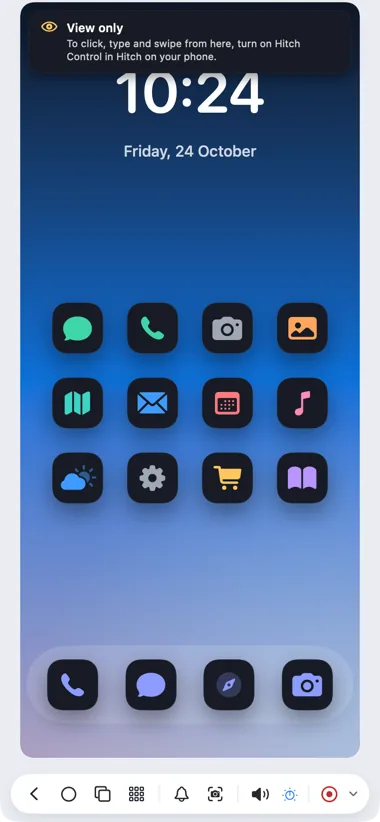
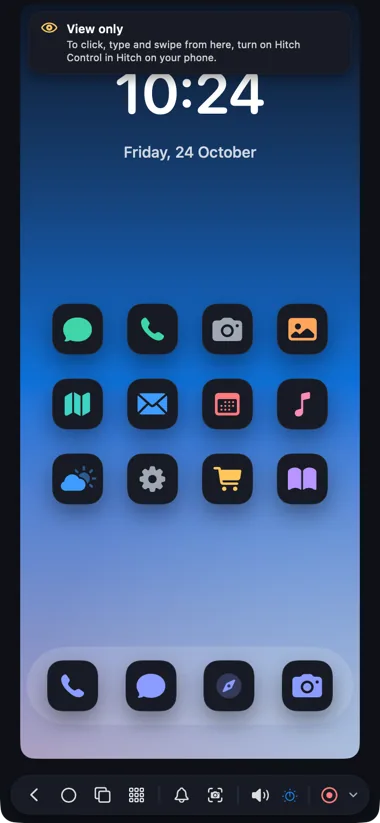
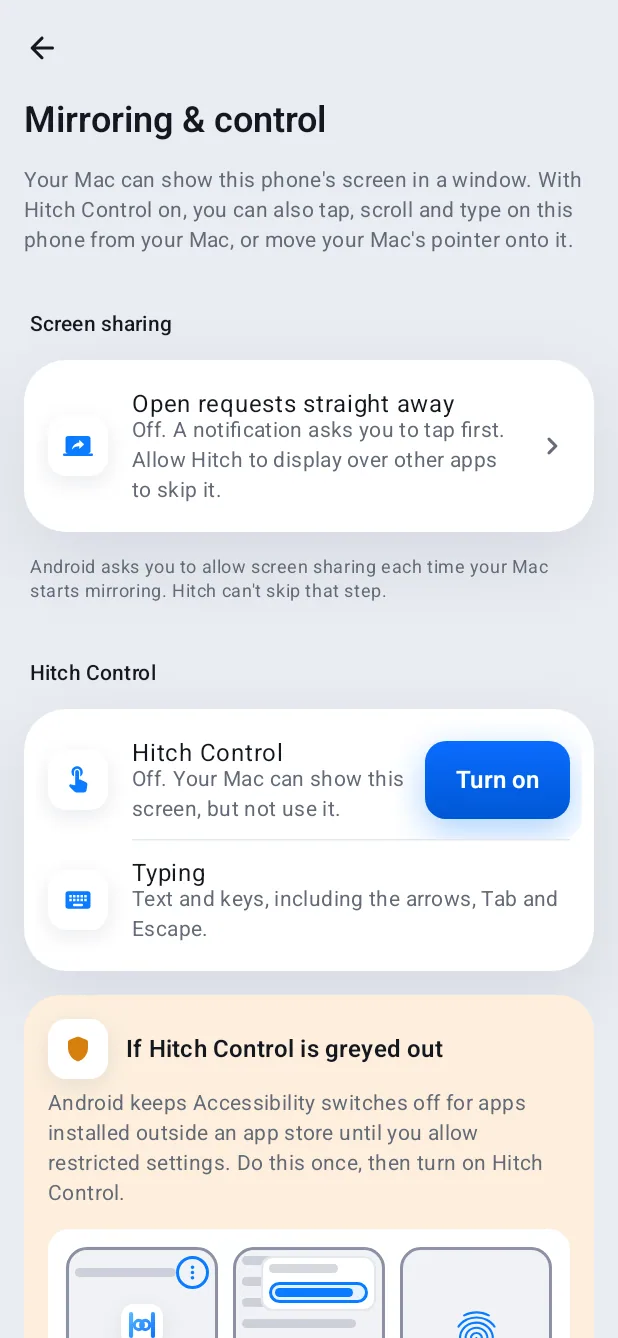
With Hitch Control on the phone, clicks become taps, scrolling flings, right-click goes Back and your keyboard types. Without it, the window mirrors in view-only mode and explains how to turn control on.
Closing the window, or pressing Stop on the phone, ends the session on both sides.
How it works.
- 1
Click Mirror
From the popover, the Overview or ⌃⌘M.
- 2
Accept on the phone
Android asks for screen-sharing consent each time; it can't be skipped.
- 3
Use it
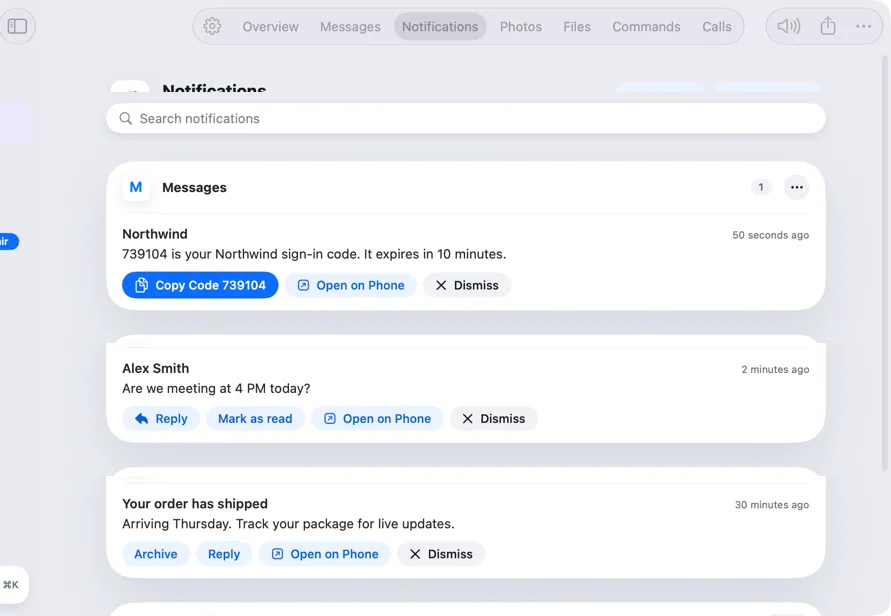
Click, type and scroll. The toolbar has Back, Home, Recents, Notifications and Screenshot.
Every Pro feature free for 14 days. No card.
In the app.
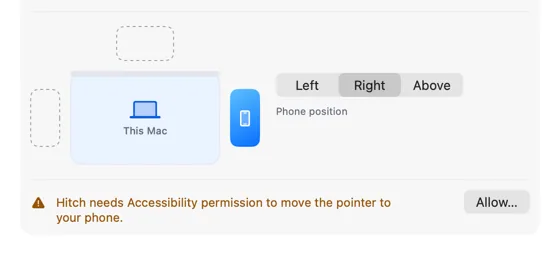
Screenshots from Hitch, with sample names and data.
The limits, plainly.
- The phone must stay awake and unlocked while you mirror.
- Apps that block screen capture, like banking apps and some video apps, show as black.
- Sound only comes from apps that allow it.
Try it in the Hitch beta.
Hitch is in a tester beta for Mac and Android. Ask to join, and we'll let you know when there's room.
Every Pro feature free for 14 days. No card.
Mac: macOS 15 or later · Phone: Android 10 or later · Developer settings: Not needed
