

Universal Control
Push your pointer off the screen and onto your phone.
ProYour Mac's mouse and keyboard move across to the phone, which draws its own pointer. No mirroring needed, and no screen-sharing prompt.
Every Pro feature free for 14 days. No card.
What it does.
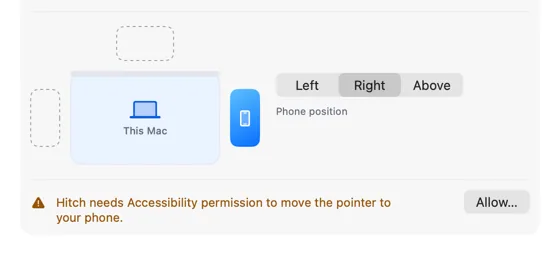
Place your phone left, right or above your Mac's screen in Settings. Push the pointer against that edge and it crosses onto the phone, where Hitch Control draws a pointer.
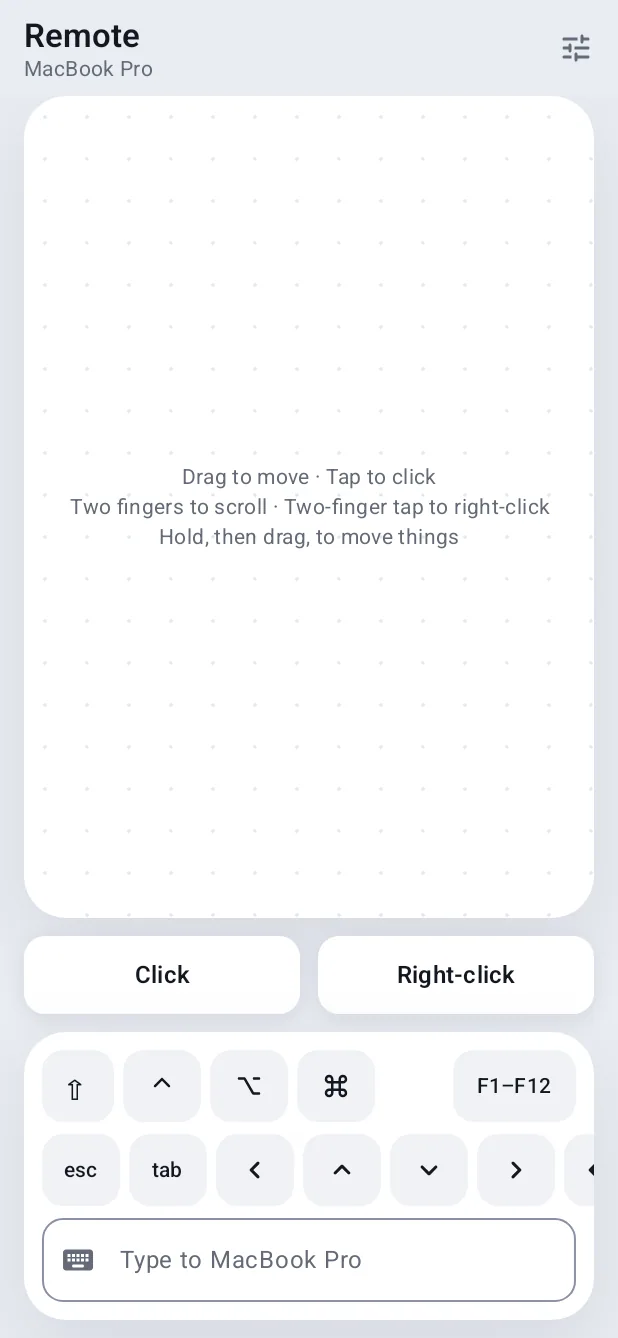
Click to tap, drag, scroll and type on the phone. Move off the far edge, or press ⌃⌥⌘Esc, and you're back on the Mac. The clipboard syncs each time you cross.
How it works.
- 1
Place the phone
Drag it beside this Mac on the small arrangement diagram.
- 2
Allow Accessibility
The Mac needs it to hand the pointer and keyboard to the phone.
- 3
Cross over
Push against the edge for a moment. A subtle note shows while you're on the phone.
Every Pro feature free for 14 days. No card.
In the app.
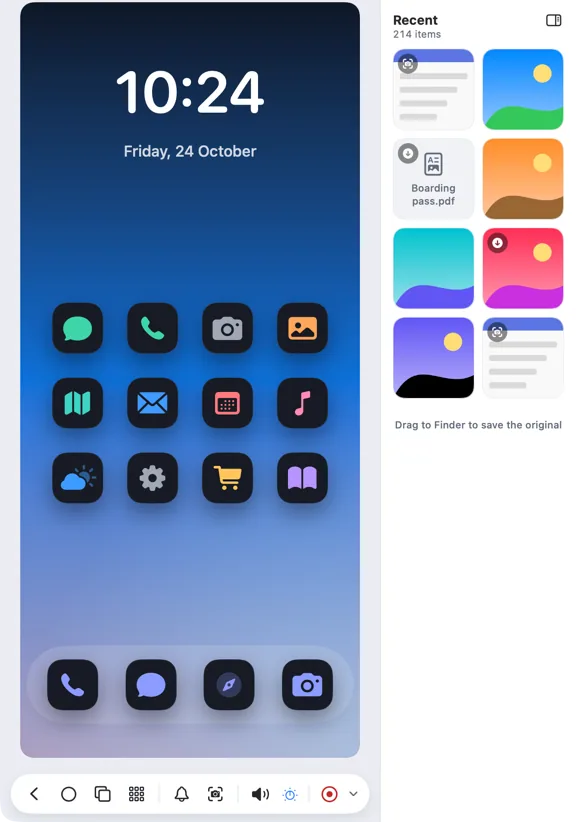
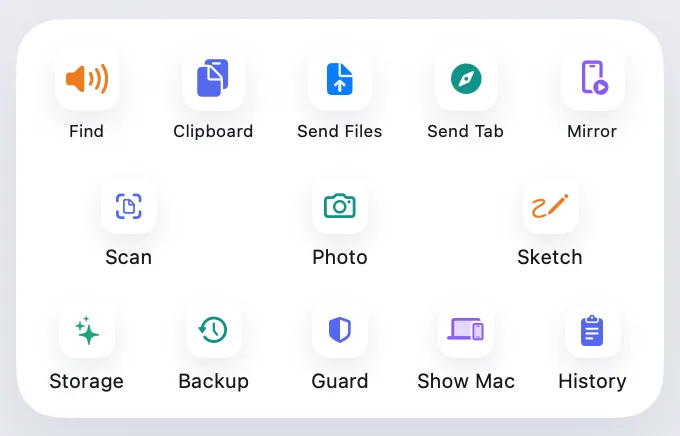
Screenshots from Hitch, with sample names and data.
The limits, plainly.
- Needs Hitch Control on the phone and Accessibility on the Mac.
- ⌃⌥⌘Esc always brings the pointer back.
Try it in the Hitch beta.
Hitch is in a tester beta for Mac and Android. Ask to join, and we'll let you know when there's room.
Every Pro feature free for 14 days. No card.
Mac: macOS 15 or later · Phone: Android 10 or later · Developer settings: Not needed
