

Storage Rescue
Clean up your phone on your Mac's big screen.
ProFind duplicates, near-identical shots, blurry photos, old screenshots and big videos. Originals are saved to the Mac before anything moves to the phone's trash.
Every Pro feature free for 14 days. No card.
What it does.
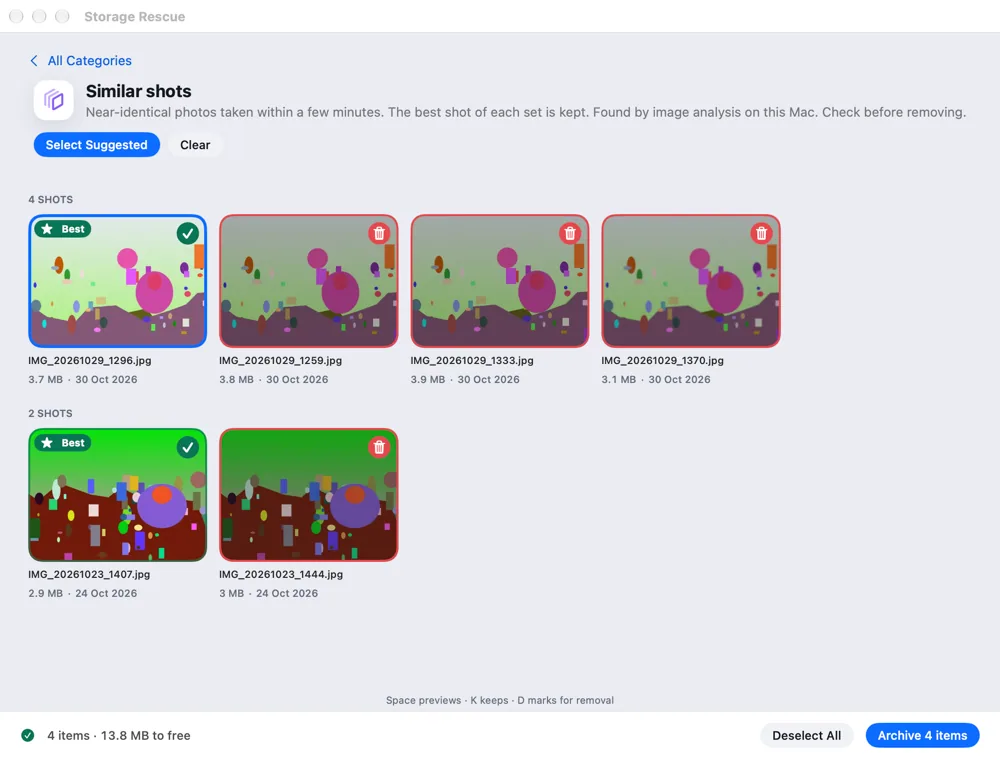
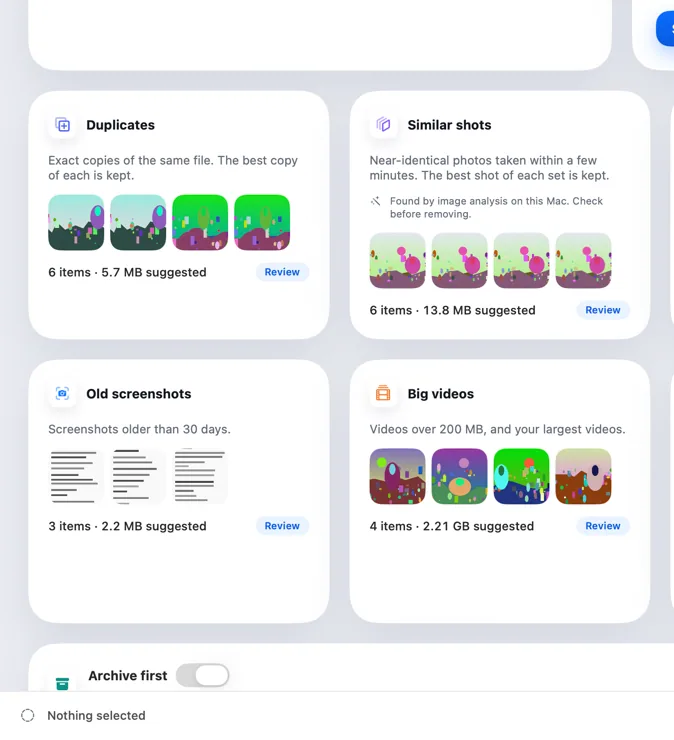
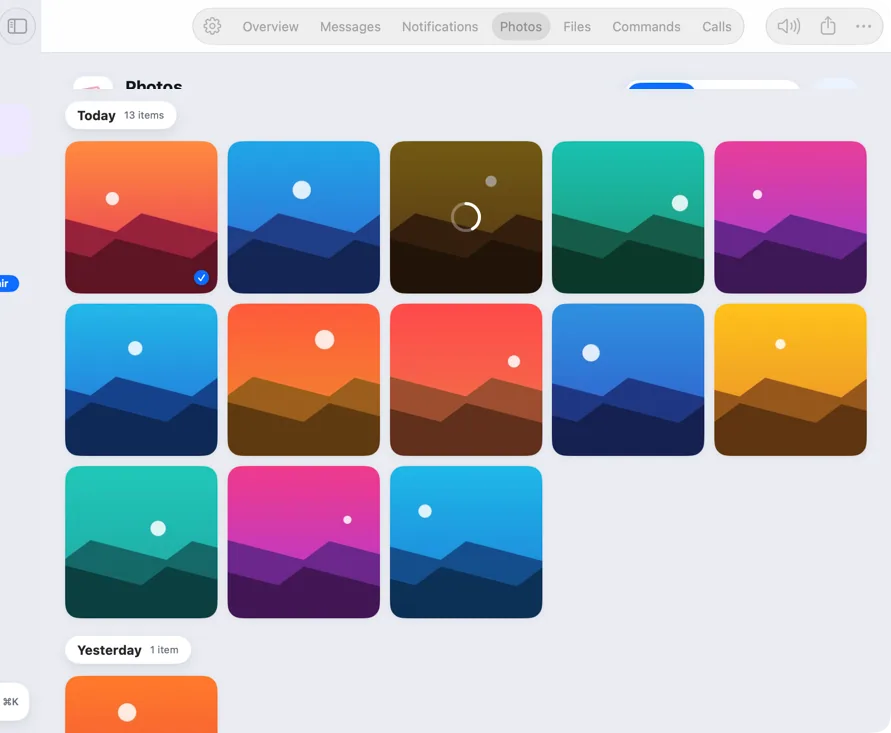
Storage Rescue sorts your phone's photos and videos into cards: duplicates, similar shots, blurry or accidental shots, old screenshots, big videos and probable forwards from chat apps.
Each group suggests the best one to keep, found by image analysis on your Mac. Review them in a grid, keep or mark with K and D, and watch the space to free add up.
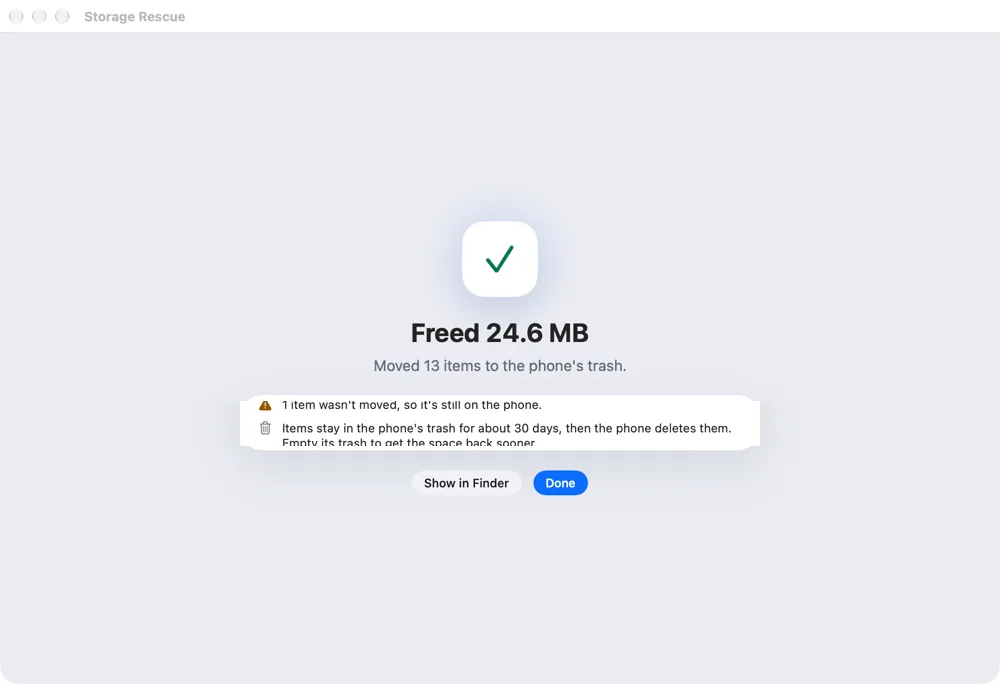
Archive first is on by default: originals are copied to your Mac and checked before Hitch asks the phone to move anything to its trash.
How it works.
- 1
Scan
Analysis runs on your Mac using small previews.
- 2
Review
Accept the suggestions or choose yourself.
- 3
Archive and move
Originals go to the Mac; the phone asks you to confirm once.
Every Pro feature free for 14 days. No card.
In the app.
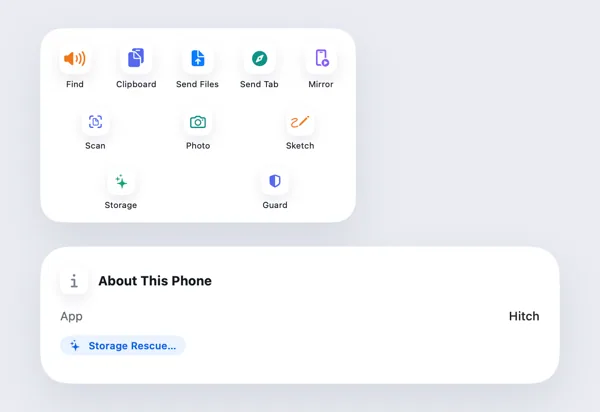
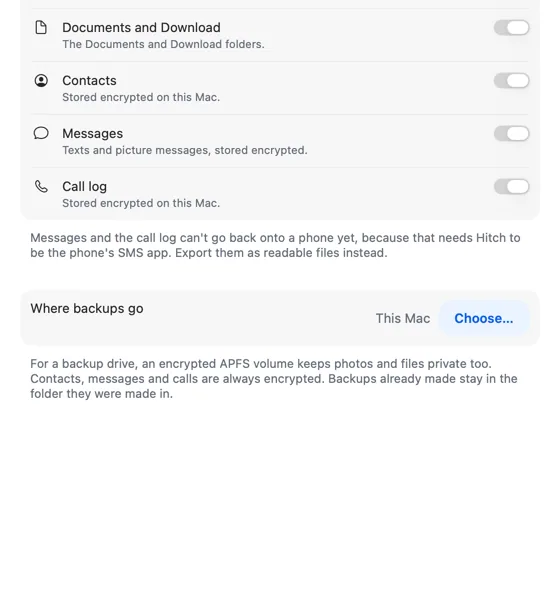
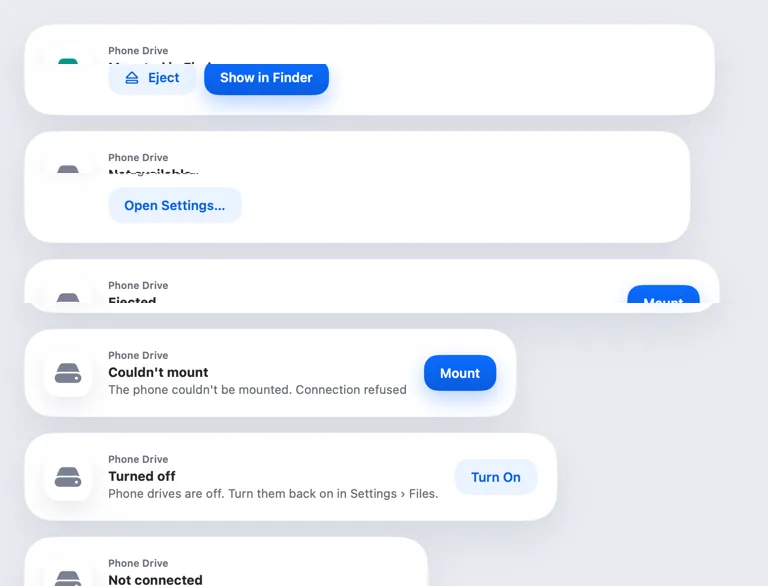
Screenshots from Hitch, with sample names and data.
The limits, plainly.
- Removed items go to the phone's trash, which it empties after about 30 days.
- Cloud copies of your photos aren't touched.
- Needs Android 11 or later to move items to the trash.
Try it in the Hitch beta.
Hitch is in a tester beta for Mac and Android. Ask to join, and we'll let you know when there's room.
Every Pro feature free for 14 days. No card.
Mac: macOS 15 or later · Phone: Android 10 or later · Developer settings: Not needed
