

Your phone's photos
Your whole library on the Mac, a drag away.
FreeBrowse the phone's photos and screenshots by day, then drag, copy or save the originals. Nothing to sync, nothing uploaded.
Every Pro feature free for 14 days. No card.
What it does.
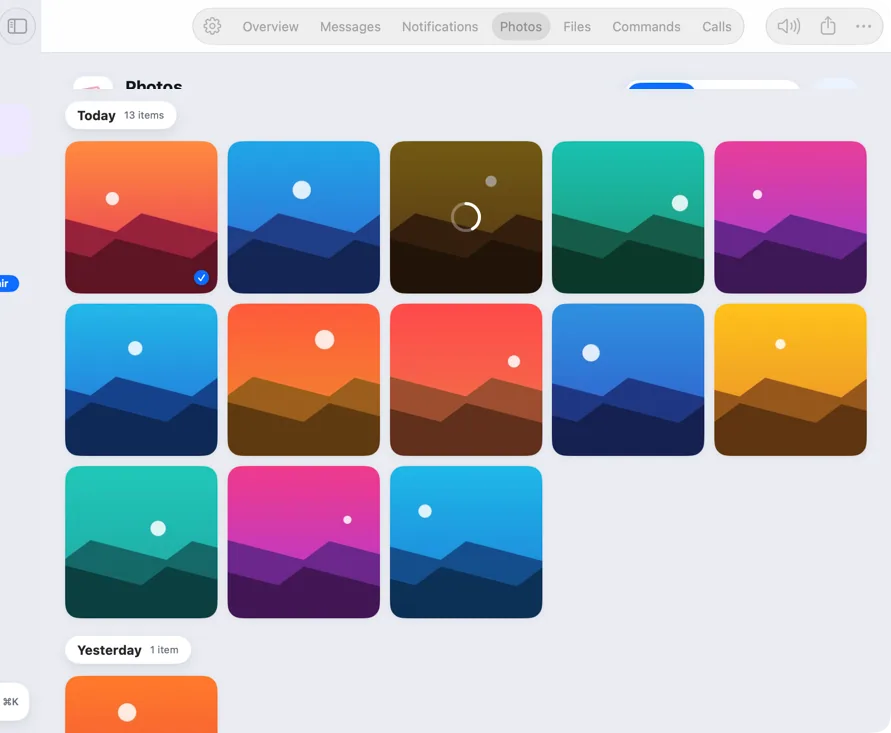
The Photos tab shows your phone's whole library, newest first and grouped by day, with Recent and Screenshots views.
Drag a photo into any app or to Finder, and Hitch fetches the full-size original from the phone.
How it works.
- 1
Open Photos
Thumbnails load a page at a time.
- 2
Pick one
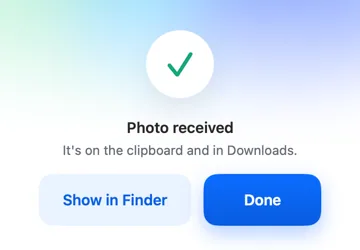
Drag, copy or save it.
Free, always.
In the app.
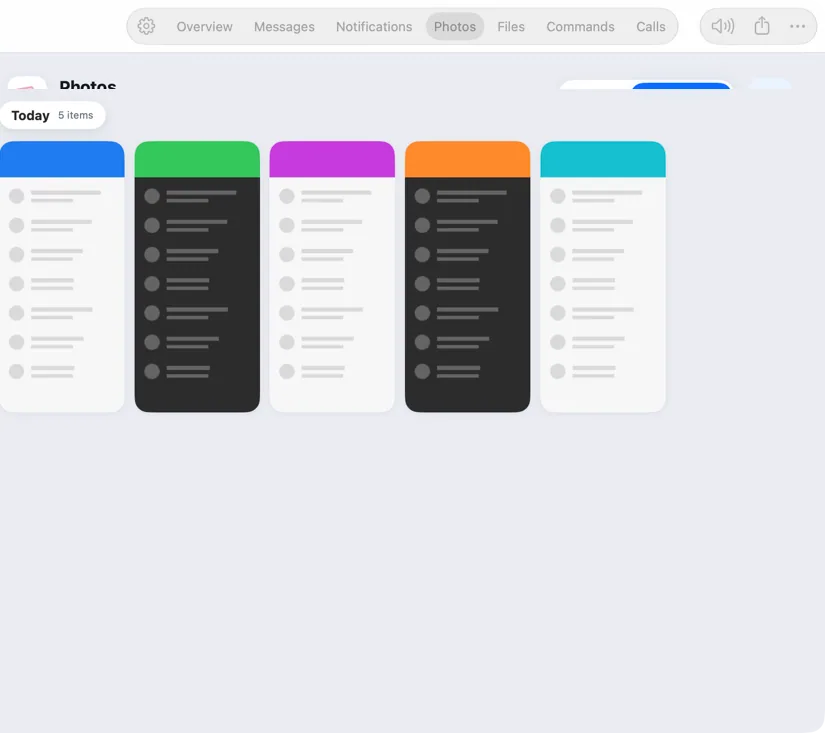
Screenshots from Hitch, with sample names and data.
The limits, plainly.
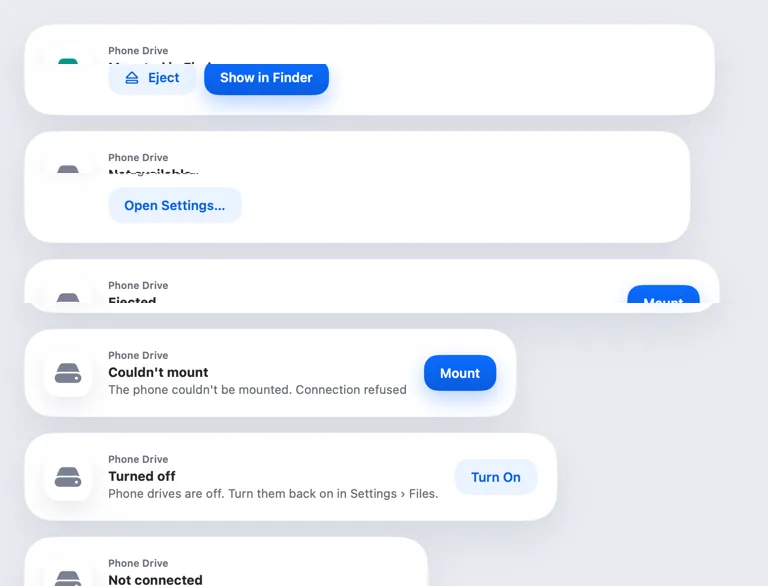
- Photos come straight from the phone, so it needs to be connected.

Try it in the Hitch beta.
Hitch is in a tester beta for Mac and Android. Ask to join, and we'll let you know when there's room.
Every Pro feature free for 14 days. No card.
Mac: macOS 15 or later · Phone: Android 10 or later · Developer settings: Not needed
