

Send files both ways
Drop it on one, it's on the other.
FreeSend files, links and text from the Mac's Share menu or by dropping them on Hitch, and from any Android app with Send to Mac.
Every Pro feature free for 14 days. No card.
What it does.
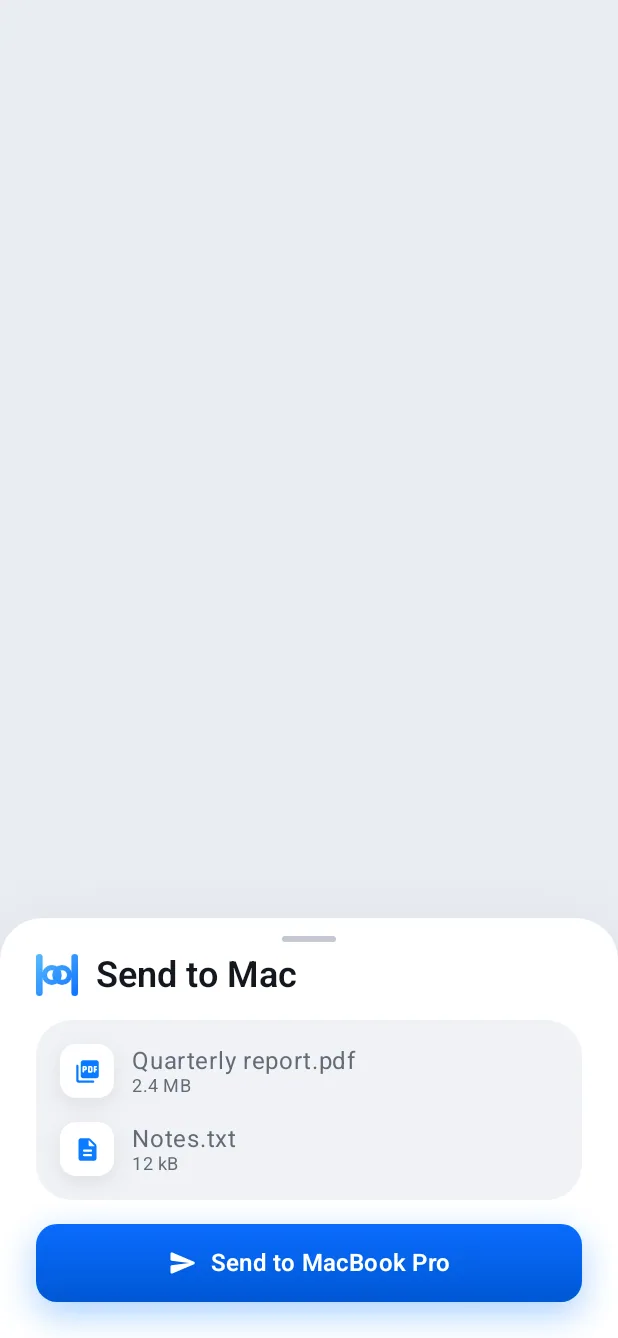
From the Mac, drop files on Hitch's window or use Send with Hitch in the Share menu. From the phone, pick Send to Mac in any app's share sheet.
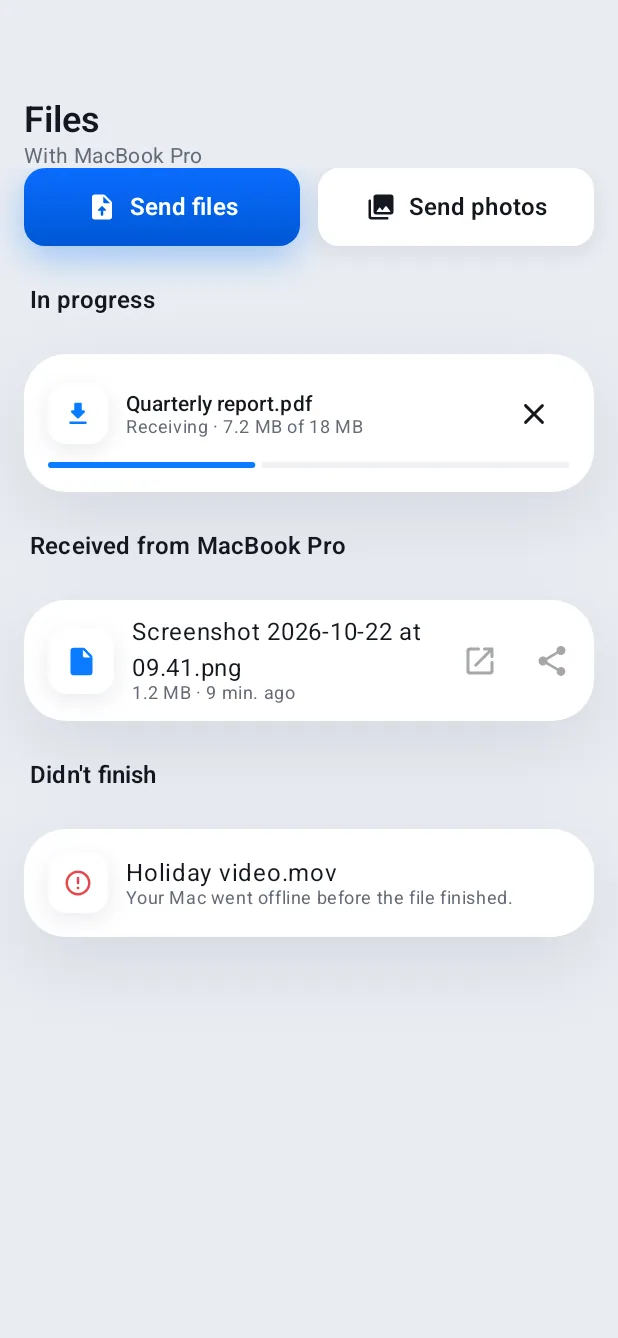
Files land in Downloads, links can open in the Mac's browser, and transfers show their progress on both sides, with plain words when one doesn't finish.
How it works.
- 1
Choose files
On either device, the normal way.
- 2
Send
They travel straight across your Wi-Fi, encrypted, or over USB when it's plugged in.
- 3
Open
Show in Finder, or open on the phone.
Free, always.
In the app.
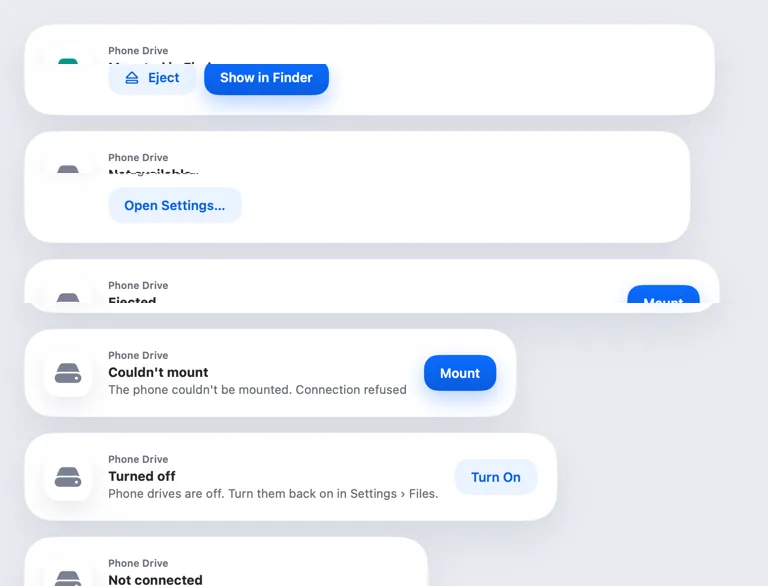
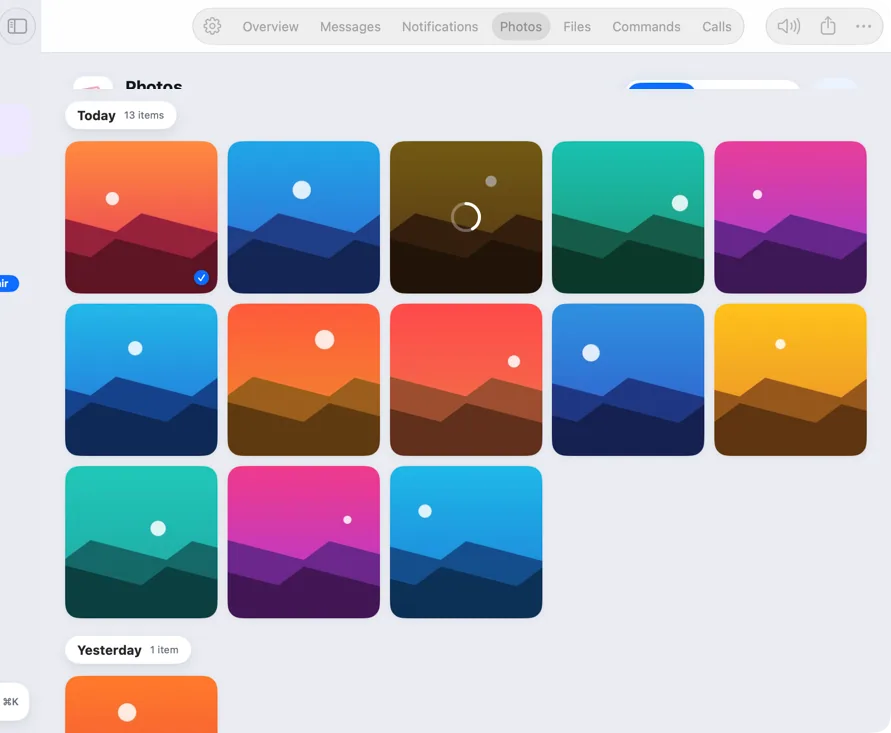
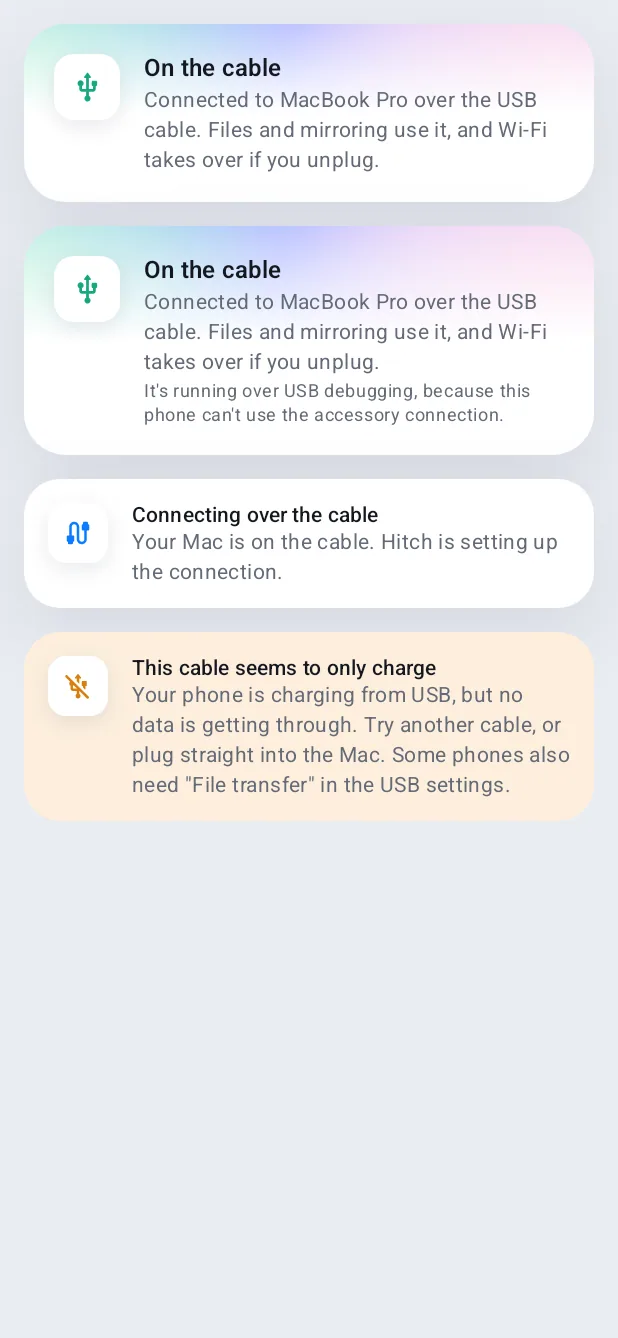
Screenshots from Hitch, with sample names and data.

The limits, plainly.
- Both devices need to be on the same network or the same cable.
Try it in the Hitch beta.
Hitch is in a tester beta for Mac and Android. Ask to join, and we'll let you know when there's room.
Every Pro feature free for 14 days. No card.
Mac: macOS 15 or later · Phone: Android 10 or later · Developer settings: Not needed
