

Recents and dialer
Your call log and a keypad, on the Mac.
ProA Calls tab with recent and missed calls, your contacts and a keypad. Call back on the right SIM with one click.
Every Pro feature free for 14 days. No card.
What it does.
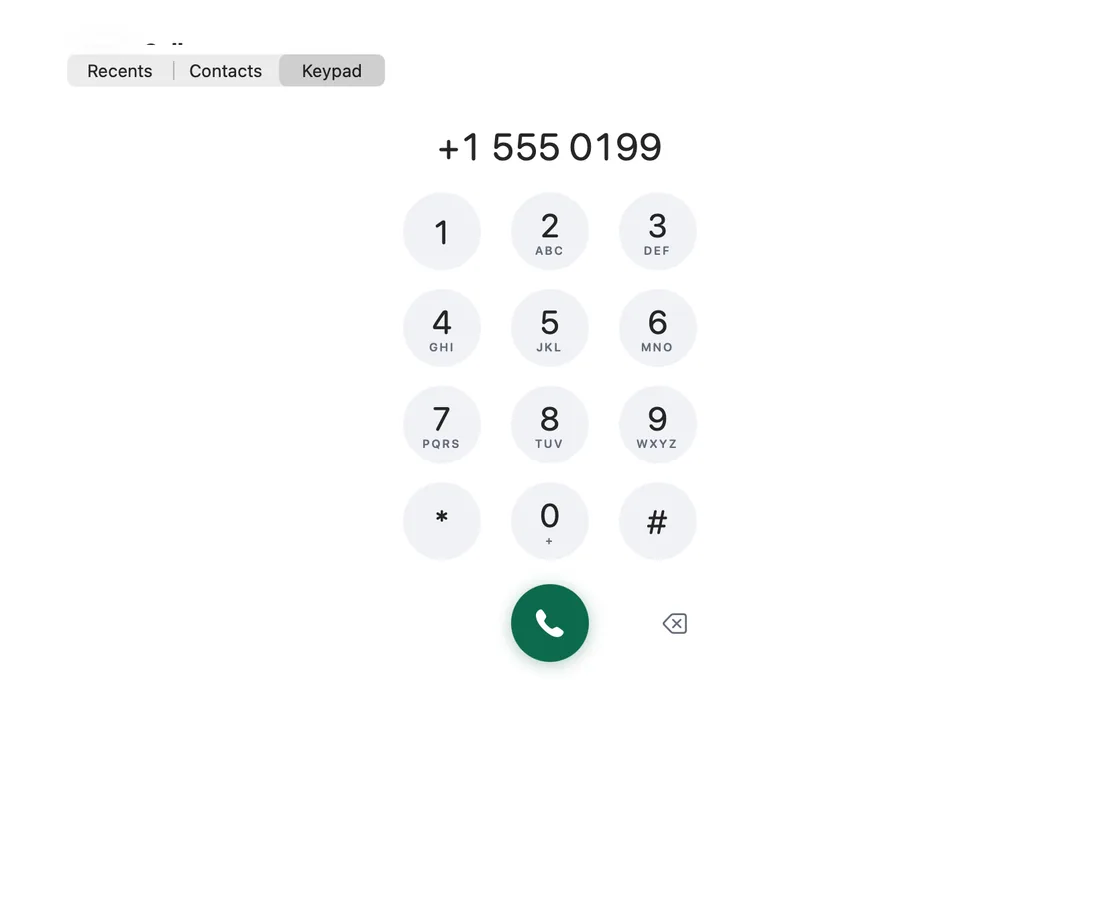
The Calls tab pages in your phone's call log: All or Missed, with Call back and Message on every row. New calls appear as they happen, and missed calls badge the tab.
Contacts come from Hitch's contacts sync, and the keypad places calls through the phone. On dual-SIM phones, Call with picks the SIM.
How it works.
- 1
Open the Calls tab
Recents, Contacts and Keypad sit side by side.
- 2
Pick a call
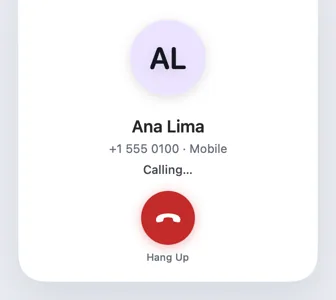
Call back or Message from any row.
- 3
Dial
Type a number and press the green button. Your phone places the call.
Every Pro feature free for 14 days. No card.
In the app.
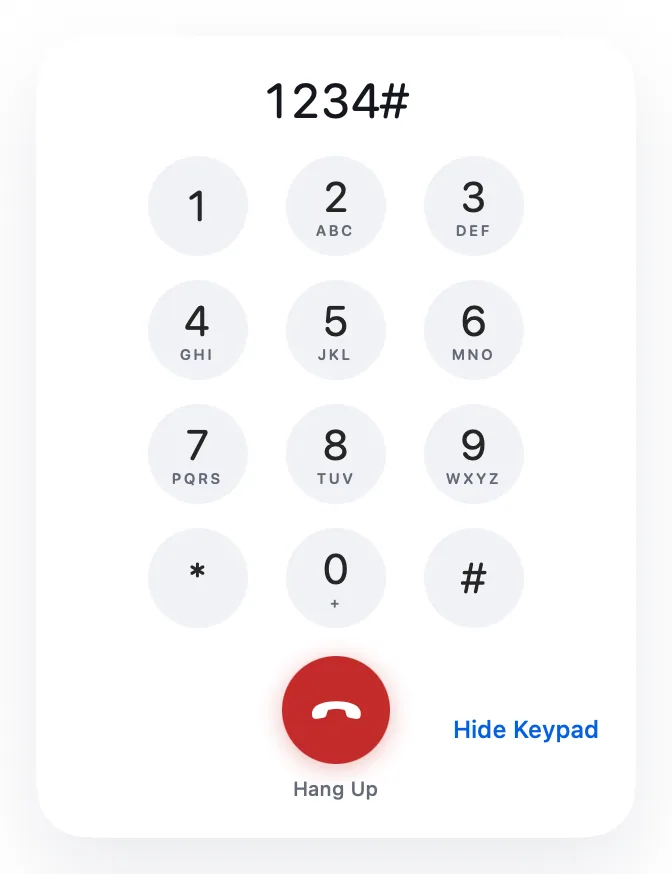
Screenshots from Hitch, with sample names and data.
The limits, plainly.
- Reading the call log needs your permission on the phone.
- The Mac places calls through the phone, so the phone needs signal.
Try it in the Hitch beta.
Hitch is in a tester beta for Mac and Android. Ask to join, and we'll let you know when there's room.
Every Pro feature free for 14 days. No card.
Mac: macOS 15 or later · Phone: Android 10 or later · Developer settings: Not needed
