

Talk through your Mac
Hear the caller on your Mac, and talk into its microphone.
ProPower modeWith power mode set up, the call's sound plays on your Mac and your voice goes through the Mac's microphone. Switch back to the phone at any time.
Every Pro feature free for 14 days. No card.
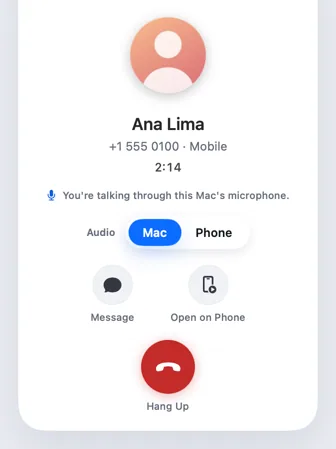
What it does.
A call plays on the Mac only when you answer or place it there. Calls you answer on the phone stay on the phone.
When you do, Hitch can play it through your Mac's current output, including headphones connected to the Mac.
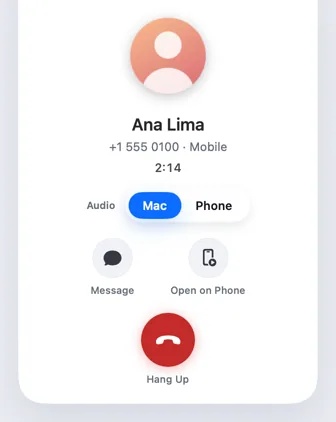
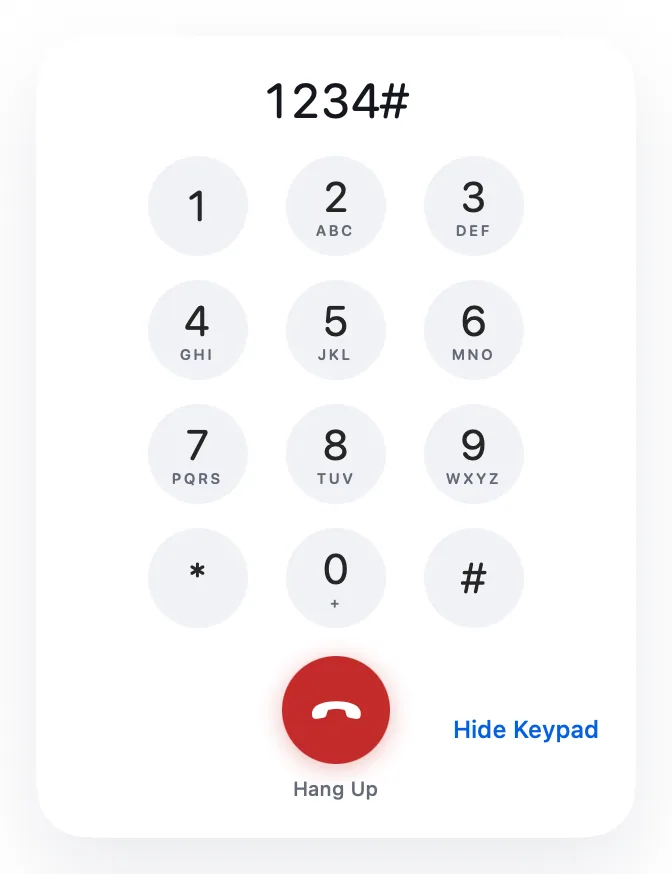
On phones that allow it, your voice goes into the call through the Mac's microphone too. An Audio switch in the call window moves the call between Mac and Phone.
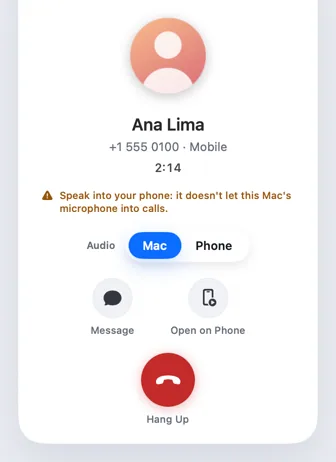
On phones that can't take the Mac's microphone, Hitch says so and plays the call on the Mac while you speak into the phone.
How it works.
- 1
Set up power mode once
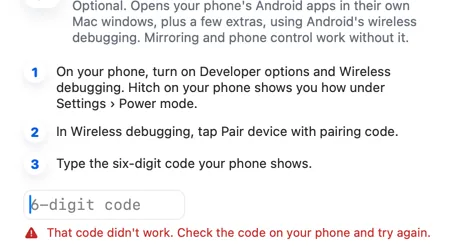
It uses Android's wireless debugging, which you switch on once.
- 2
Answer as usual
From the Mac or the phone.
- 3
Choose Mac or Phone
The Audio switch in the call window moves the sound, and you can change it mid-call.
Every Pro feature free for 14 days. No card.
In the app.
Screenshots from Hitch, with sample names and data.
The limits, plainly.
- Needs power mode, which works over Wi-Fi only.
- Some phones can't take audio from the Mac. Then you hear the call on the Mac and speak into the phone, and the window tells you.
- Headphones on the Mac give the best sound.
Try it in the Hitch beta.
Hitch is in a tester beta for Mac and Android. Ask to join, and we'll let you know when there's room.
Every Pro feature free for 14 days. No card.
Mac: macOS 15 or later · Phone: Android 10 or later · Developer settings: Not needed
