

Docker cleanup
Free space inside Docker without touching your data.
Sweep asks Docker what it can free: build cache, unused images and stopped containers. It cleans them with Docker's own commands and never touches volumes.
Build cache
Layers saved from earlier builds
docker builder prune --forceUnused images
Docker downloads them again when needed
docker image prune --all --forceStopped containers
Removes stopped containers and changes made inside them
docker container prune --forceVolumes
They hold your data, so they’re never touched
Docker does the cleaning
- 1
Asks Docker first
Sweep runs docker system df to see what each kind of item uses. If Docker isn't running, it says so and offers to open it.
- 2
You choose
Build cache, unused images and stopped containers are listed with their sizes. None is ticked for you.
- 3
Docker's own commands
Sweep runs Docker's prune commands, so Docker stays consistent. Volumes, which hold your data, are never touched.
Docker's disk image, explained
Docker Desktop keeps everything in one large disk image, which macOS counts as System Data. Sweep shows how big it is and sends you to the safe way to shrink it: from inside Docker, never by deleting the file.
Explore System Data, explained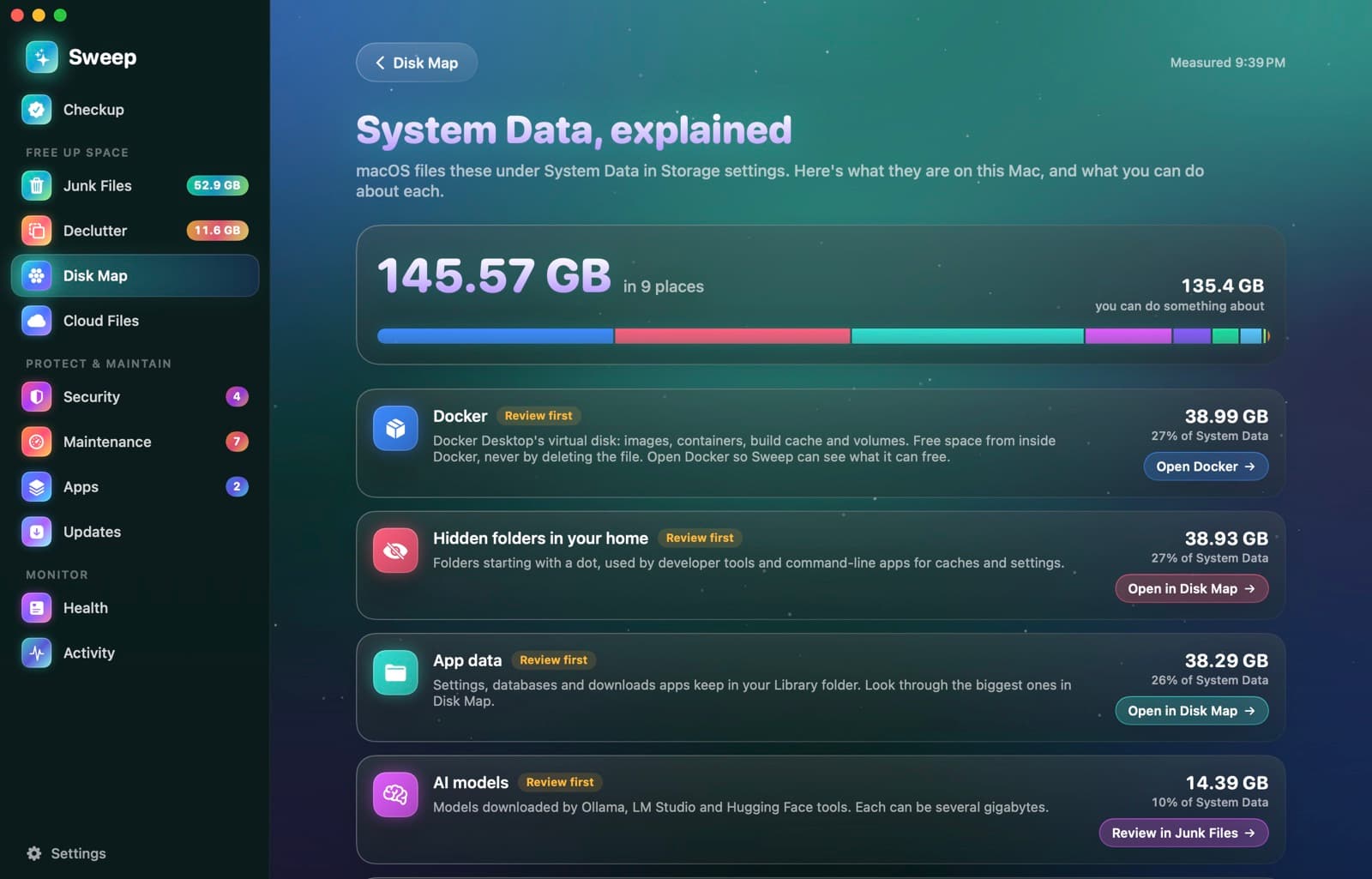
Works with the way you run Docker
Settings › Integrations shows whether Sweep found Docker and whether it's running.
- Docker Desktop
- OrbStack
- Colima
- Homebrew installs
Docker questions
Something else? Ask us.
Works well with
Developer junk
Xcode build products, simulator caches and device files pile up fast. Sweep lists them next to npm, Gradle, pip, Yarn, Cargo, Go and CocoaPods caches, and only ticks what Xcode rebuilds on its own.
ExploreLocal AI models
Sweep lists the models you downloaded with Ollama, LM Studio and Hugging Face tools, with their size and date. It points out the same model kept by two apps, and removed models go to the Trash.
ExploreSystem Data, explained
Storage settings lump a lot into System Data. Sweep measures what's in it on your Mac, says who looks after each part, and links to where you can act.
Explore
Clean, protect and understand your Mac.
Finds junk, big files and leftovers, checks for malware and risky settings, keeps apps updated, and shows what your Mac does when you're not looking. Free and open source.