

Themes
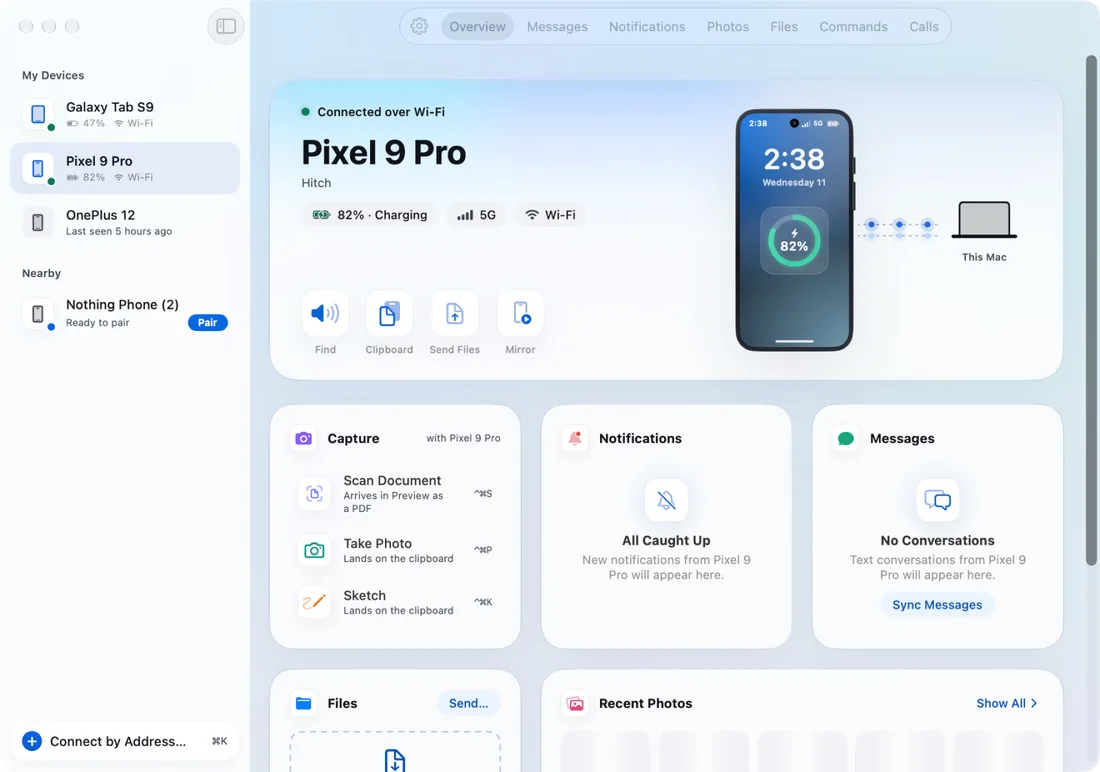
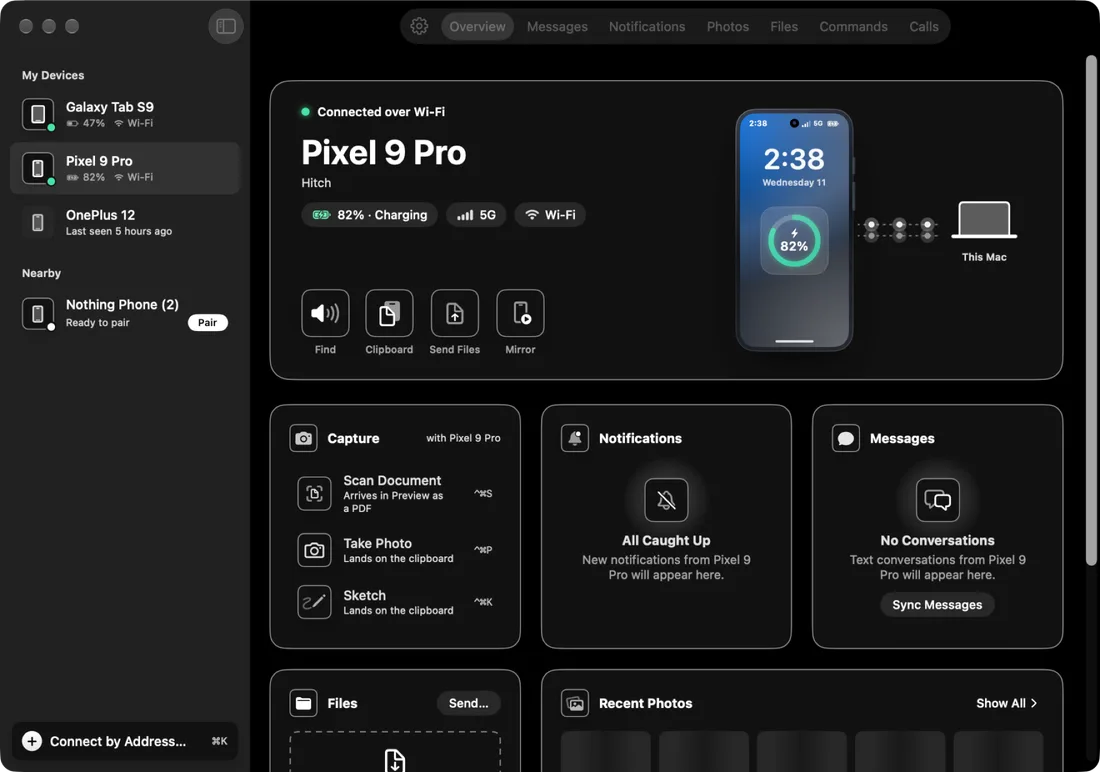
Hitch, Frost, Ink and Sage, in light and dark.
FreeFour looks for the Mac and phone apps, each in light and dark. Free for everyone.
Every Pro feature free for 14 days. No card.
What it does.
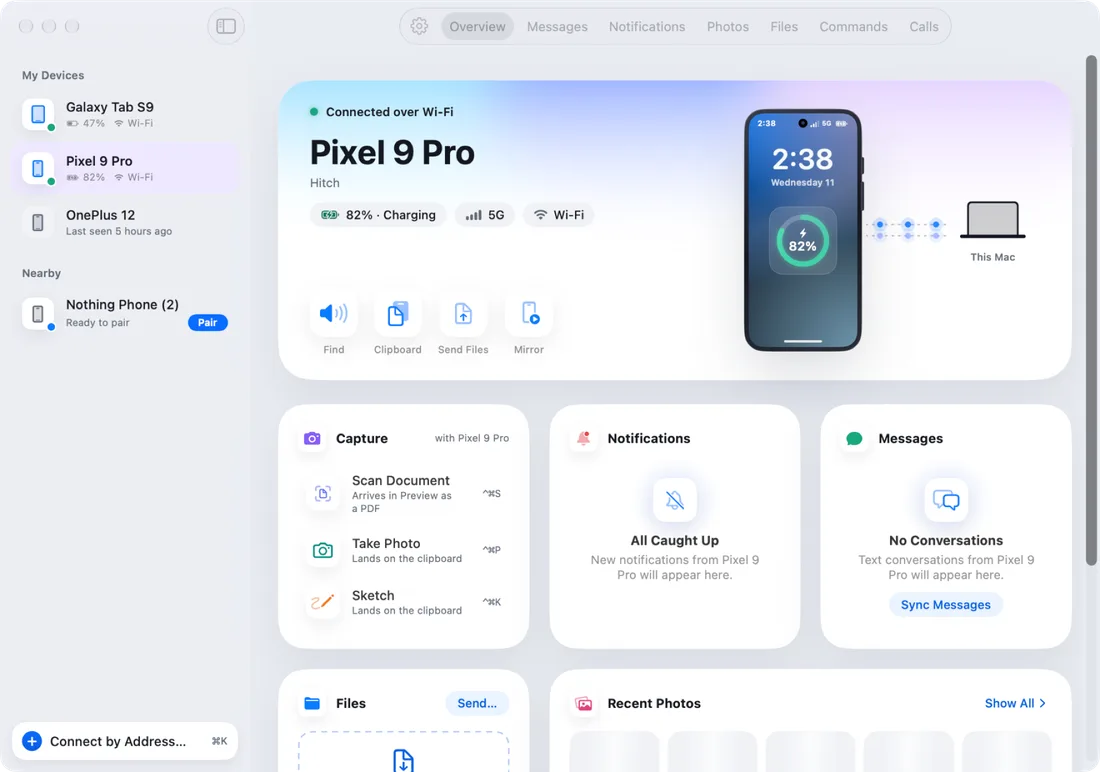
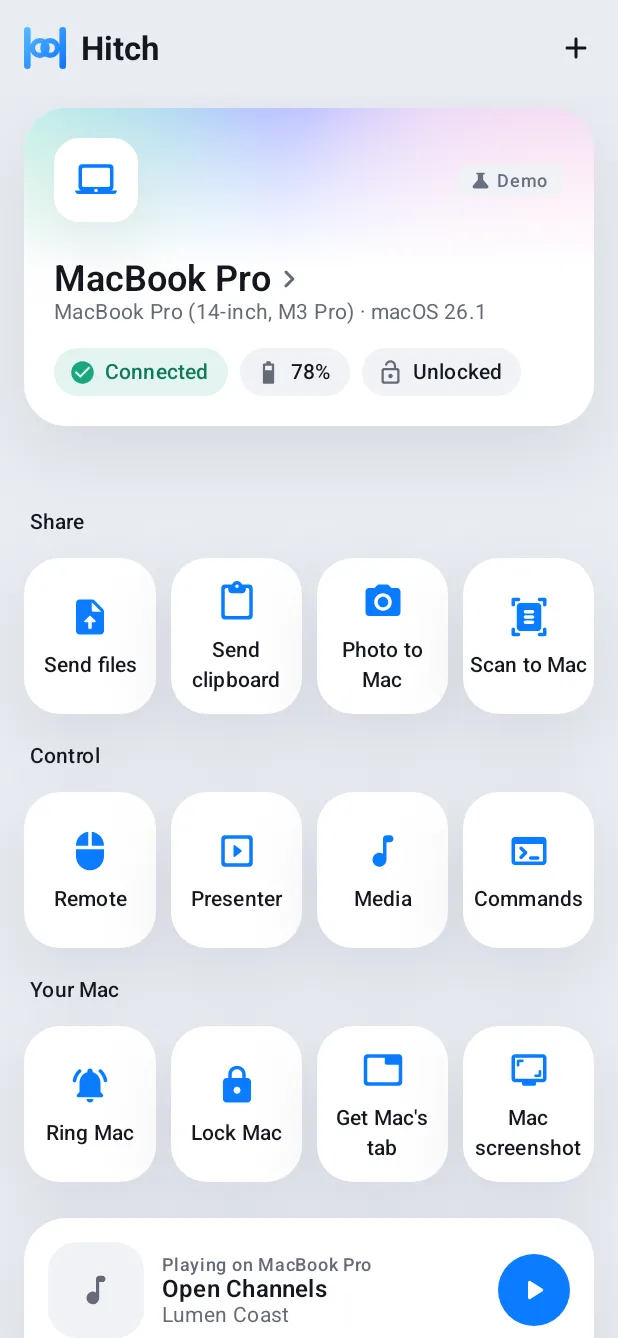
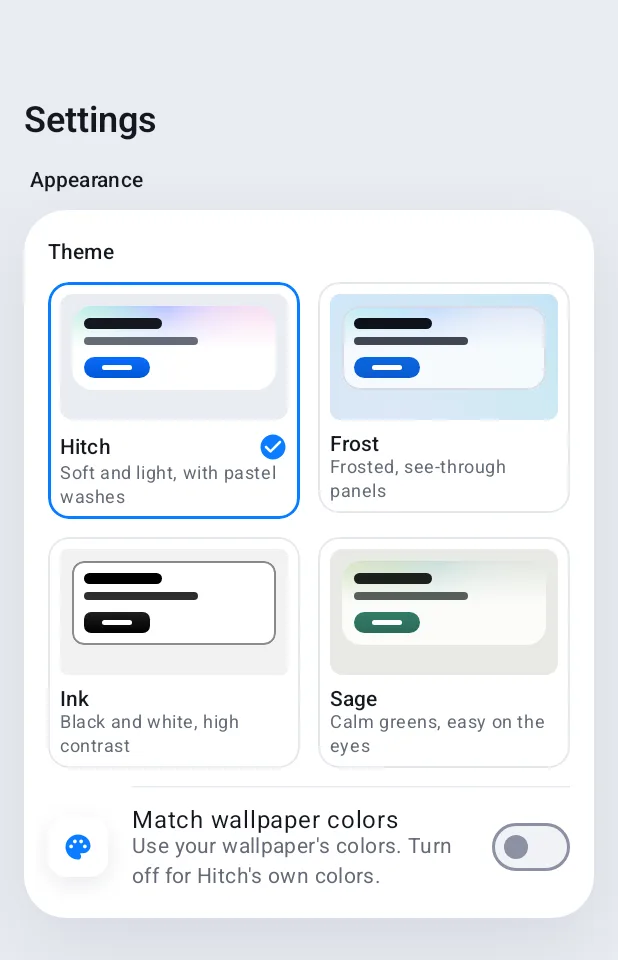
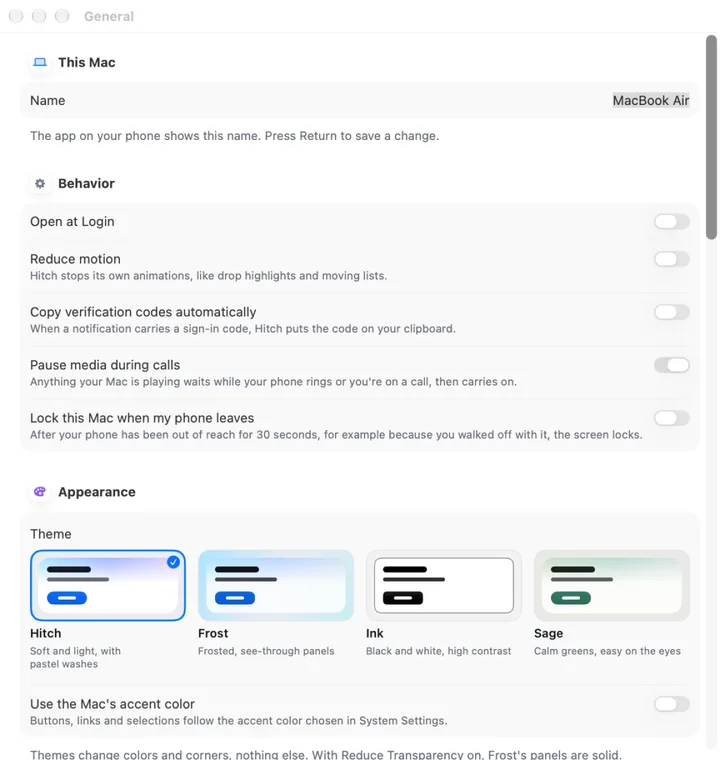
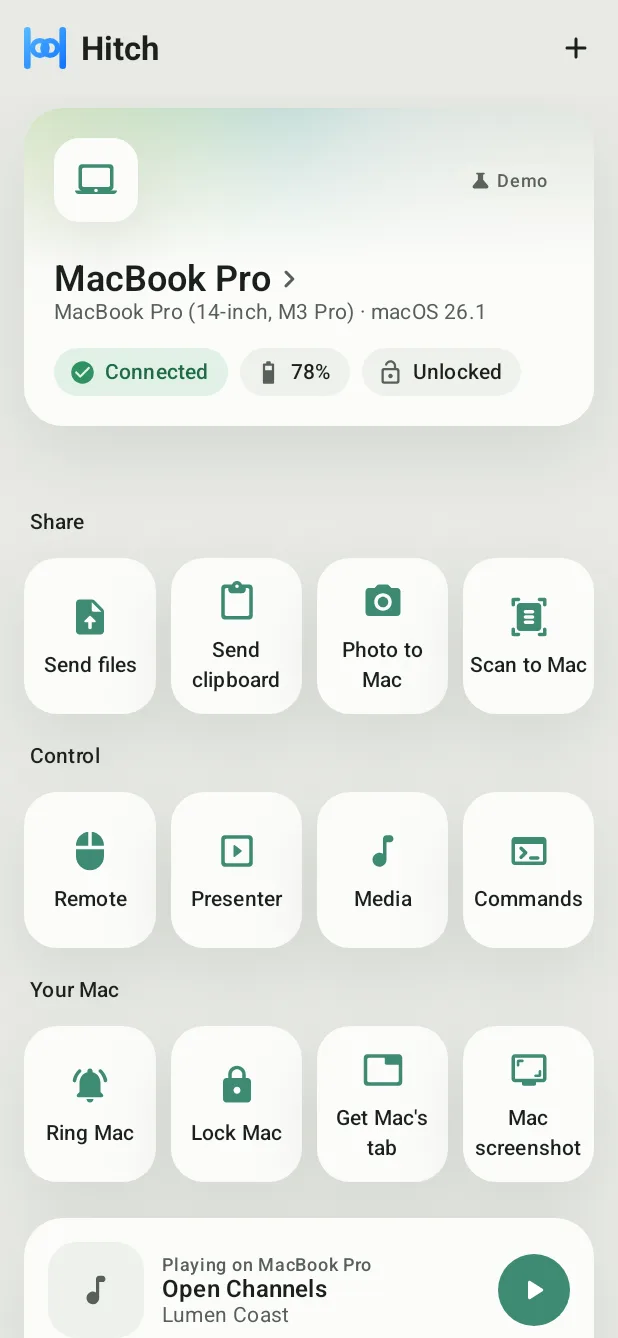
Hitch is the soft light look you see on this site. Frost uses frosted, see-through panels, much like the Mac itself. Ink is black and white with high contrast. Sage is calm green with warm greys, easy on the eyes for a long day.
Each comes in light and dark, on the Mac and on the phone. Switching applies straight away.
On Android 12 or later, Match wallpaper takes its colours from your wallpaper. On the Mac, you can use the system accent colour instead of the theme's.
Hitch follows Increase Contrast, Reduce Transparency and Reduce Motion. With Reduce Transparency on, Frost uses solid surfaces.
How it works.
- 1
Open Settings
On the Mac, in General. On the phone, in Settings.
- 2
Pick a theme
Hitch, Frost, Ink or Sage, then light, dark or follow the system.
Free, always.
In the app.
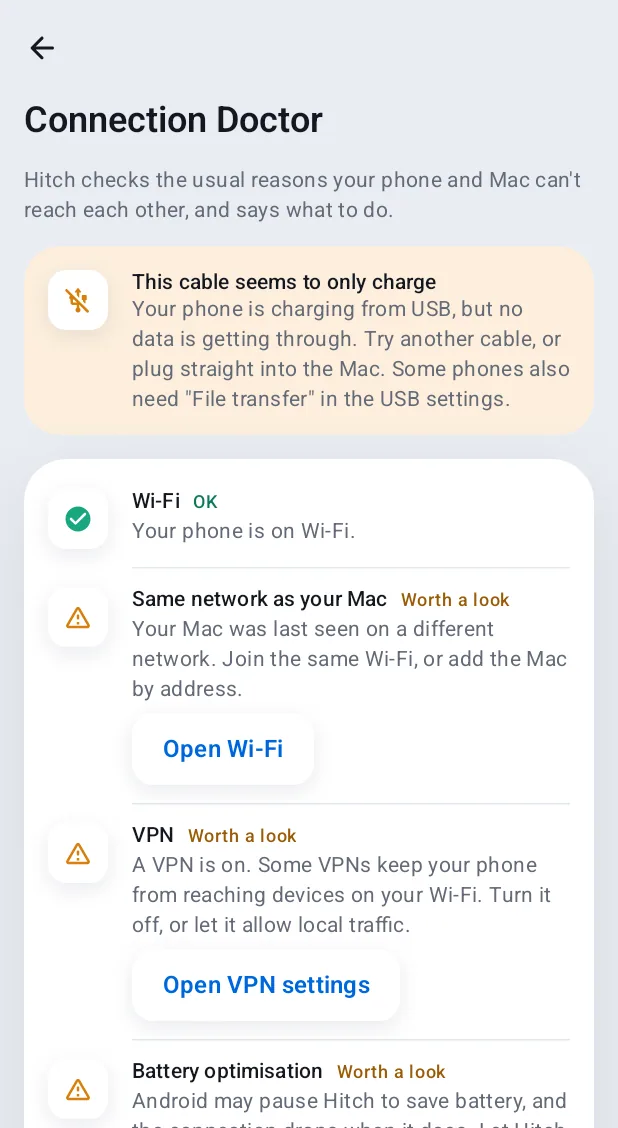
Screenshots from Hitch, with sample names and data.
The limits, plainly.
- The Mac's Share menu entry draws only system text and controls, so it looks the same in every theme.
- Match wallpaper needs Android 12 or later. Before that, Frost uses solid surfaces on the phone.
Try it in the Hitch beta.
Hitch is in a tester beta for Mac and Android. Ask to join, and we'll let you know when there's room.
Every Pro feature free for 14 days. No card.
Mac: macOS 15 or later · Phone: Android 10 or later · Developer settings: Not needed
