

Connection Doctor
When they can't see each other, it finds out why.
FreeChecks Wi-Fi, local network permission, the firewall, VPNs, the network and the cable, then says what to do in plain words.
Every Pro feature free for 14 days. No card.
What it does.
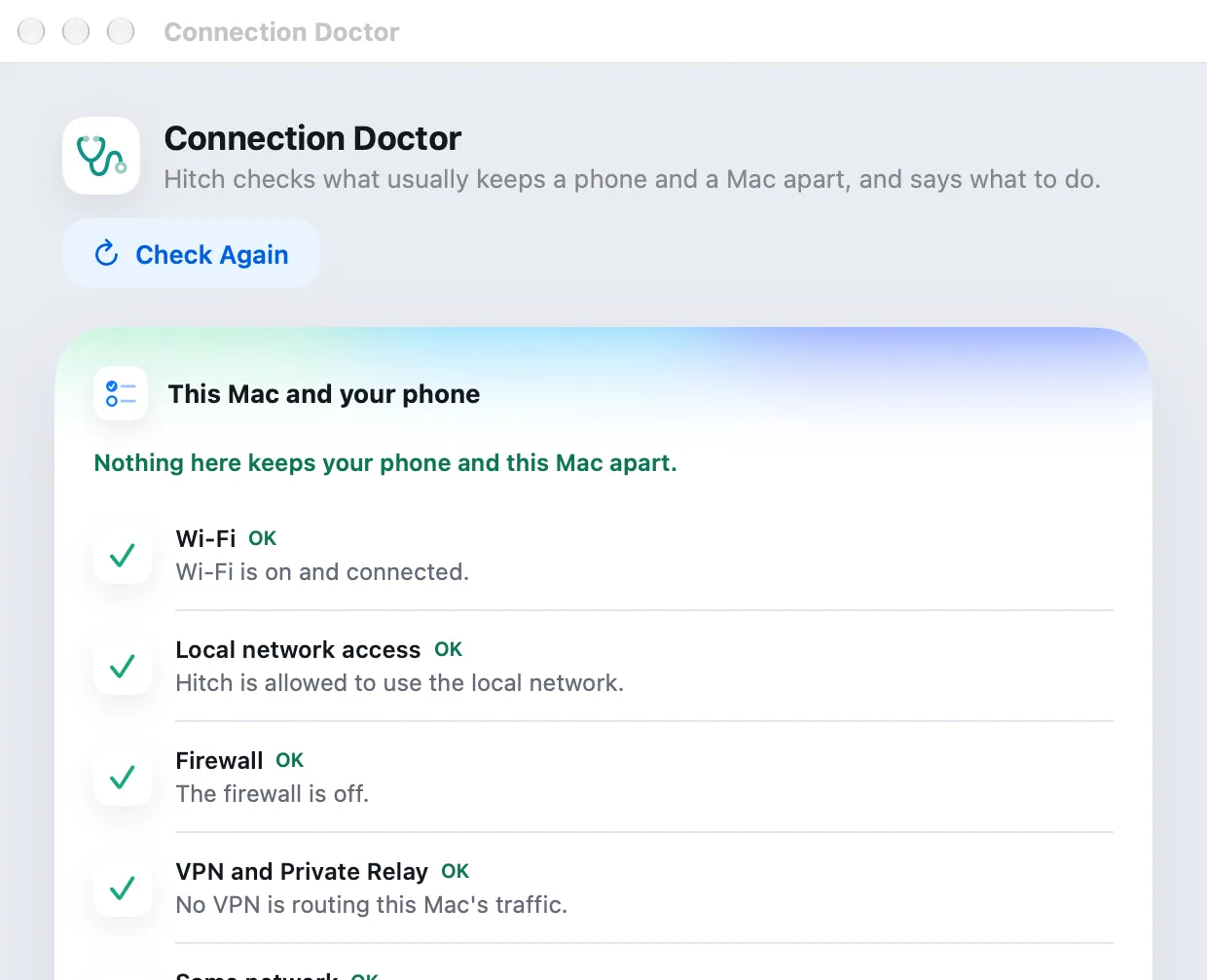
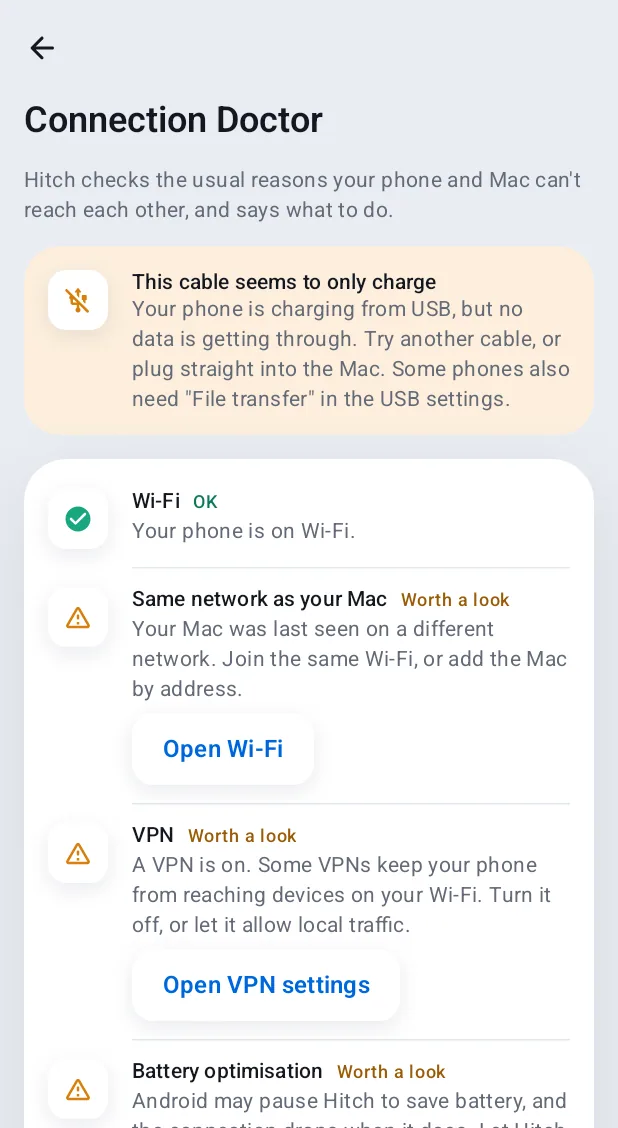
Connection Doctor runs on both devices. Each check has a status, a sentence and, where possible, a button that opens the right setting.
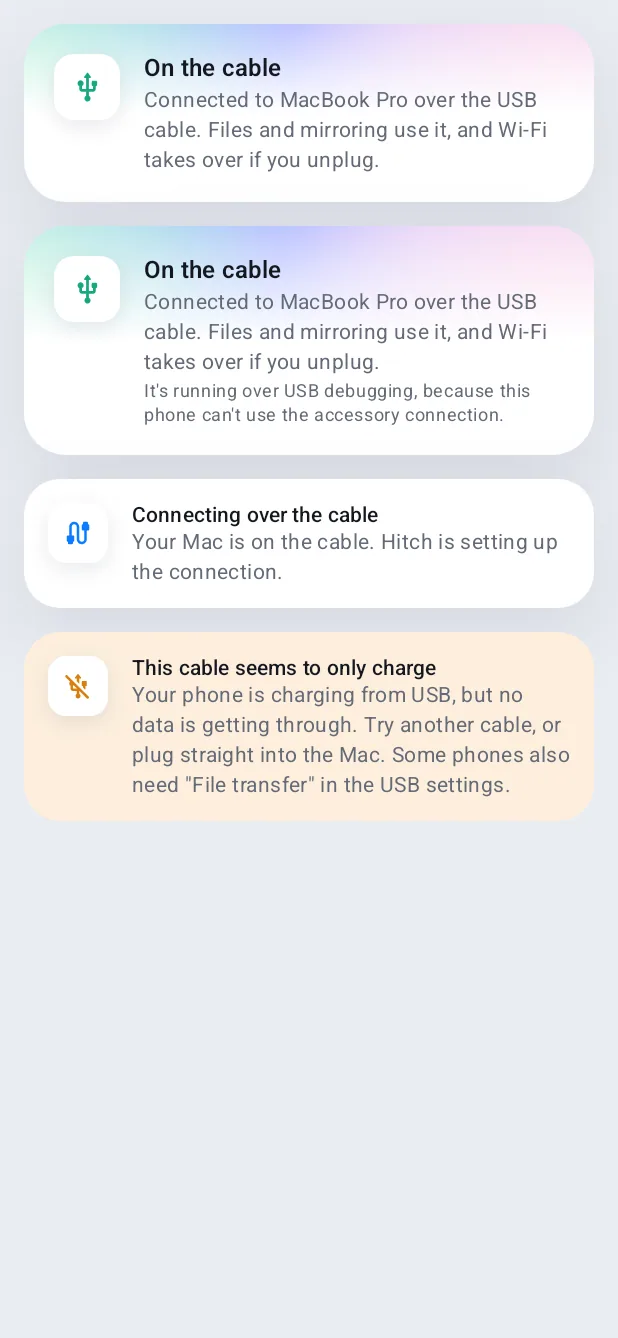
It looks at Wi-Fi, local network permission, the firewall, VPNs, whether both are on the same network, whether they can find and reach each other, power mode and the cable.
Copy report makes a summary with no personal data, for support.
How it works.
- 1
Open it
Help › Connection Doctor, or Can't see your phone? wherever it's missing.
- 2
Read the results
Problems come first, with what to do.
Free, always.
In the app.
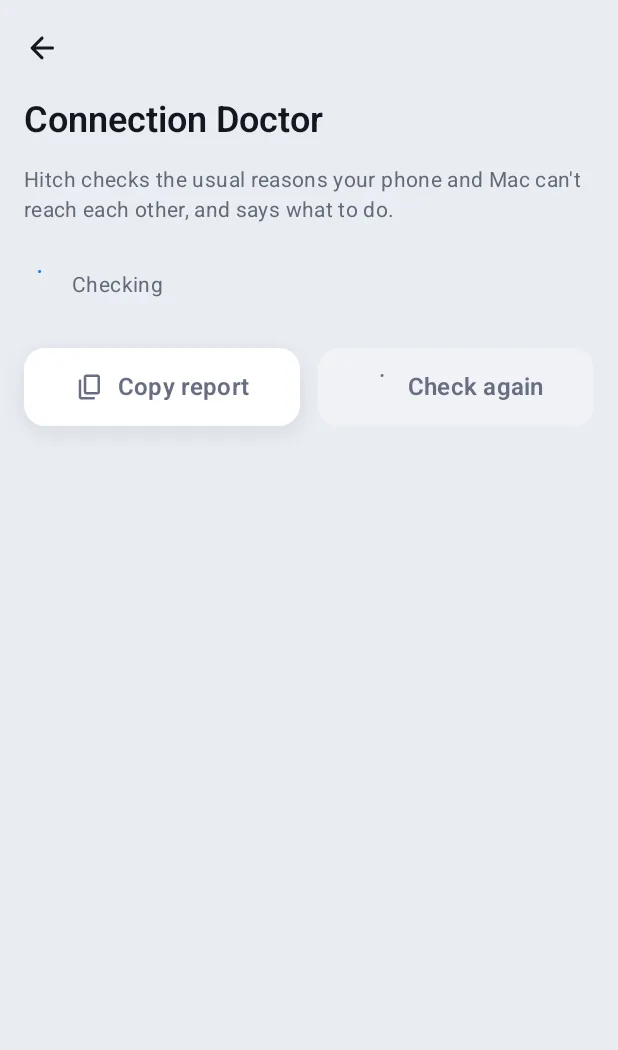
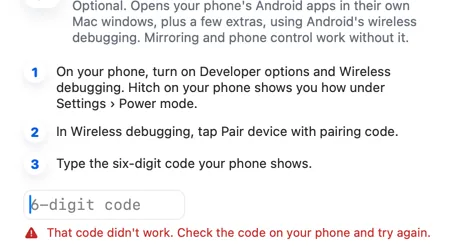
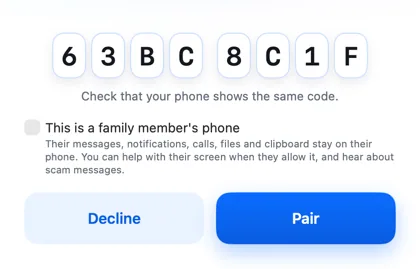
Screenshots from Hitch, with sample names and data.
The limits, plainly.
- Some networks keep devices apart on purpose; Hitch can tell you, but not change it.
Try it in the Hitch beta.
Hitch is in a tester beta for Mac and Android. Ask to join, and we'll let you know when there's room.
Every Pro feature free for 14 days. No card.
Mac: macOS 15 or later · Phone: Android 10 or later · Developer settings: Not needed
