

Remote access
Your phone and Mac, connected from anywhere.
Coming soonWhen they aren't on the same network, a relay passes along encrypted data it can't read, and stores nothing. Coming soon.
What it does.
Remote access will connect your phone and Mac through a relay only when they can't reach each other directly. Inside, they run the same pinned, encrypted connection as at home, so the relay only ever sees scrambled data.
The relay keeps nothing: it forwards data between your two devices and closes idle rooms after two minutes. As soon as they find each other directly again, they switch back.
How it works.
- 1
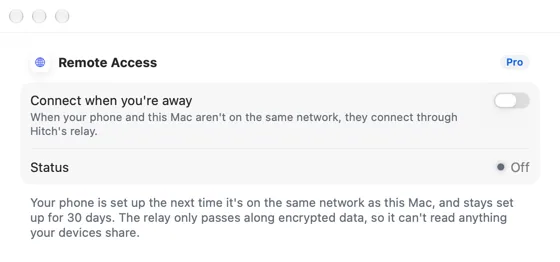
Turn on Remote access
In Settings › General on the Mac.
- 2
Leave home
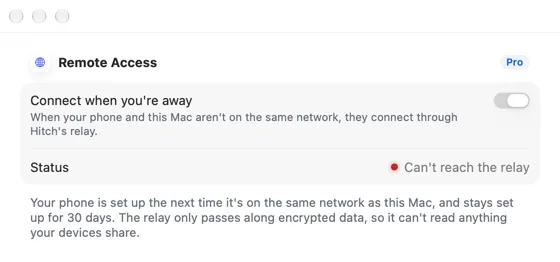
If they can't reach each other directly for a few seconds, they connect through the relay.
In the app.
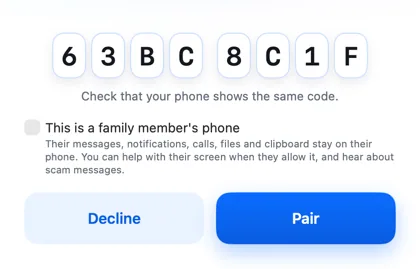
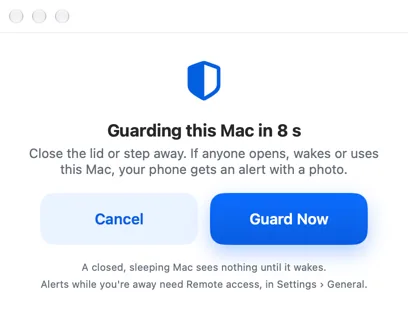
Screenshots from Hitch, with sample names and data.
The limits, plainly.
- Coming soon: the relay isn't running yet, so Hitch works on the same network or cable for now.
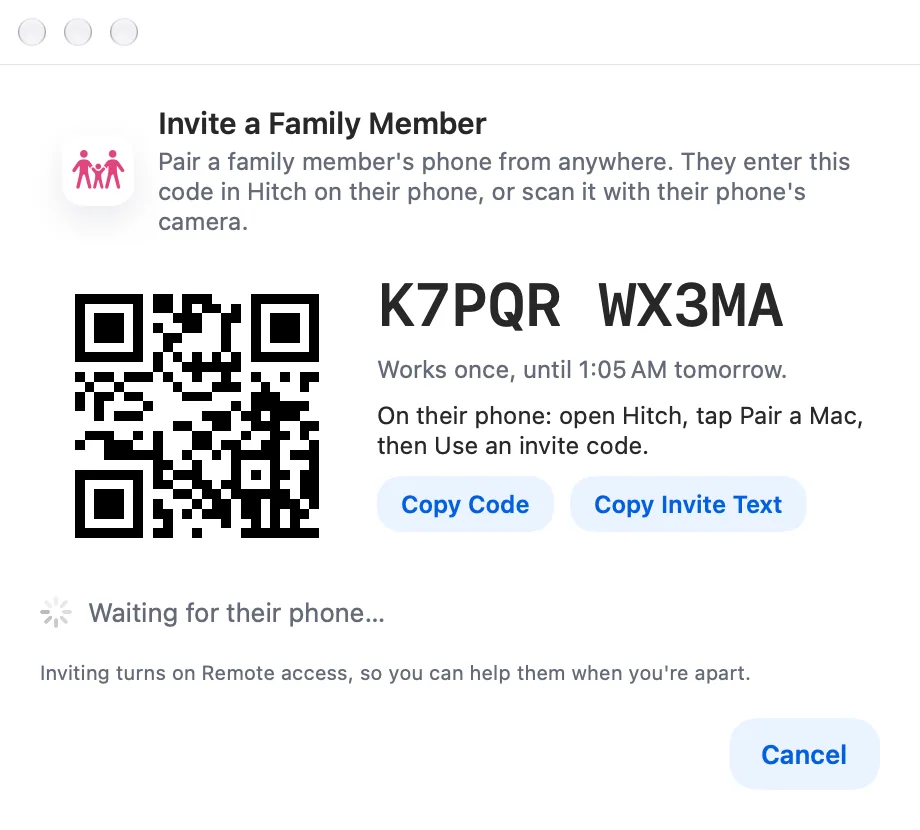
Coming soon to Hitch.
Hitch is in a tester beta for Mac and Android. Ask to join, and we'll let you know when there's room.
Every Pro feature free for 14 days. No card.
Mac: macOS 15 or later · Phone: Android 10 or later · Developer settings: Not needed
