

Family Help
Help Mum with her phone from your Mac, with her say-so.
ProLink a parent's phone to your Mac. See her screen when she allows it, point at things, and take control only if she wants you to.
Every Pro feature free for 14 days. No card.
What it does.
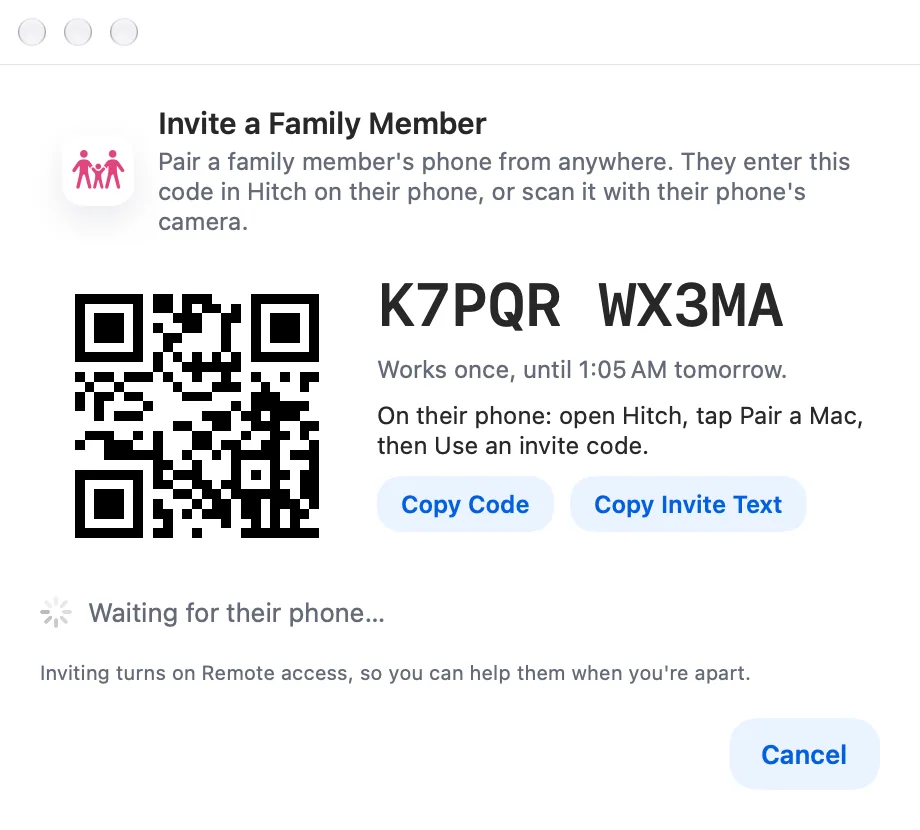
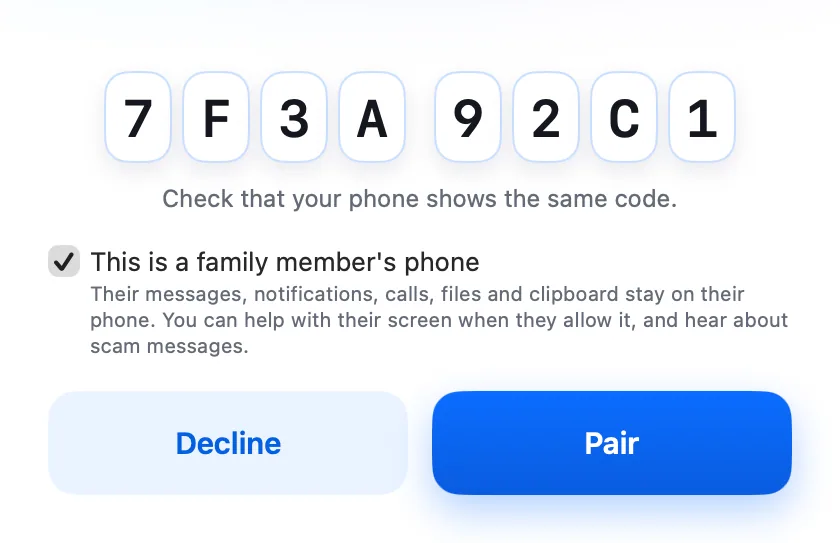
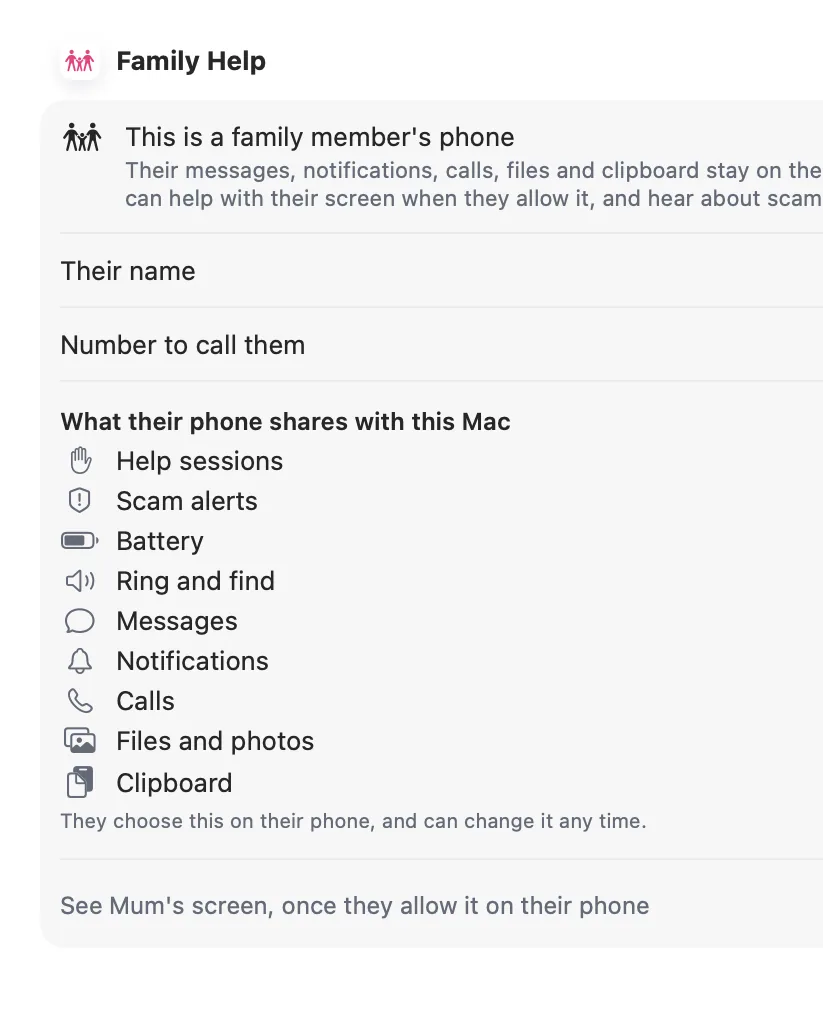
A family pairing links your Mac with a family member's phone. Messages, notifications, files and clipboard stay off for that phone unless they turn them on, and they can see exactly what's shared.
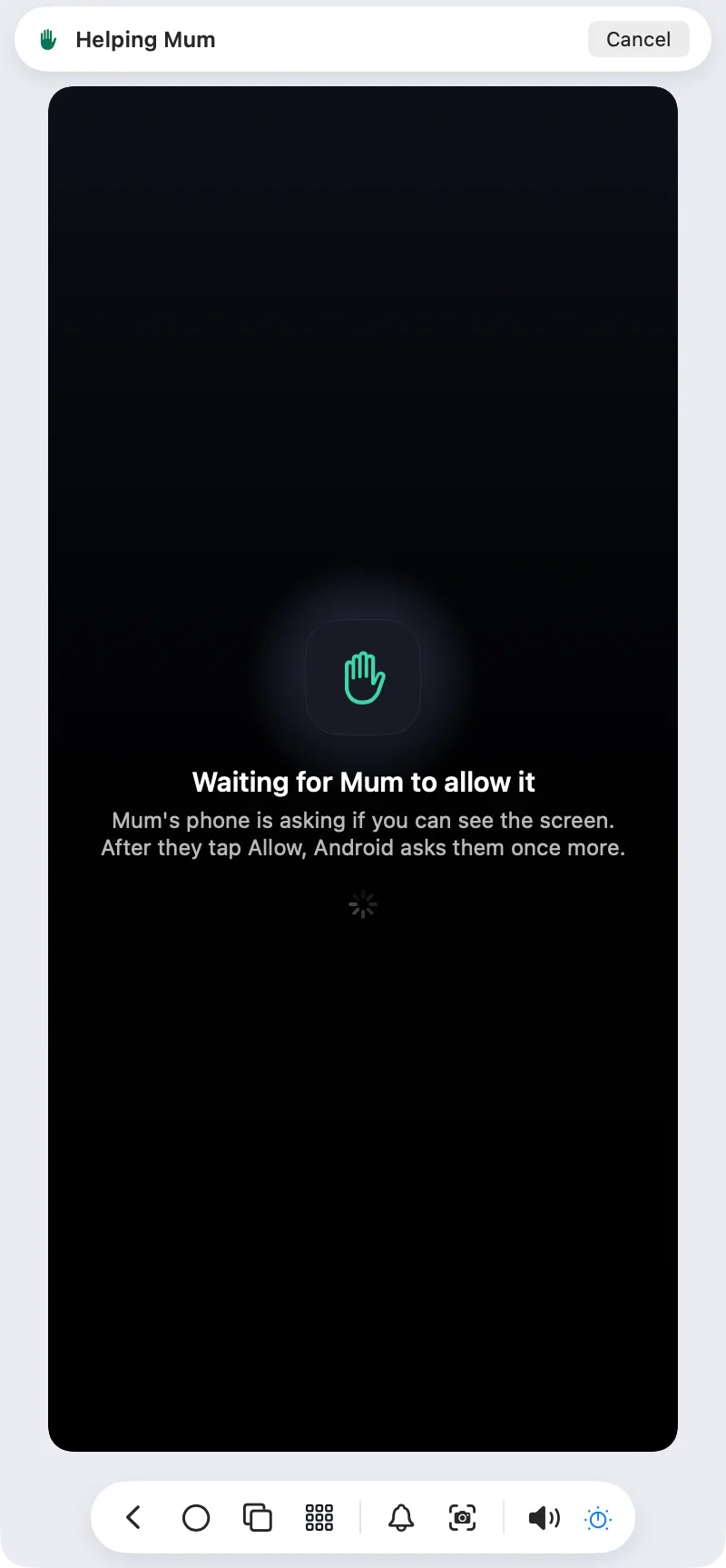
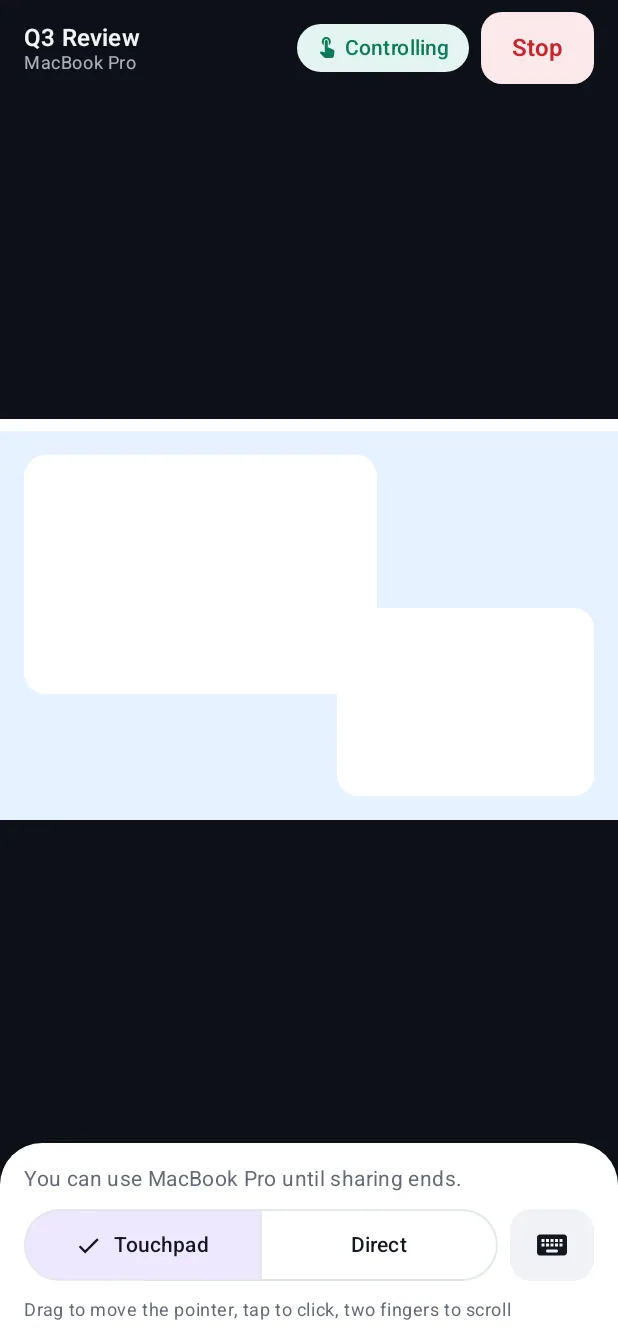
To help, click Help Mum. Her phone asks, in her language, whether you can see the screen, then Android asks once more. You start in view-only mode, can point at things, and take control only if she agrees.
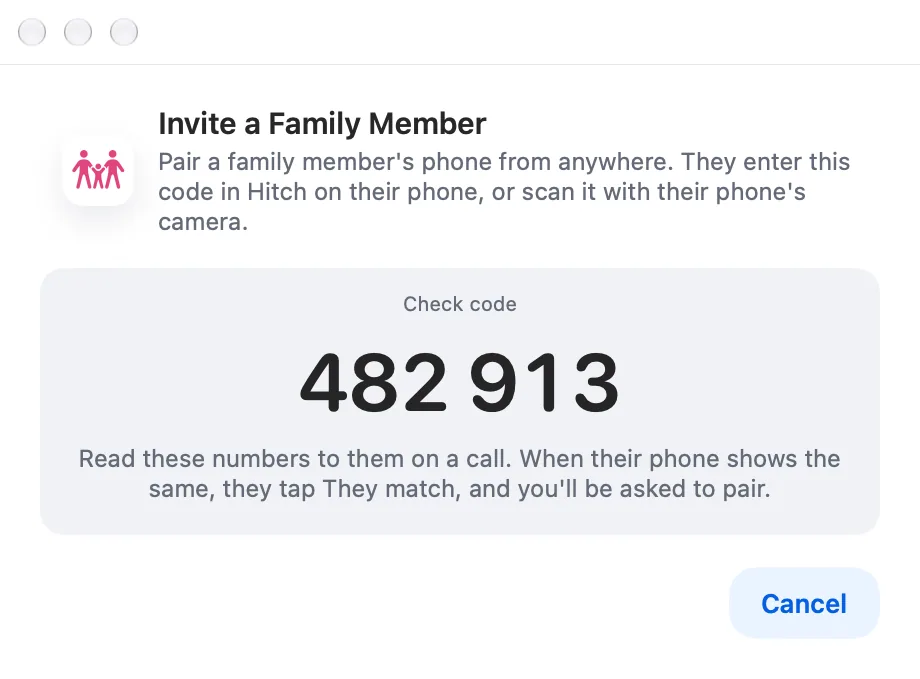
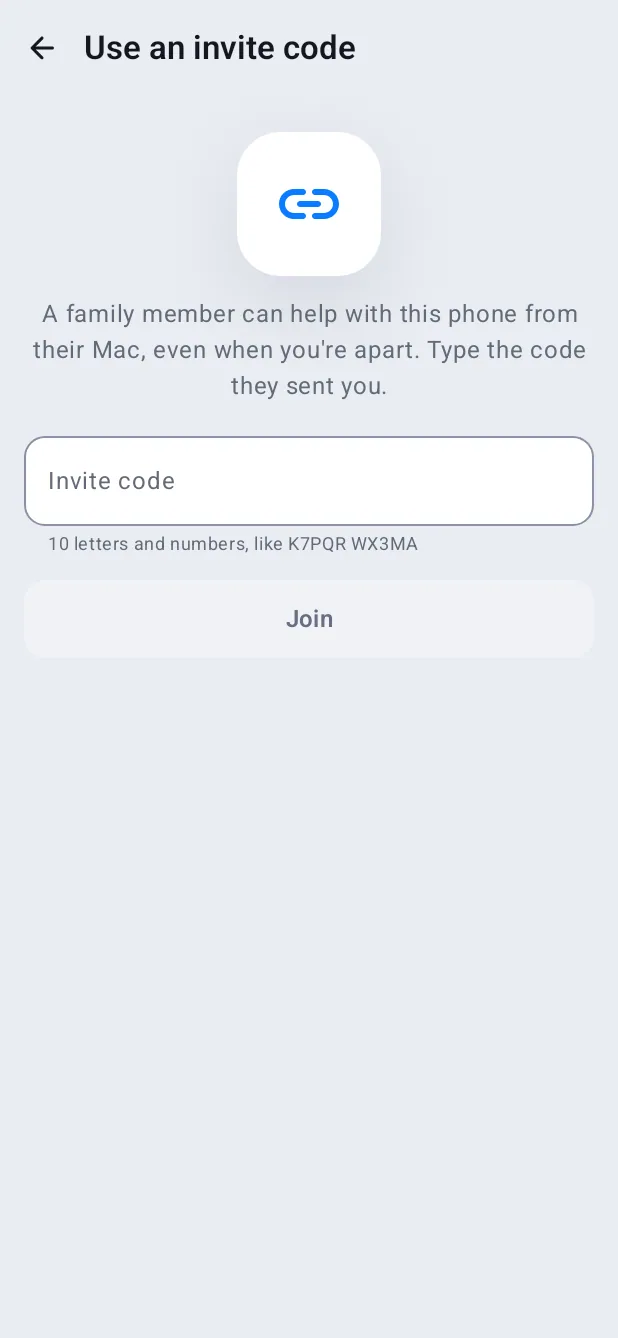
Pair in person on the same Wi-Fi, comparing a check code. Invite codes for pairing from anywhere, compared over a call, use remote access, which is coming soon.
How it works.
- 1
Pair
Side by side on the same Wi-Fi, then mark it as a family member's phone.
- 2
Compare codes
Both screens show the same code before anything is shared.
- 3
Help
She taps Allow; a coloured border shows while you're looking, and she can stop at any time.
Every Pro feature free for 14 days. No card.
In the app.
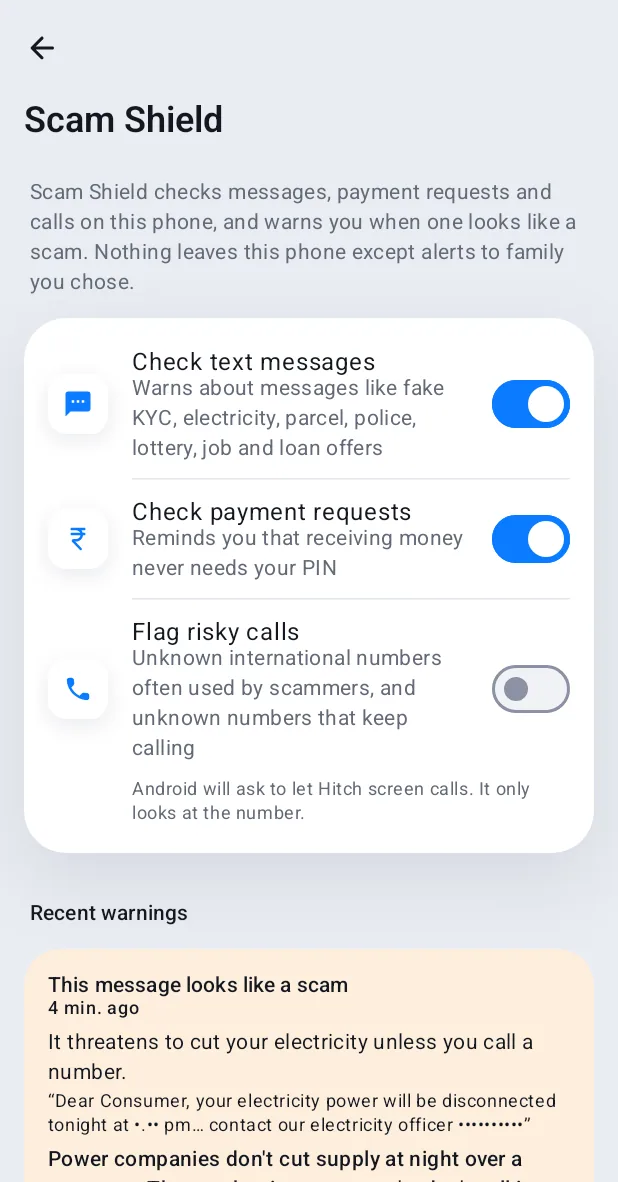
Screenshots from Hitch, with sample names and data.
The limits, plainly.
- Help sessions and invite codes from a different network need remote access, which is coming soon.
- Taking control needs Hitch Control on her phone; a one-time guide explains it.
Try it in the Hitch beta.
Hitch is in a tester beta for Mac and Android. Ask to join, and we'll let you know when there's room.
Every Pro feature free for 14 days. No card.
Mac: macOS 15 or later · Phone: Android 10 or later · Developer settings: Not needed
