

Texts on your Mac
Read, reply and send pictures from your keyboard.
FreeYour phone's SMS and MMS conversations on the Mac. Reply, start new messages, send pictures and pick the SIM.
Every Pro feature free for 14 days. No card.
What it does.
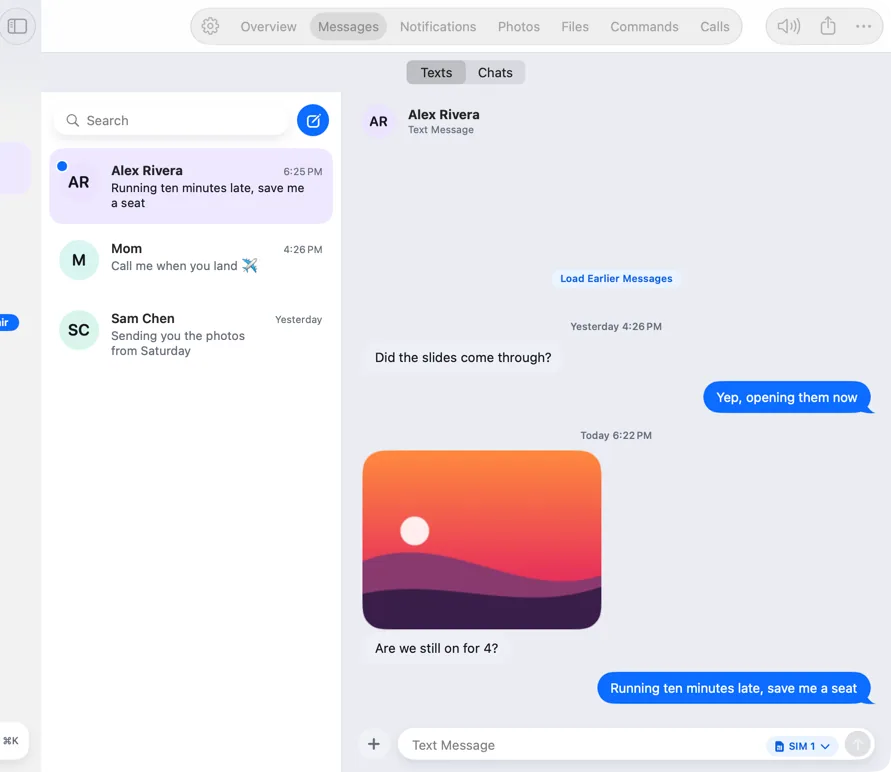
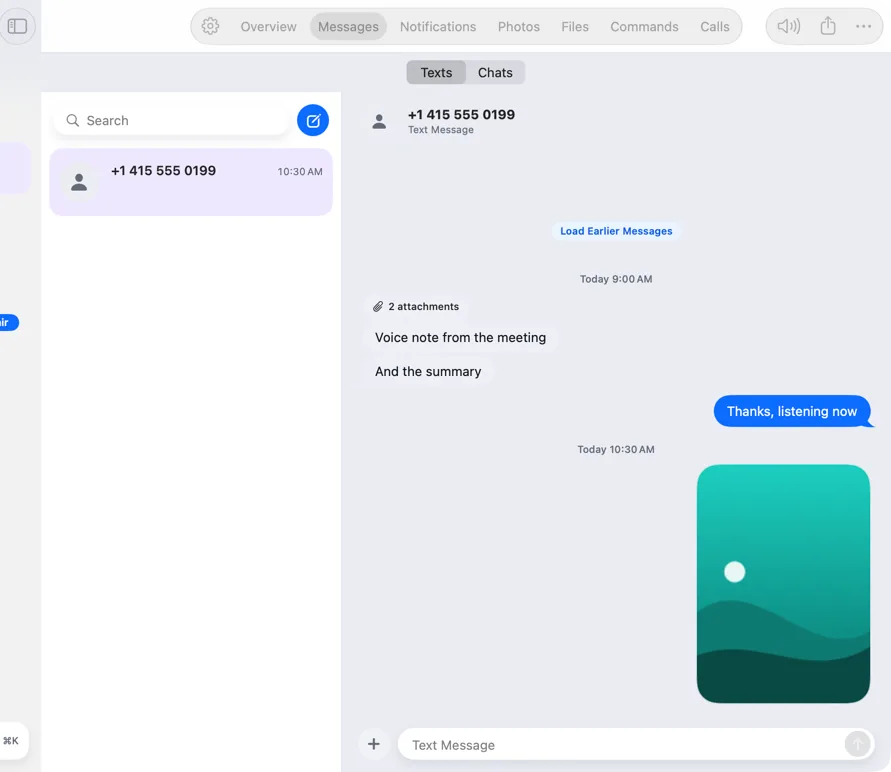
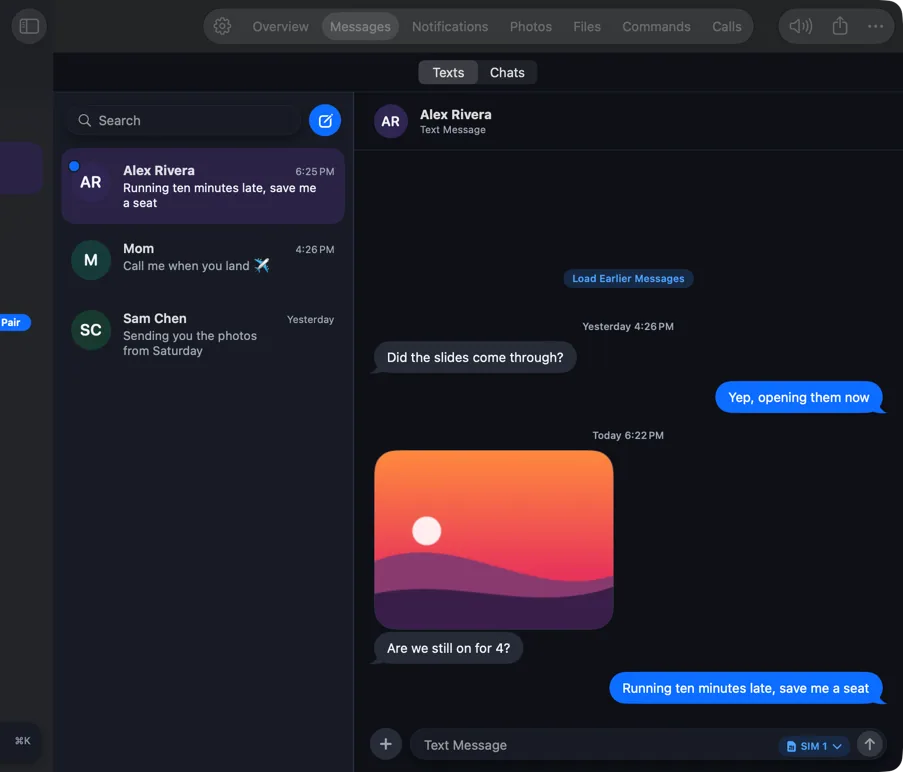
The Messages tab shows your conversations with names and photos from your contacts. Pictures arrive in the thread, and Load Earlier Messages fetches older history when you want it.
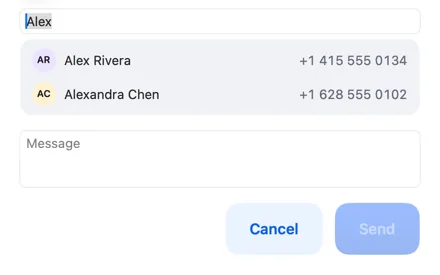
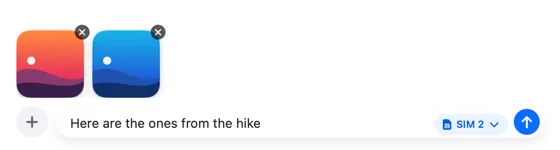
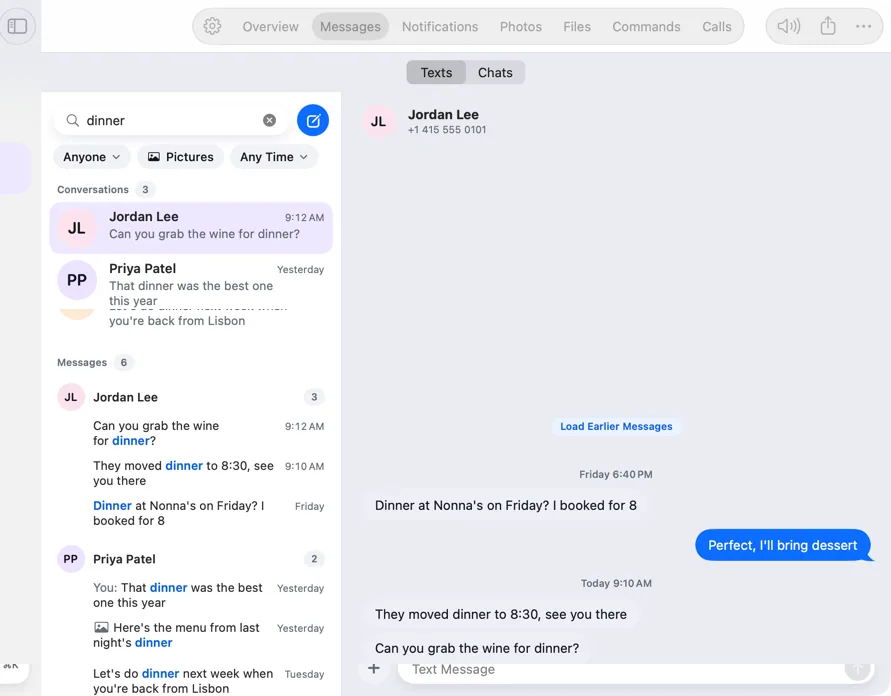
Write on a real keyboard, attach pictures by dropping them in, and choose which SIM sends on dual-SIM phones. New Message suggests contacts as you type.
How it works.
- 1
Pair once
Messages sync over your own Wi-Fi as soon as the phone and Mac are paired.
- 2
Reply or start a chat
Type and press Return. The phone sends it as a normal text.
- 3
Add pictures
Drop pictures on the composer; a message can carry several.
Free, always.
In the app.
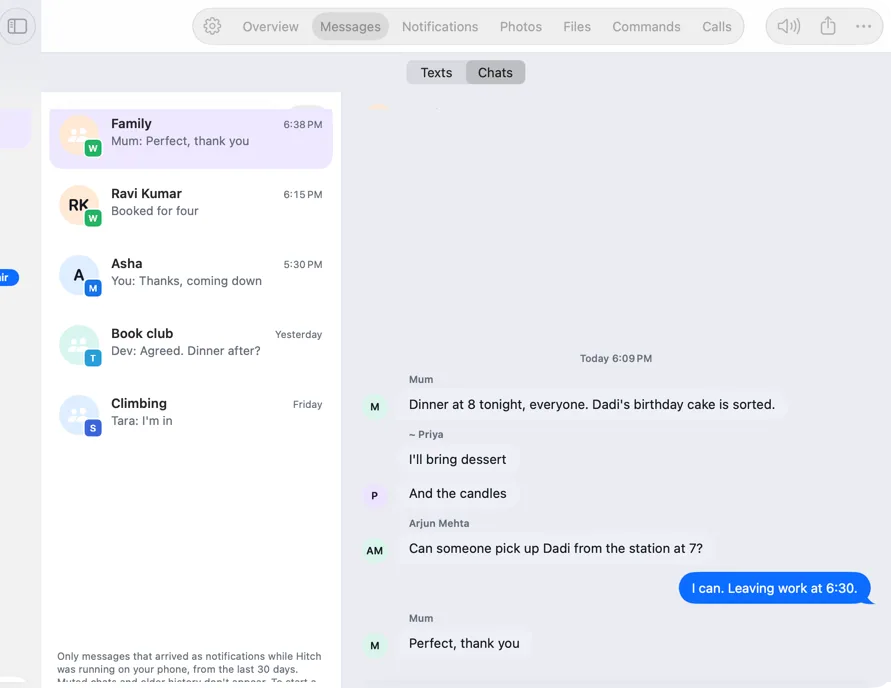
Screenshots from Hitch, with sample names and data.
The limits, plainly.
- Texts are sent by your phone, so normal SMS and MMS charges apply.
- Very long histories load a page at a time.
Try it in the Hitch beta.
Hitch is in a tester beta for Mac and Android. Ask to join, and we'll let you know when there's room.
Every Pro feature free for 14 days. No card.
Mac: macOS 15 or later · Phone: Android 10 or later · Developer settings: Not needed
