

One-time codes, filled in
The code arrives on your phone. One keystroke puts it in the field on your Mac.
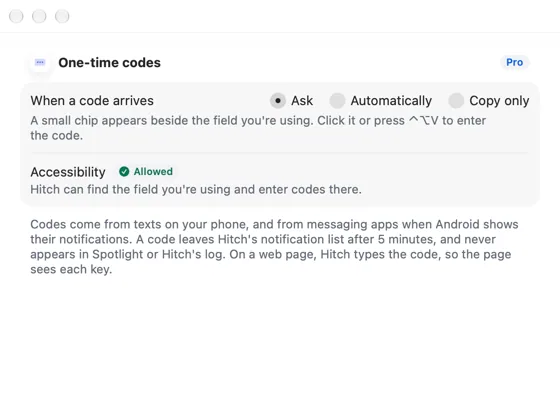
ProWhen a sign-in code arrives by text, Hitch offers it beside the field you're using on the Mac, in any app or browser, then clears it.
Every Pro feature free for 14 days. No card.
What it does.
Hitch spots one-time codes in texts, in English and Hindi, and ignores amounts, phone numbers, dates and card endings.
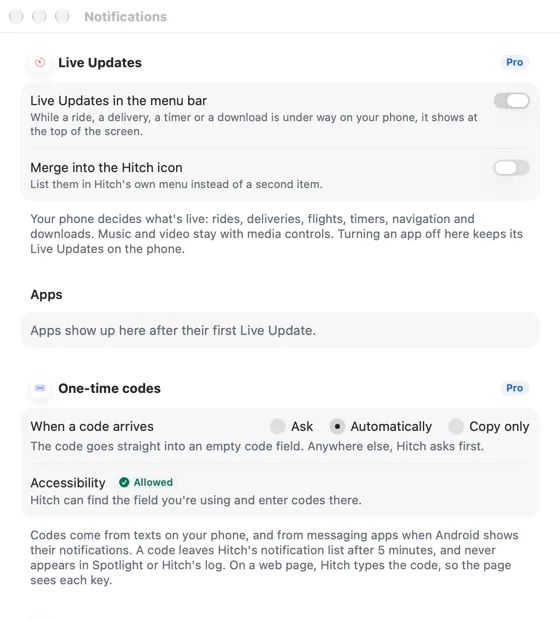
In Ask mode, a small chip appears beside the field you're typing in. Click it or press ⌃⌥V to enter the code. Automatically fills only empty fields that look like code fields. Copy only puts it on the clipboard.
Copied codes are marked private and cleared after 90 seconds. Codes leave Hitch's notification list after five minutes and never appear in logs or Spotlight.
How it works.
- 1
A code arrives
It reaches the Mac within moments.
- 2
Hitch finds your field
Using the Accessibility permission.
- 3
One keystroke
⌃⌥V and you're in.
Every Pro feature free for 14 days. No card.
In the app.
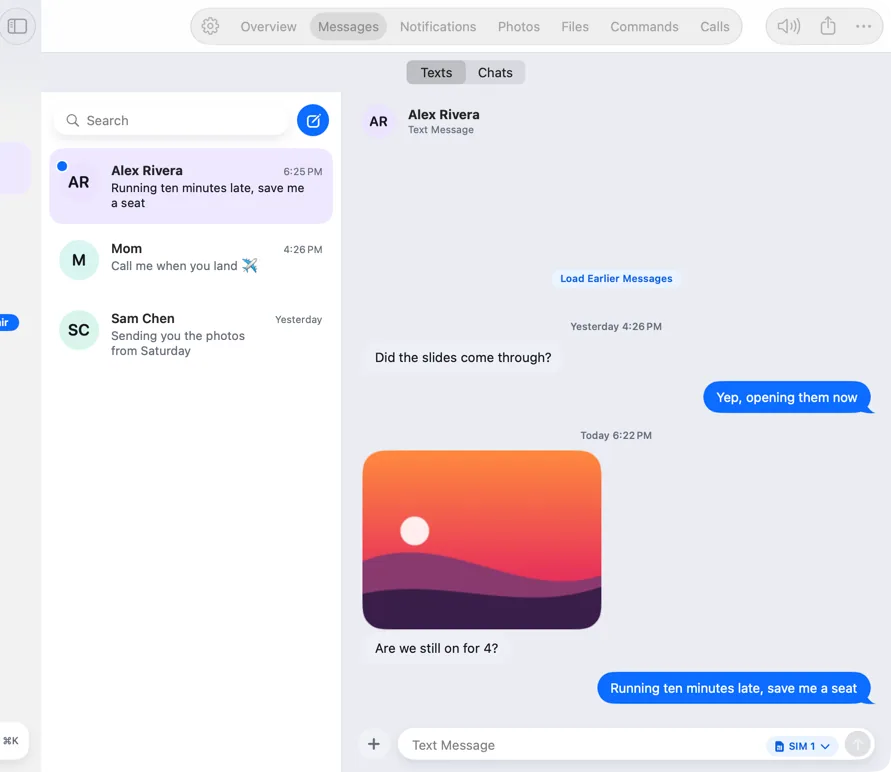
Screenshots from Hitch, with sample names and data.
The limits, plainly.
- Without Pro, codes still show in notifications with a Copy Code button.
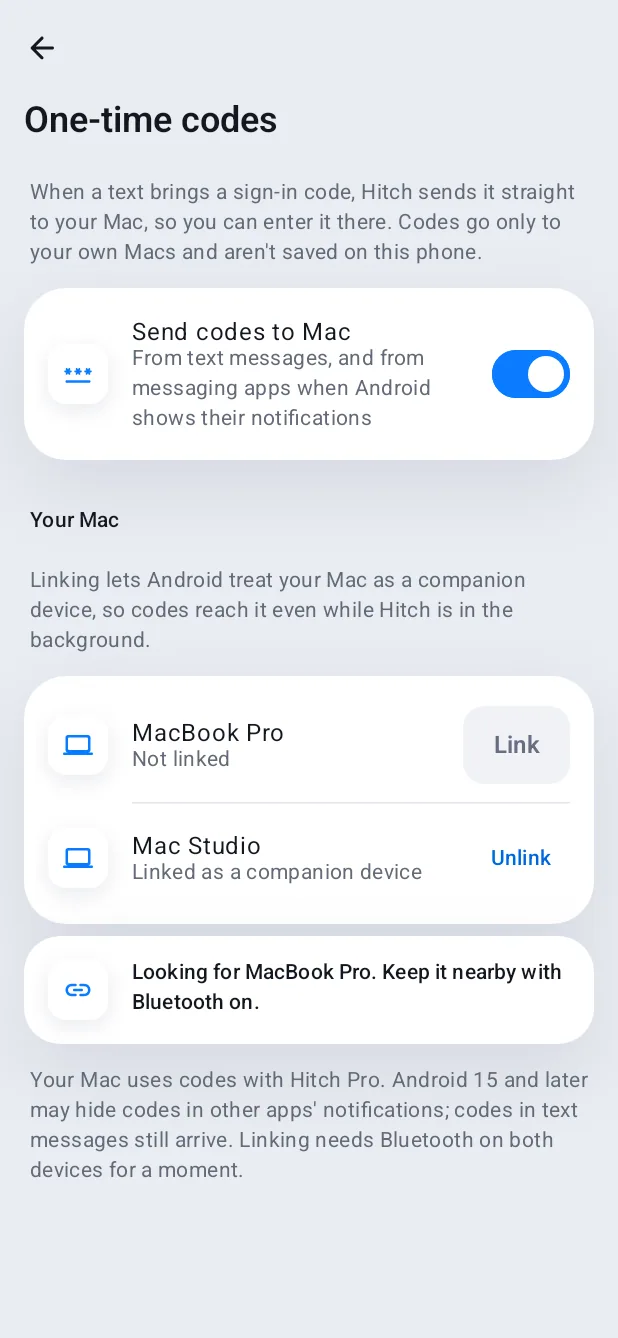
- Android 15 and later may hide codes in other apps' notifications; texts still work.
Try it in the Hitch beta.
Hitch is in a tester beta for Mac and Android. Ask to join, and we'll let you know when there's room.
Every Pro feature free for 14 days. No card.
Mac: macOS 15 or later · Phone: Android 10 or later · Developer settings: Not needed
