

Hitch for Windows. Built. Now in testing.
The same Android app and the same soft light look, on a Windows PC. The first version is built and being tested. It isn't available yet.
The beta is for Mac and Android.
Windows isn't available yet. Screens are from the app in testing.
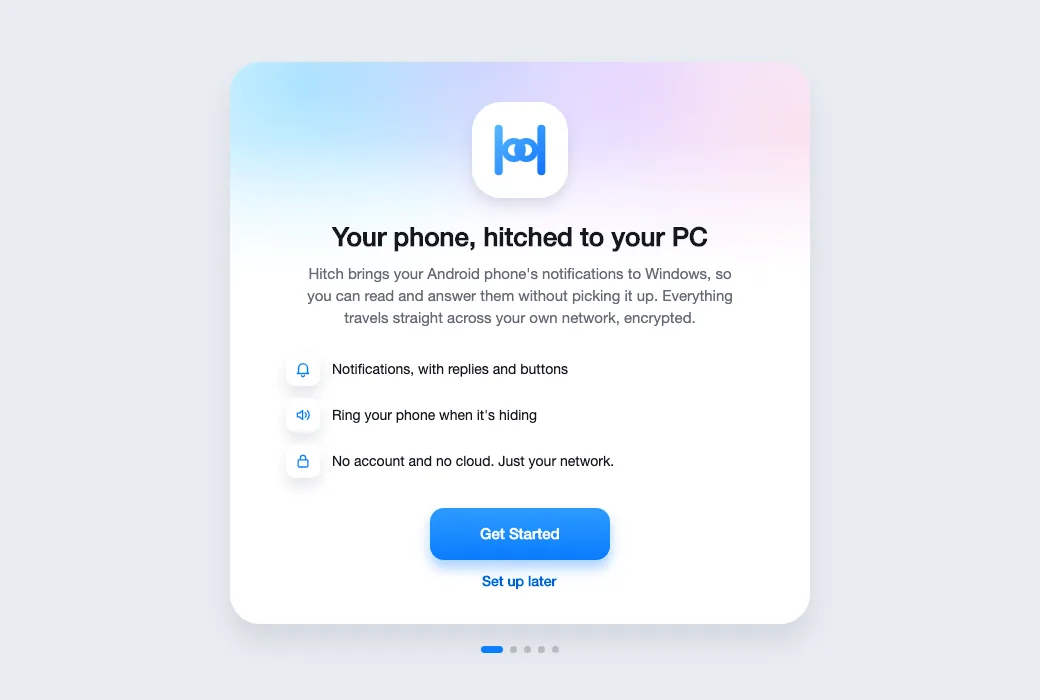
One app. Two desktops.
Drag the handle to see the Mac and the Windows PC side by side. Same layout, same light look, the same phone.
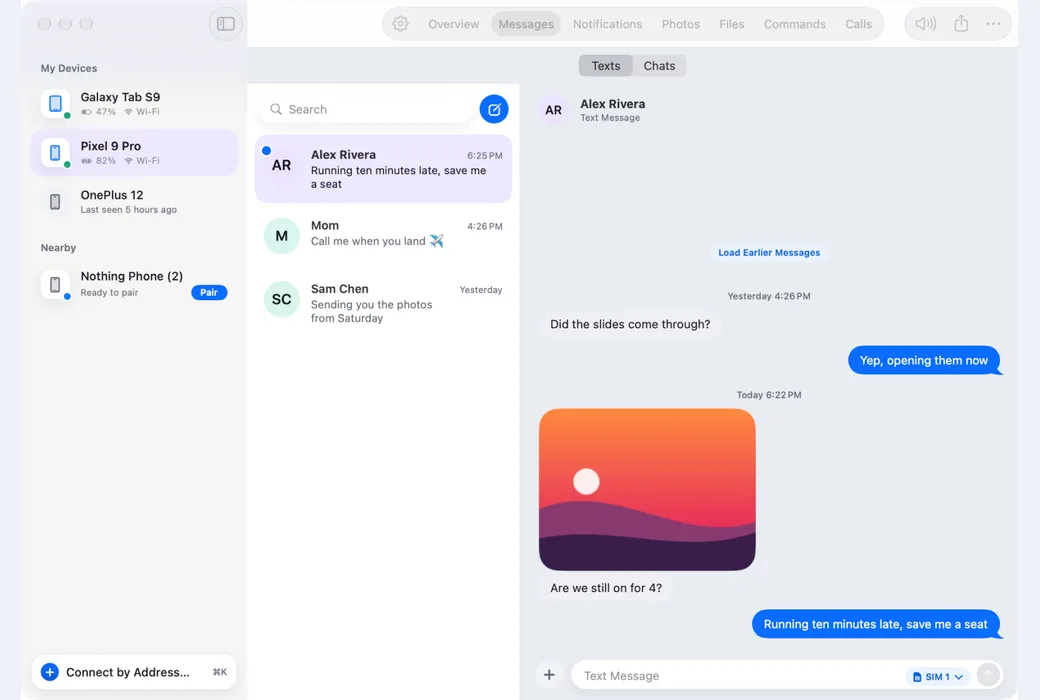
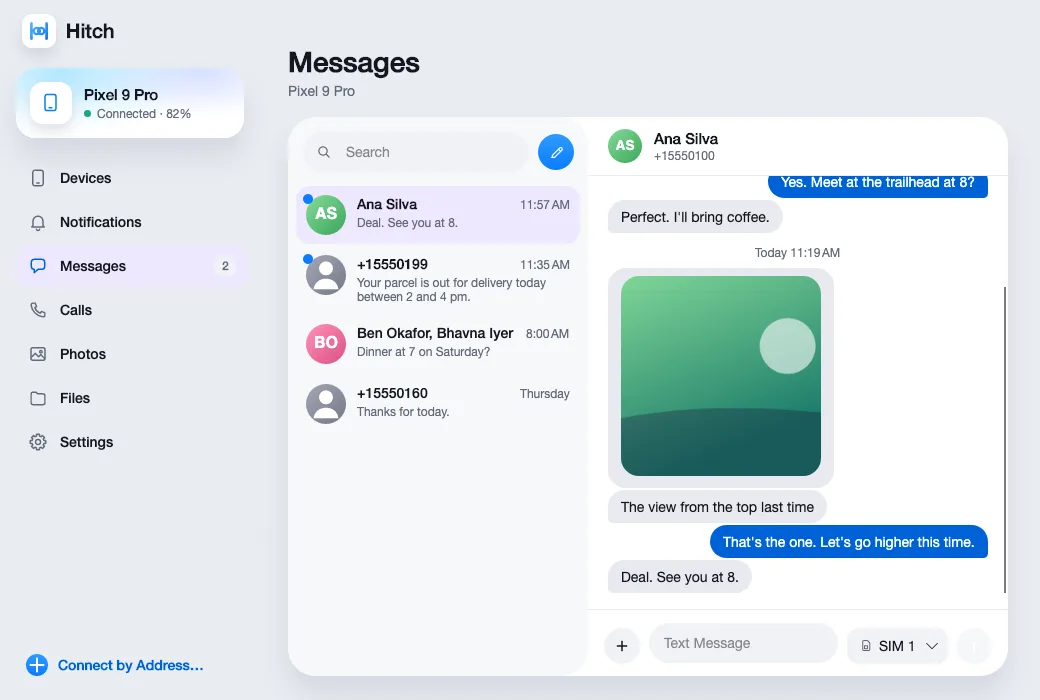
Messages
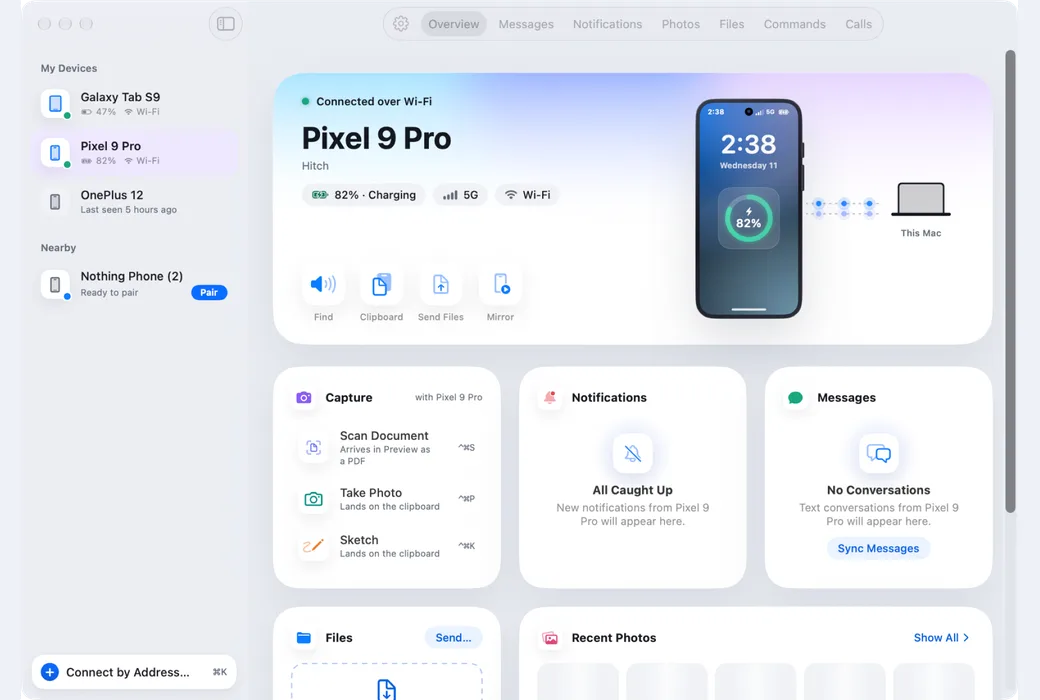
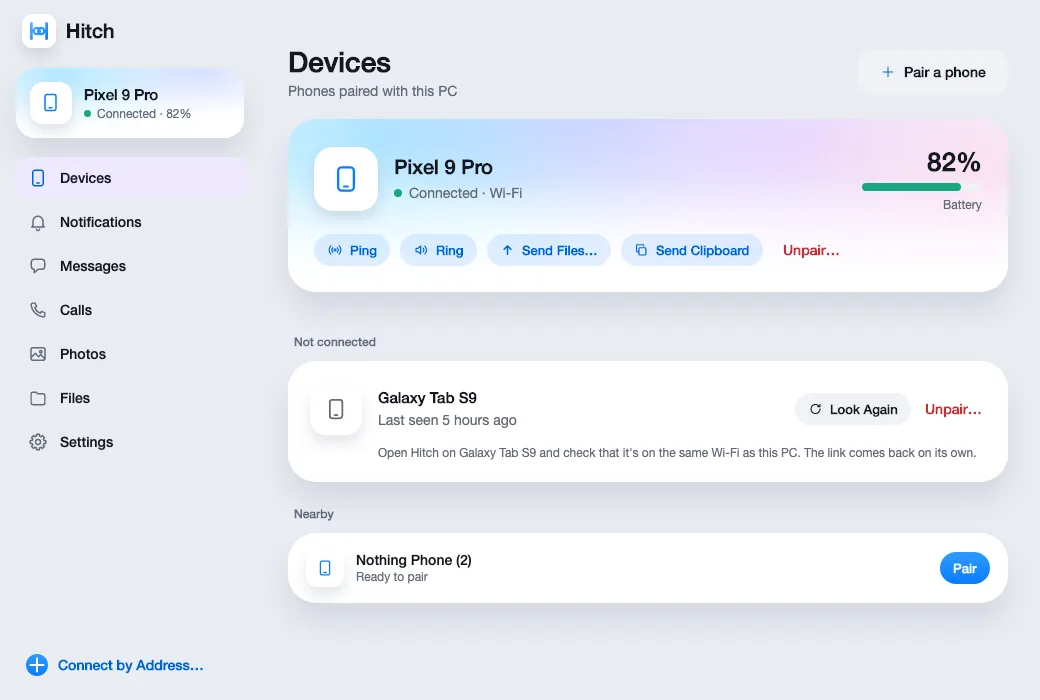
Your phone, connected
Screens from the build
Sample names and a sample phone. The app is in testing and isn't available yet.
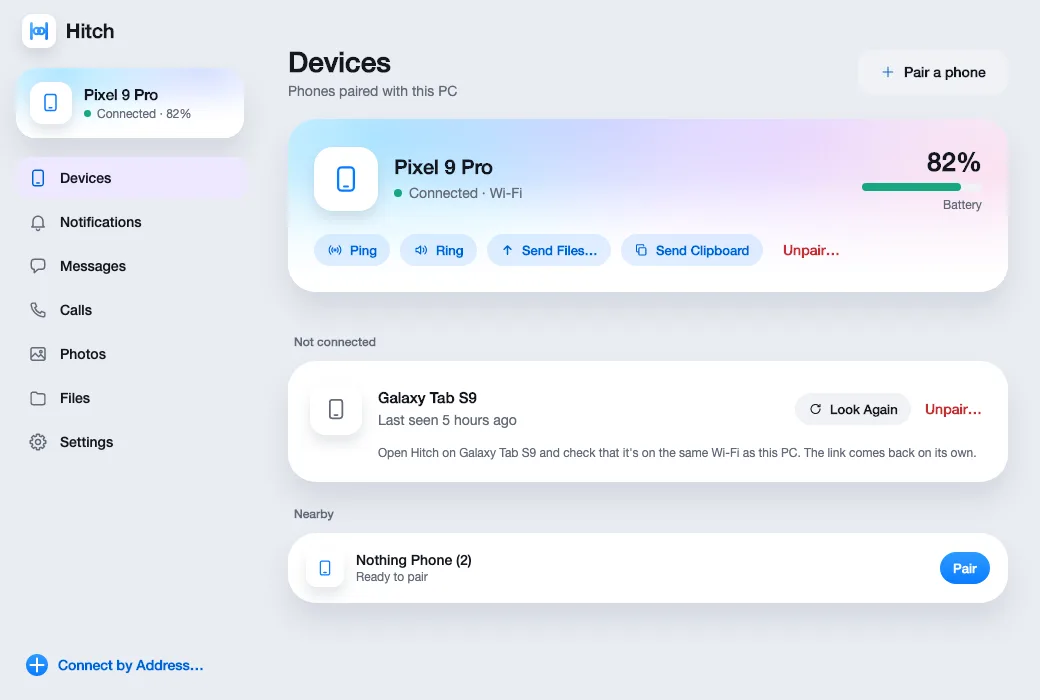
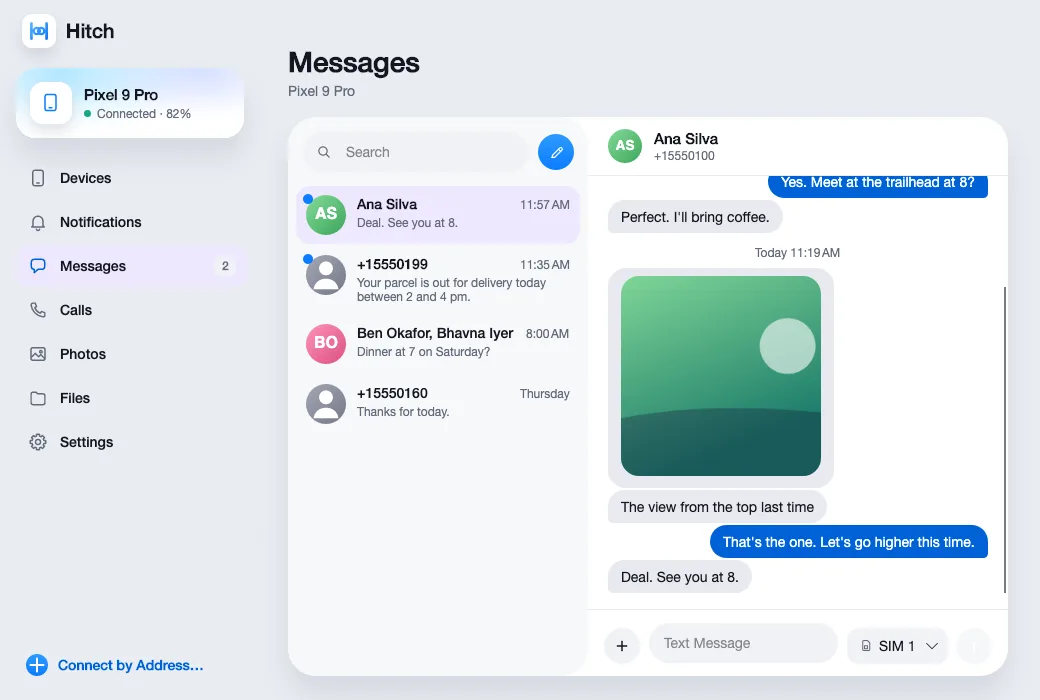
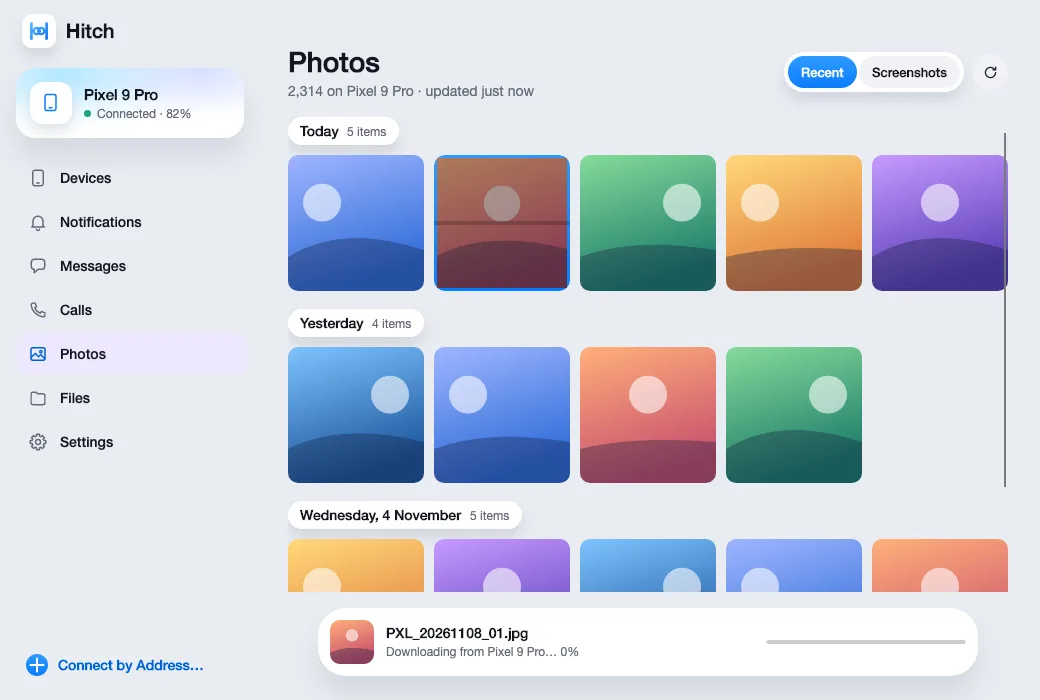
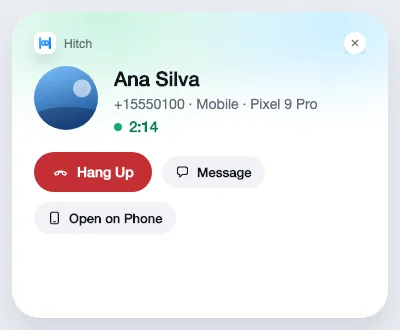
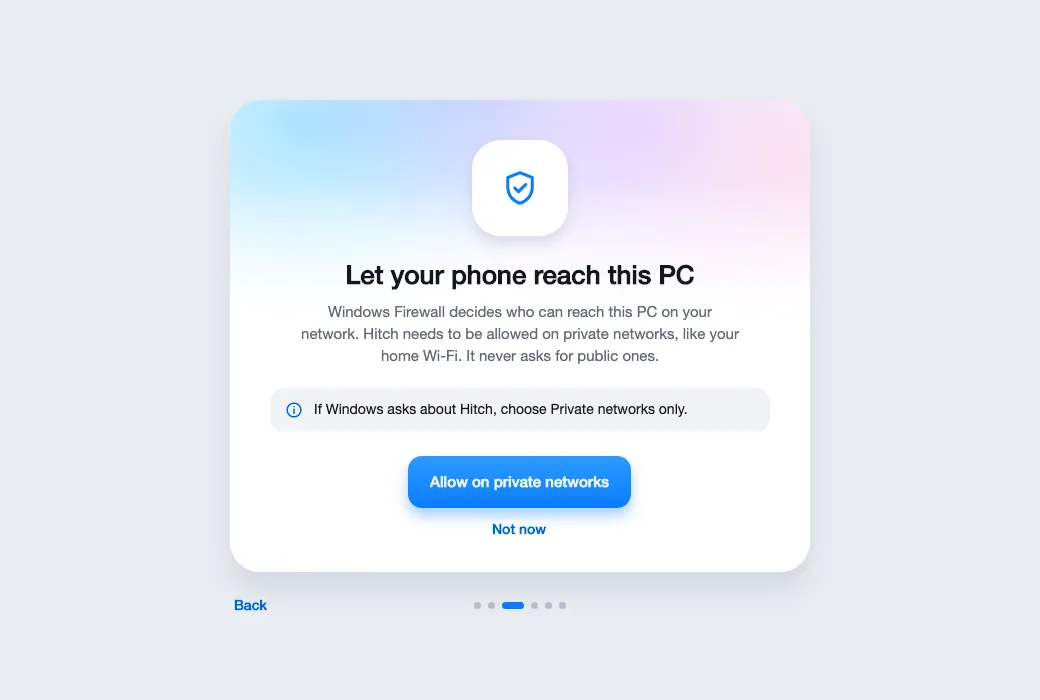
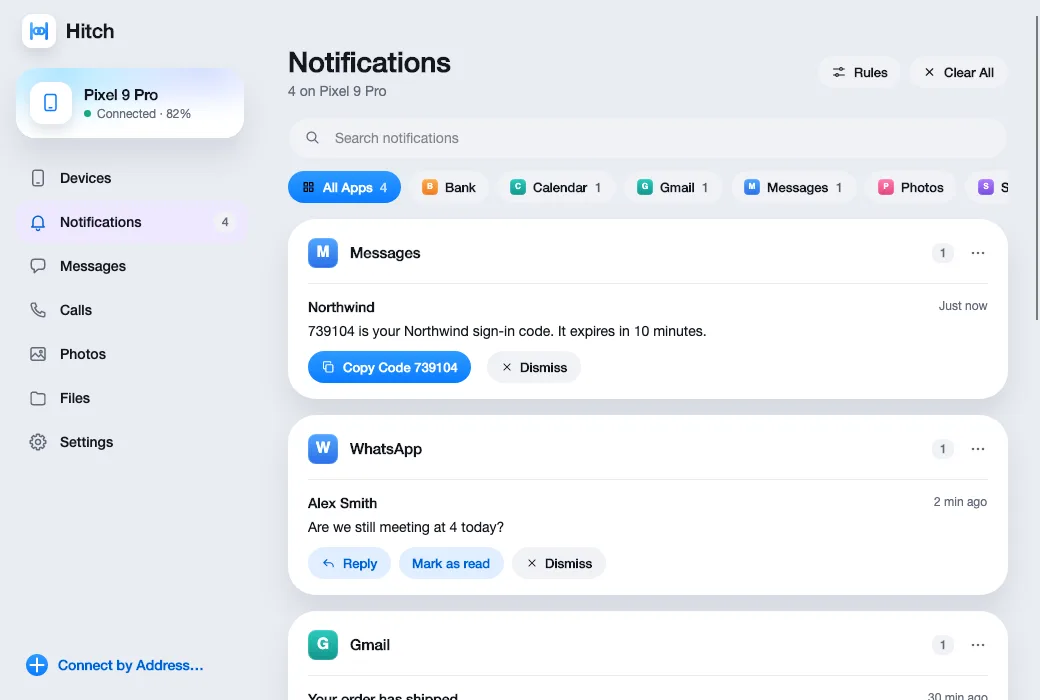
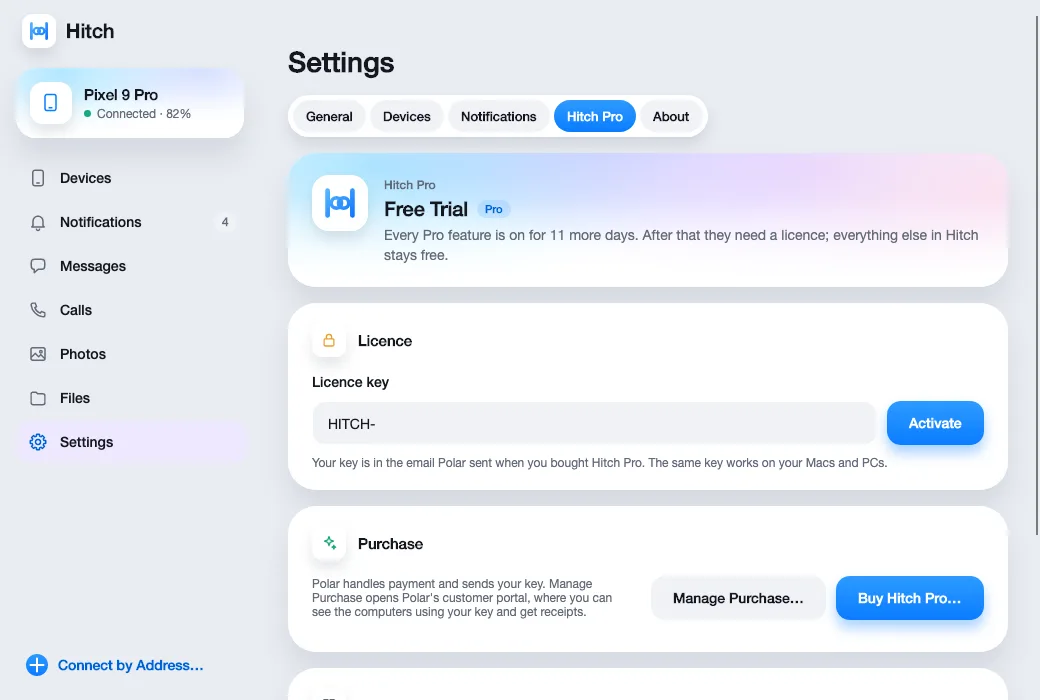
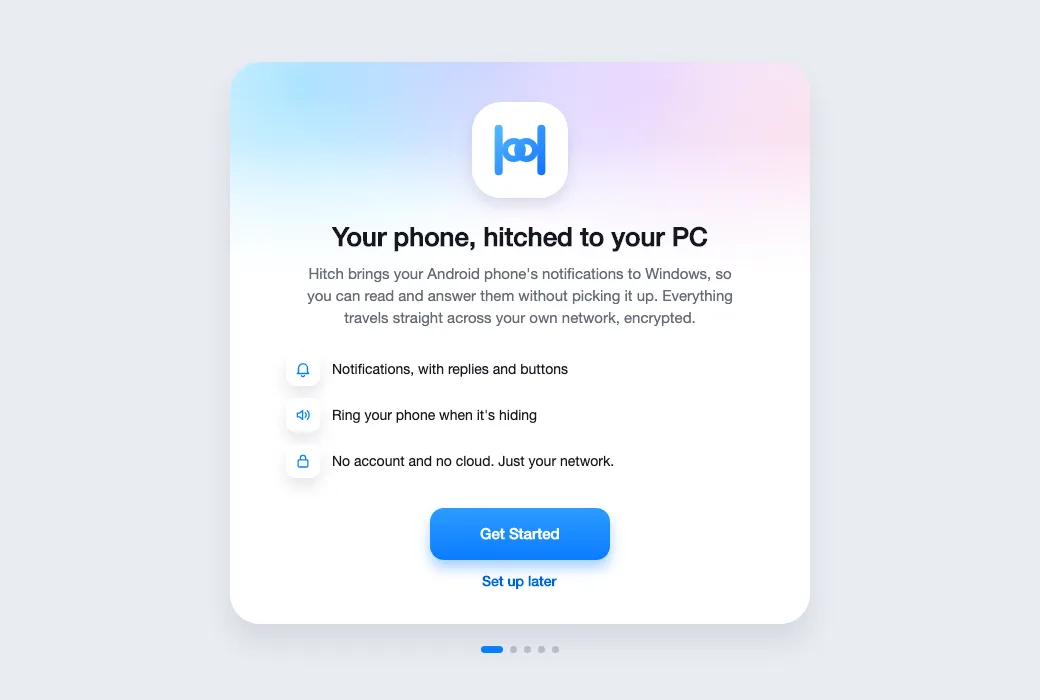
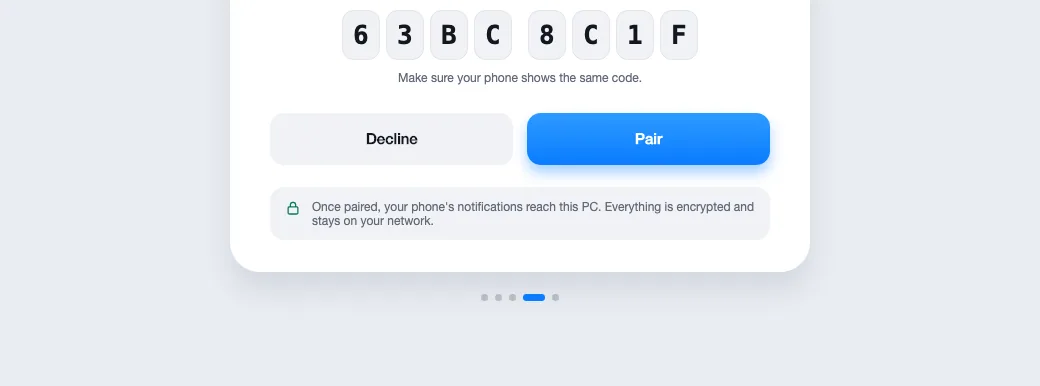
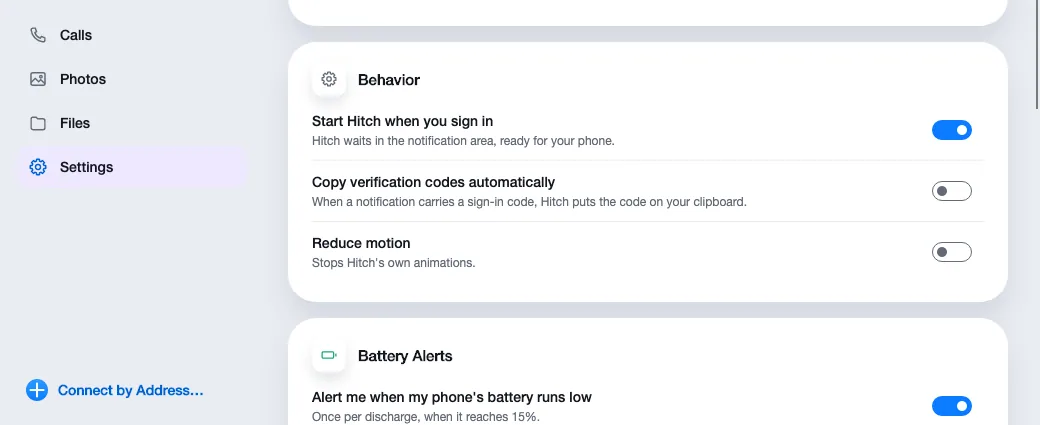
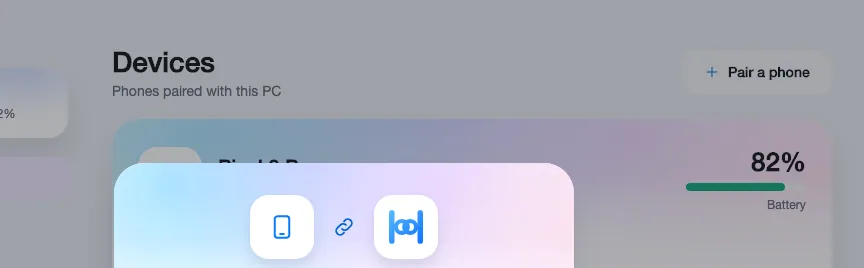
The everyday link, already built.
This is the first version that's being tested.
The free core
- Pairing and finding your phone, with several phones and Connect by Address
- Notifications with replies, buttons and dismiss, as Windows notifications and in a feed
- Texts and contacts
- Call banners, Answer, Decline and Hang Up, and the call window, with the sound on the phone
- Clipboard text and images, both ways
- Send and receive files, with Send to in File Explorer
- Your phone's photos
- Battery, find my phone and ring this PC, and media controls both ways
- The phone as a touchpad, keyboard and presenter
- The Connection Doctor, including the firewall and network profile
Built so far, and what's next
One step at a time, where Windows allows. There are no dates yet. We'll say when it's ready to try.
Phase oneBuilt
Messages, calls, clipboard, files, photos, media, touchpad and presenter, Connection Doctor
W1Built
The Pro licence, with upgrade and licence screens
W2Next
Mirroring and control, power mode, and phone apps in their own windows
W3Next
Calls in Pro: talking through the PC, the keypad, hold, dialer and call log
W4Next
Messages in Pro: Live Updates in the tray, message search and chat threads
W5Next
Safety and money: one-time codes, Guard Mode, Left-Behind, Money Inbox, Family Help, Scam Shield and hotspot failover
W6Next
Files and storage: your phone as a drive in Explorer, Storage Rescue, Phone Backup, Phone Studio and folder sync
W7Next
Desk features: the banking pause, Lock Phone, your PC's screen on the phone, the button deck, clipboard history and USB without debugging
W8Next
Your phone as the PC's webcam, and the four themes
W9Next
Insert photos and camera text from the phone, click to call or text, phone gestures and NFC tags, and automations
W10Next
Ten languages, with right-to-left for Arabic
The phone as a webcam comes in W8, through Windows 11's virtual camera. The microphone comes later: it needs a signed audio driver.
On a Mac today? Try the Hitch beta.
Hitch is in a tester beta for Mac and Android. Ask to join, and we'll let you know when there's room.
Every Pro feature free for 14 days. No card.
Mac: macOS 15 or later · Phone: Android 10 or later · Developer settings: Not needed
