

Live Updates in the menu bar
Rides, deliveries, timers and downloads, at the top of your screen.
ProYour phone's live notifications appear in the Mac's menu bar with their progress, and disappear when they're done.
Every Pro feature free for 14 days. No card.
What it does.
When something on your phone is under way, like a ride, a delivery, a flight, a timer, navigation or a download, a small item appears in your Mac's menu bar with a progress ring or countdown.
Click it to see every live update with its progress, and Open on Phone. Music and video stay with media controls instead.
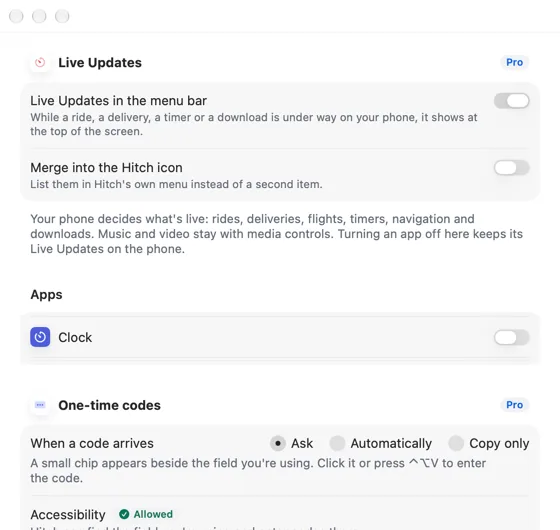
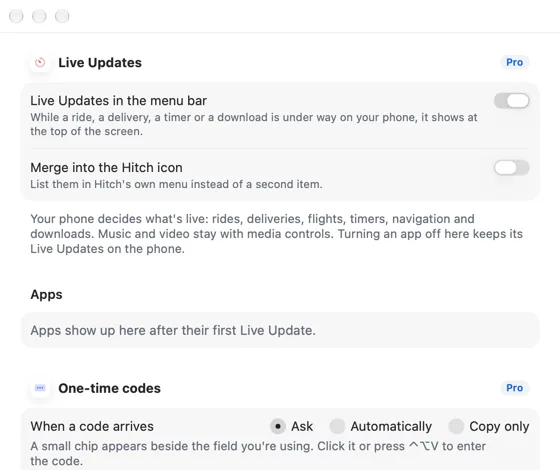
Choose which apps can show live updates, or merge them into the Hitch icon.
How it works.
- 1
Your phone starts something
Hitch notices notifications that show progress or a timer.
- 2
It appears on the Mac
Updated at most once a second.
- 3
It's gone when it's done
Removed on the Mac the moment it ends on the phone.
Every Pro feature free for 14 days. No card.
In the app.
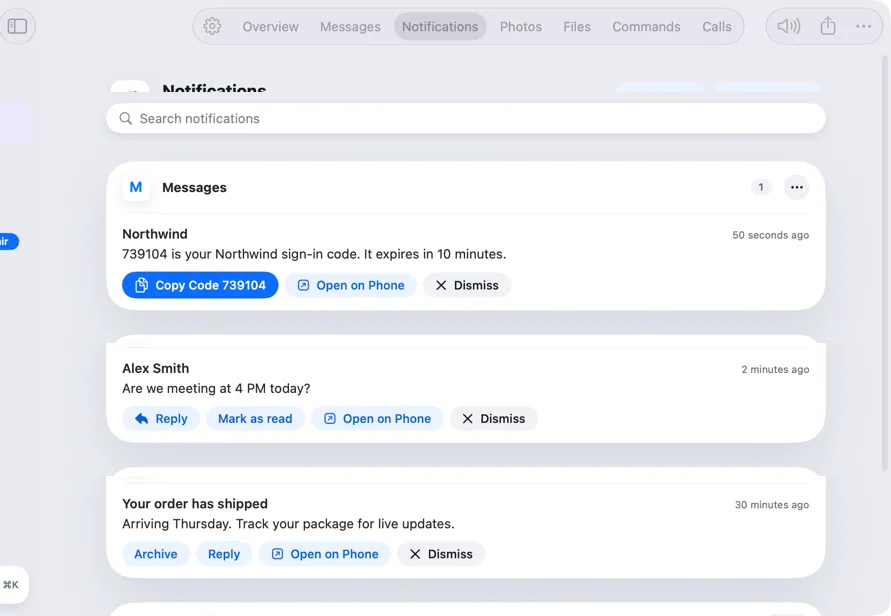
Screenshots from Hitch, with sample names and data.
The limits, plainly.
- Only apps that show progress or a timer in their notification appear.
Try it in the Hitch beta.
Hitch is in a tester beta for Mac and Android. Ask to join, and we'll let you know when there's room.
Every Pro feature free for 14 days. No card.
Mac: macOS 15 or later · Phone: Android 10 or later · Developer settings: Not needed
